
Dog wallpaper ideas for a happier screen
A dog wallpaper can give your phone or desktop a cheerful focal point. Choose an expressive portrait, a playful garden scene, or a dog relaxing in the sunshine. This collection brings together 52 dog photographs in 13 breed tabs, so you can browse different looks without scrolling through every image at once. From golden retrievers to spotted Dalmatians, there is room to choose a background that matches your favourite colours, screen layout, and personal style.
Browse the dog wallpaper gallery
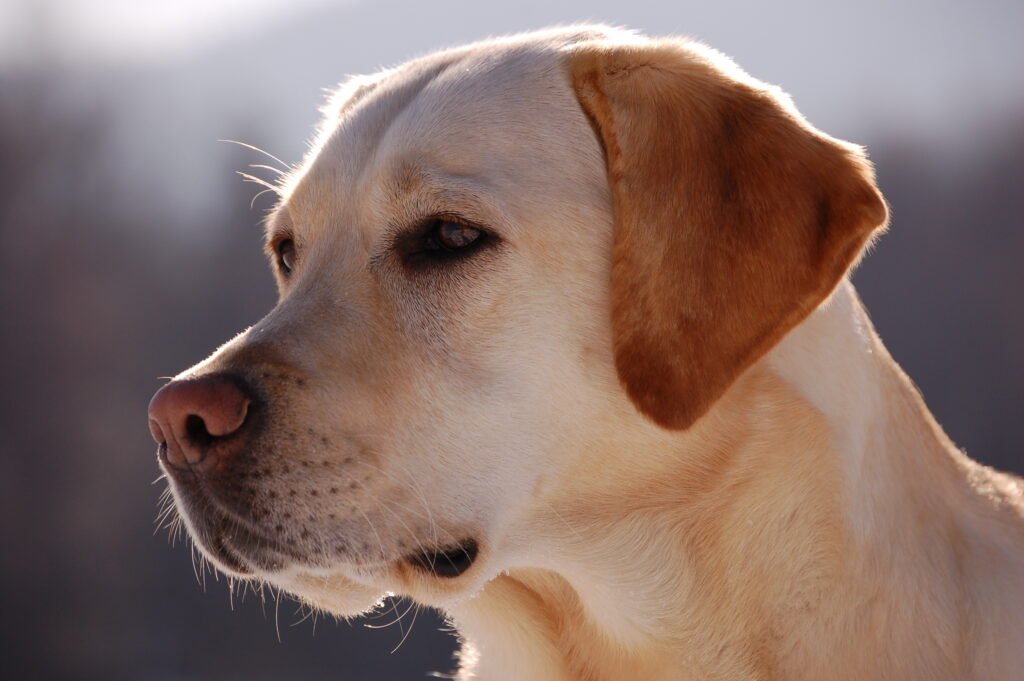
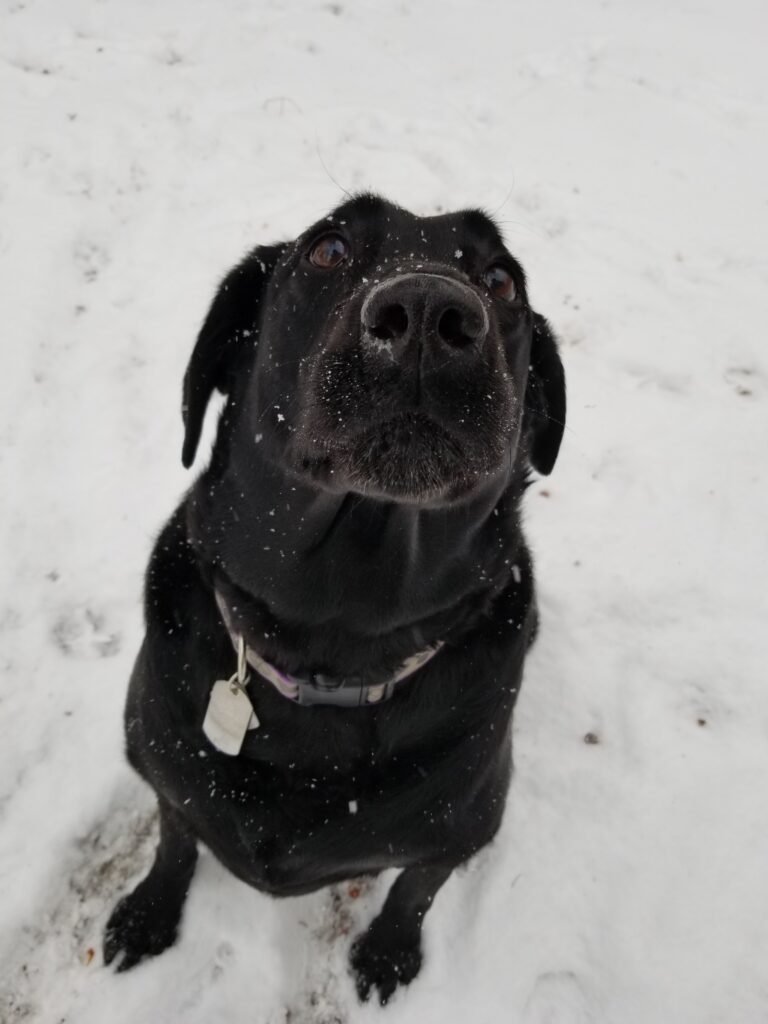
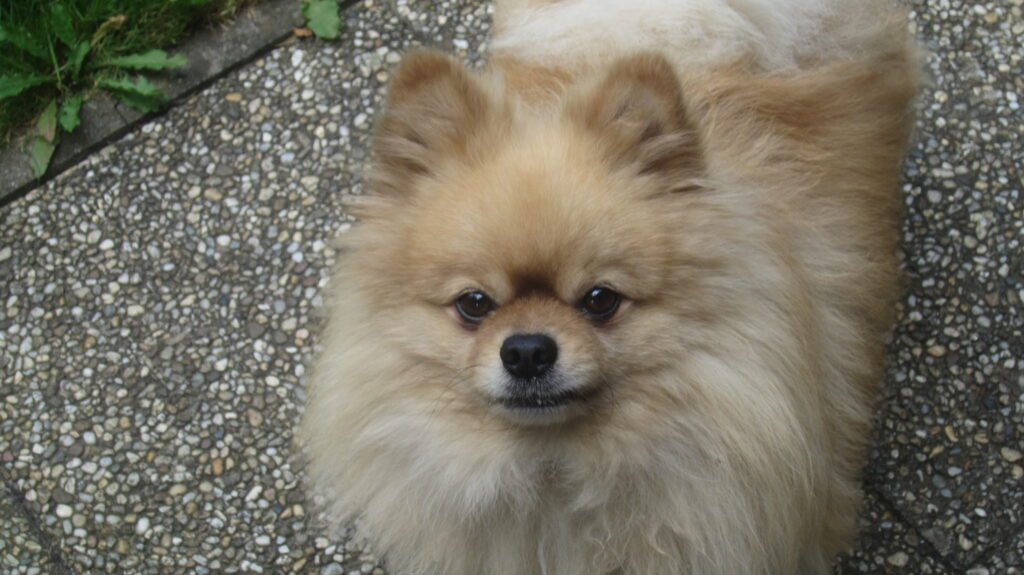
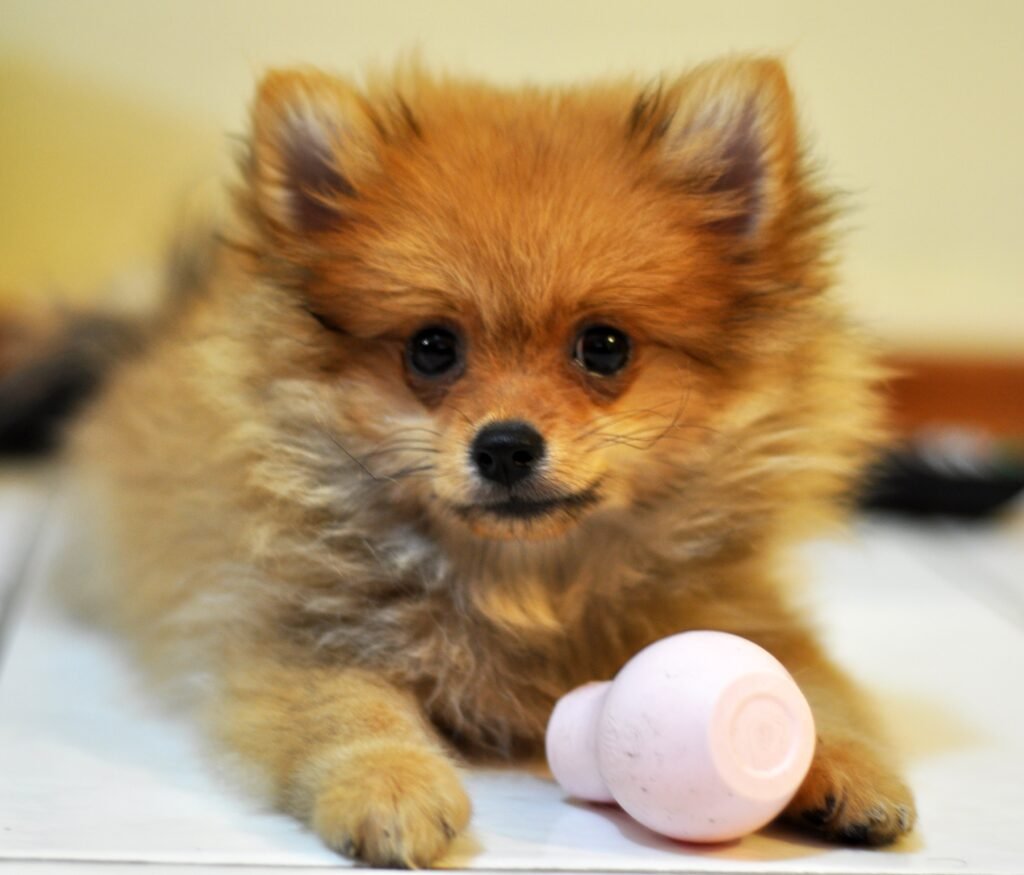
Open a breed tab to see four photographs, then compare the dog’s position, the background, and the available space around the subject. Each image includes descriptive alternative text and a source credit. Portrait compositions can be useful for phones, while wider photographs usually need less cropping on a desktop. The gallery also includes different proportions, giving you options beyond a single fixed screen size. Check the source information to explore each original image.
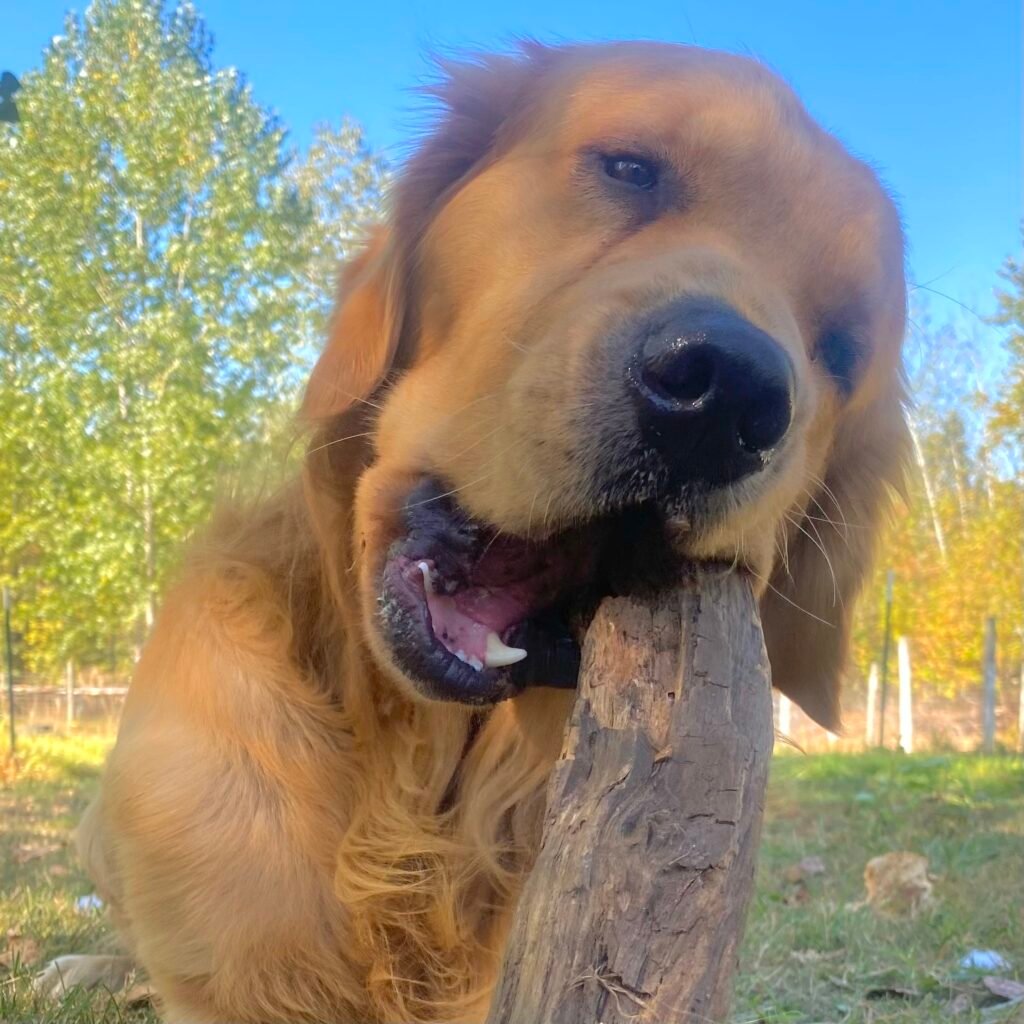
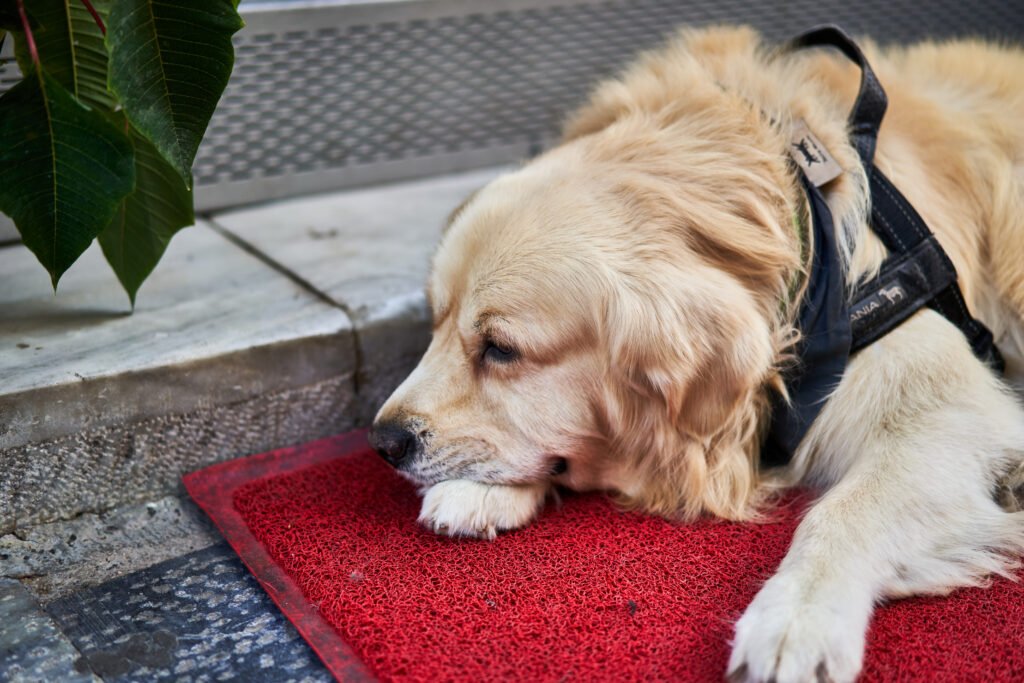
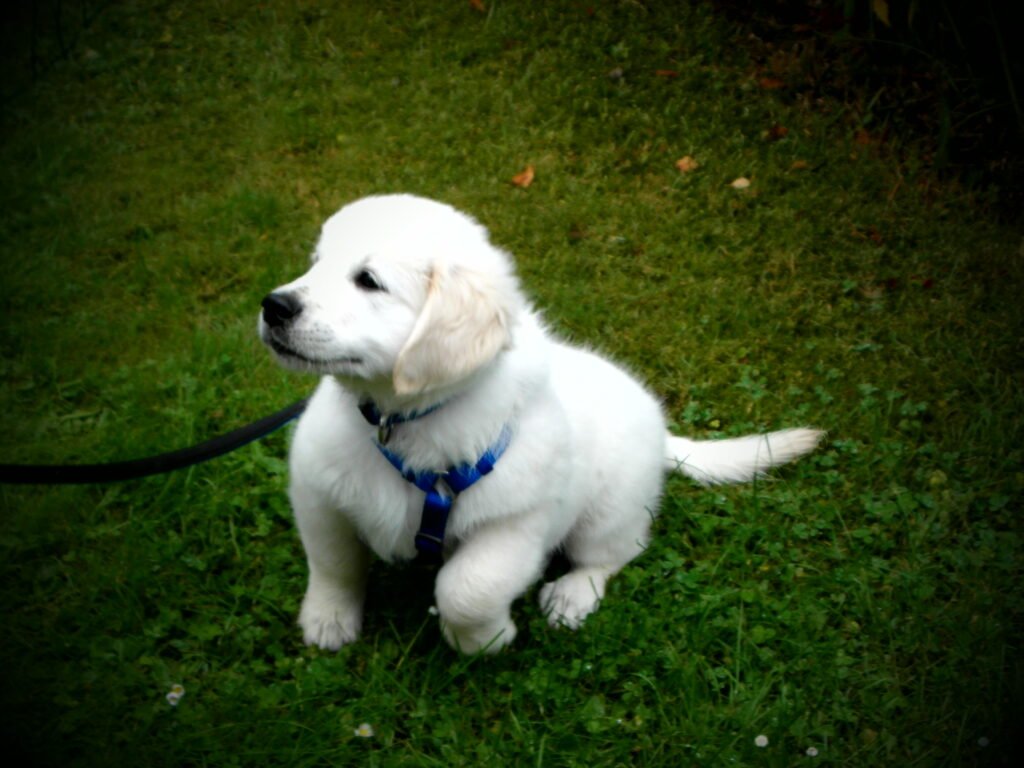
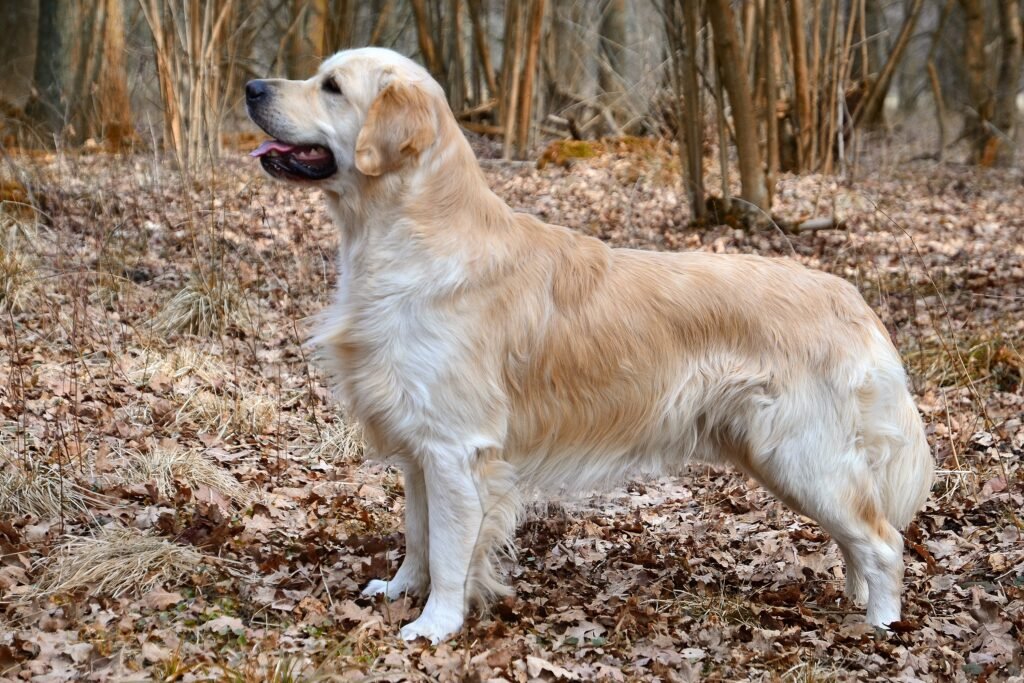
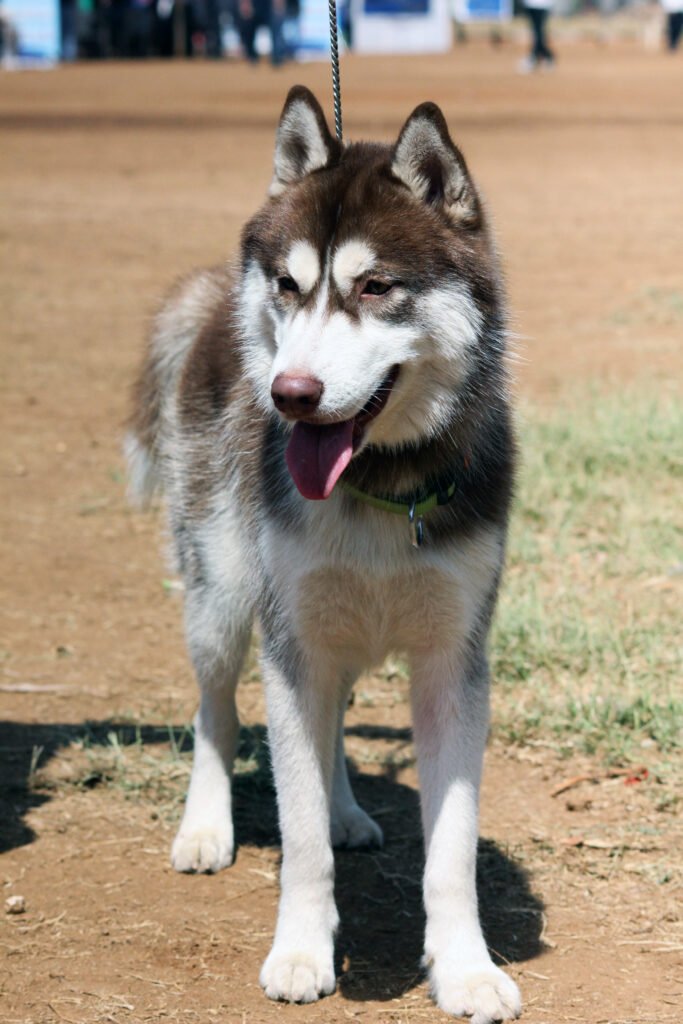
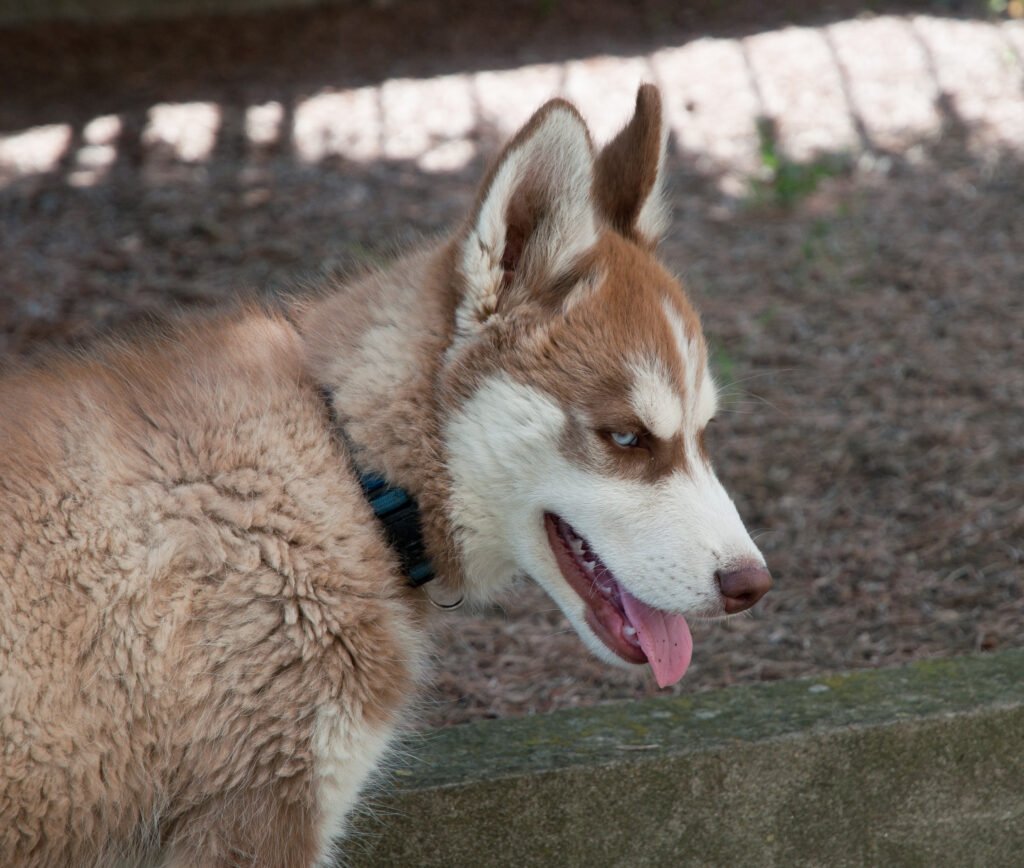
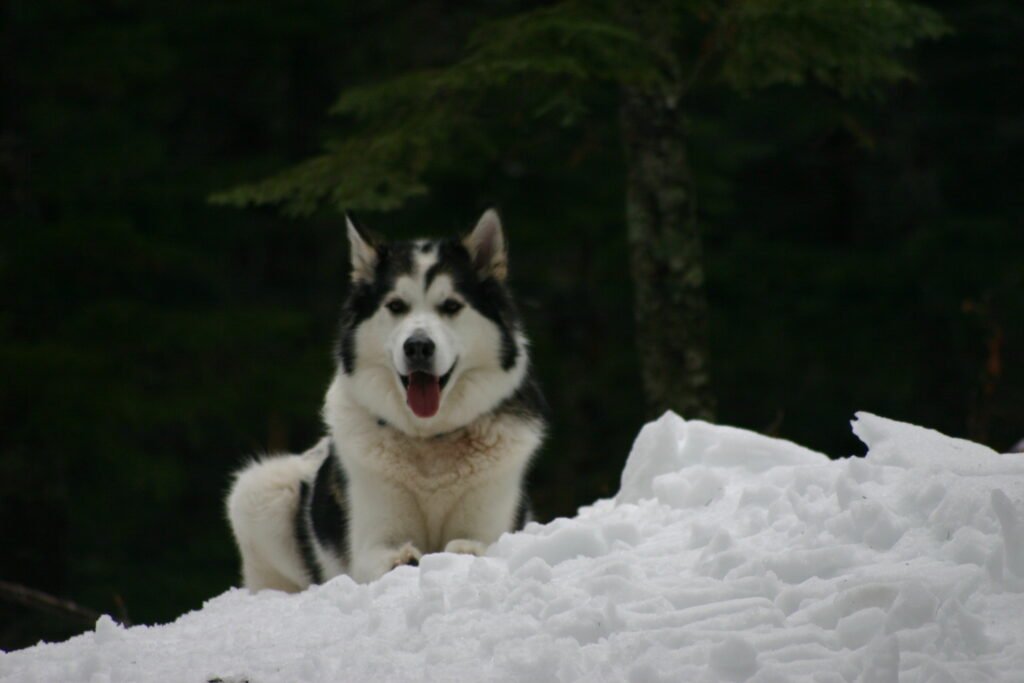



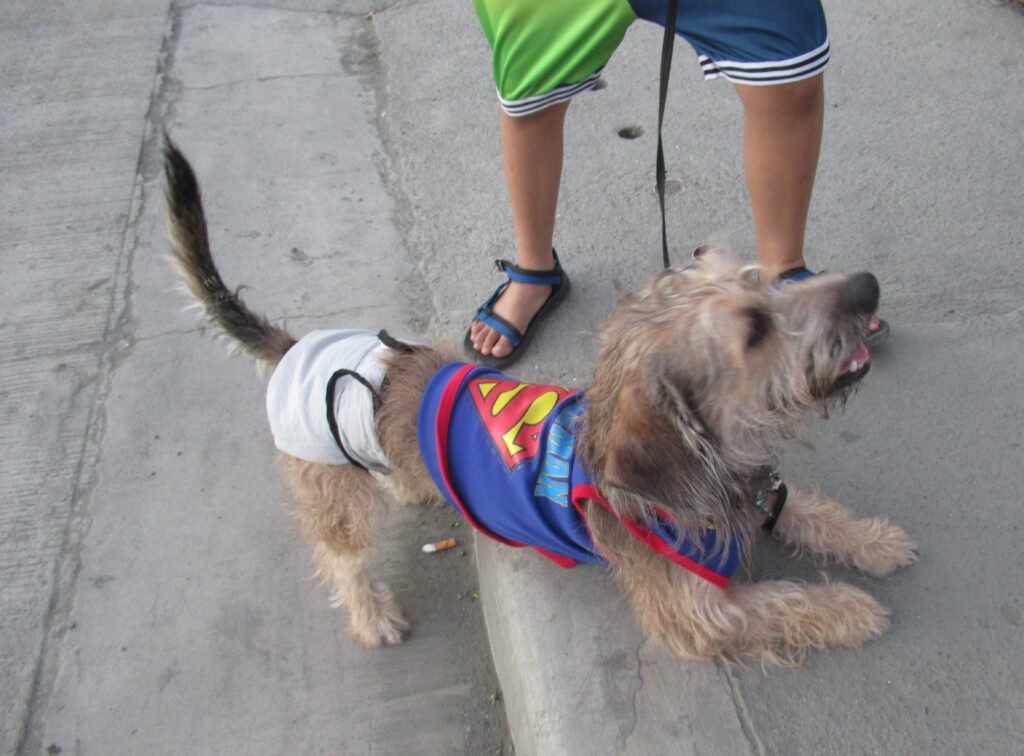
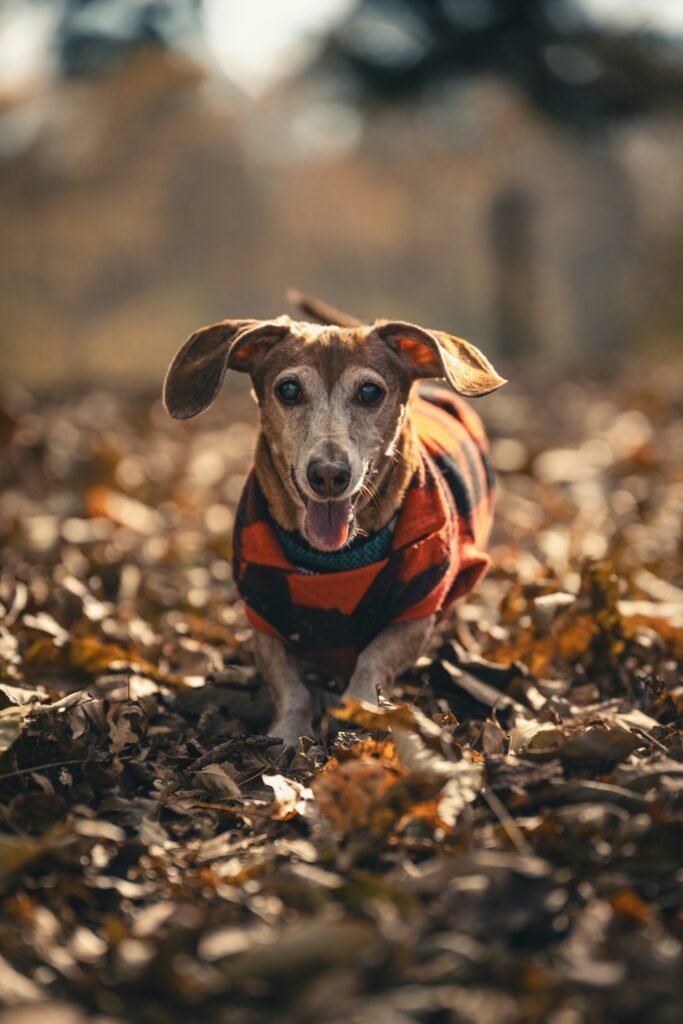
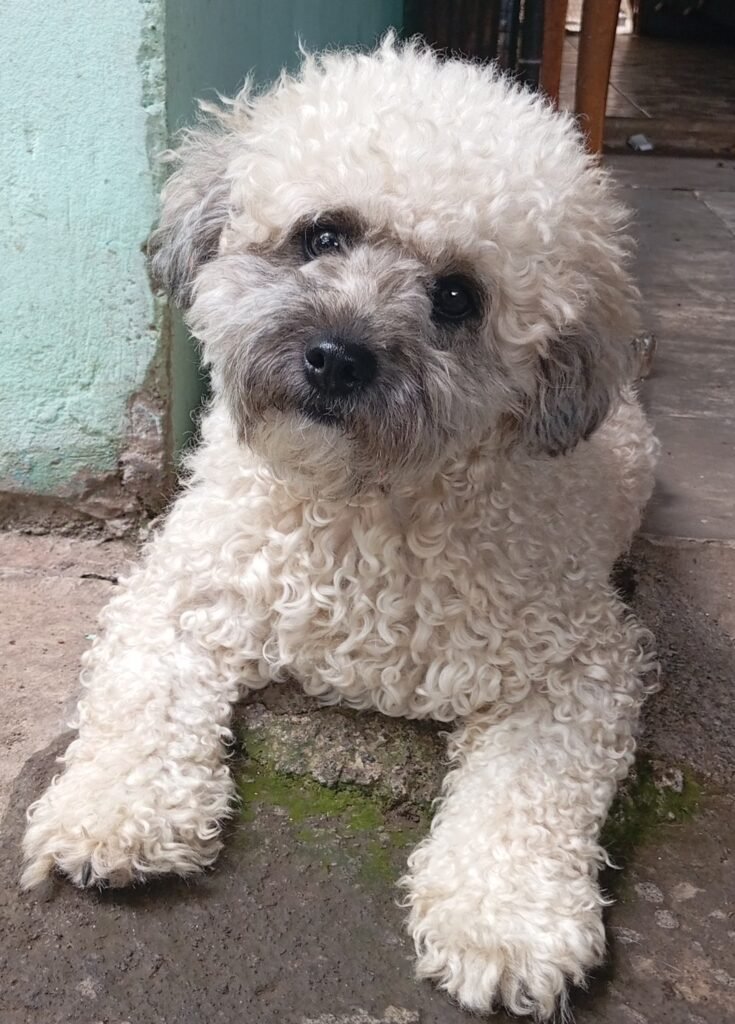
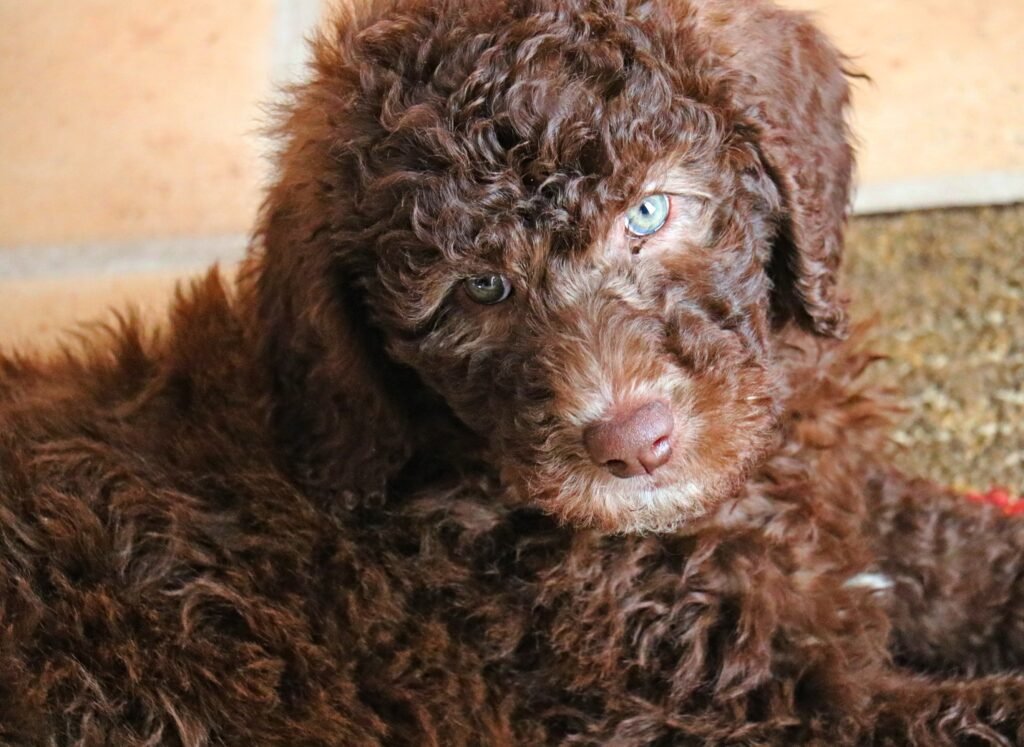
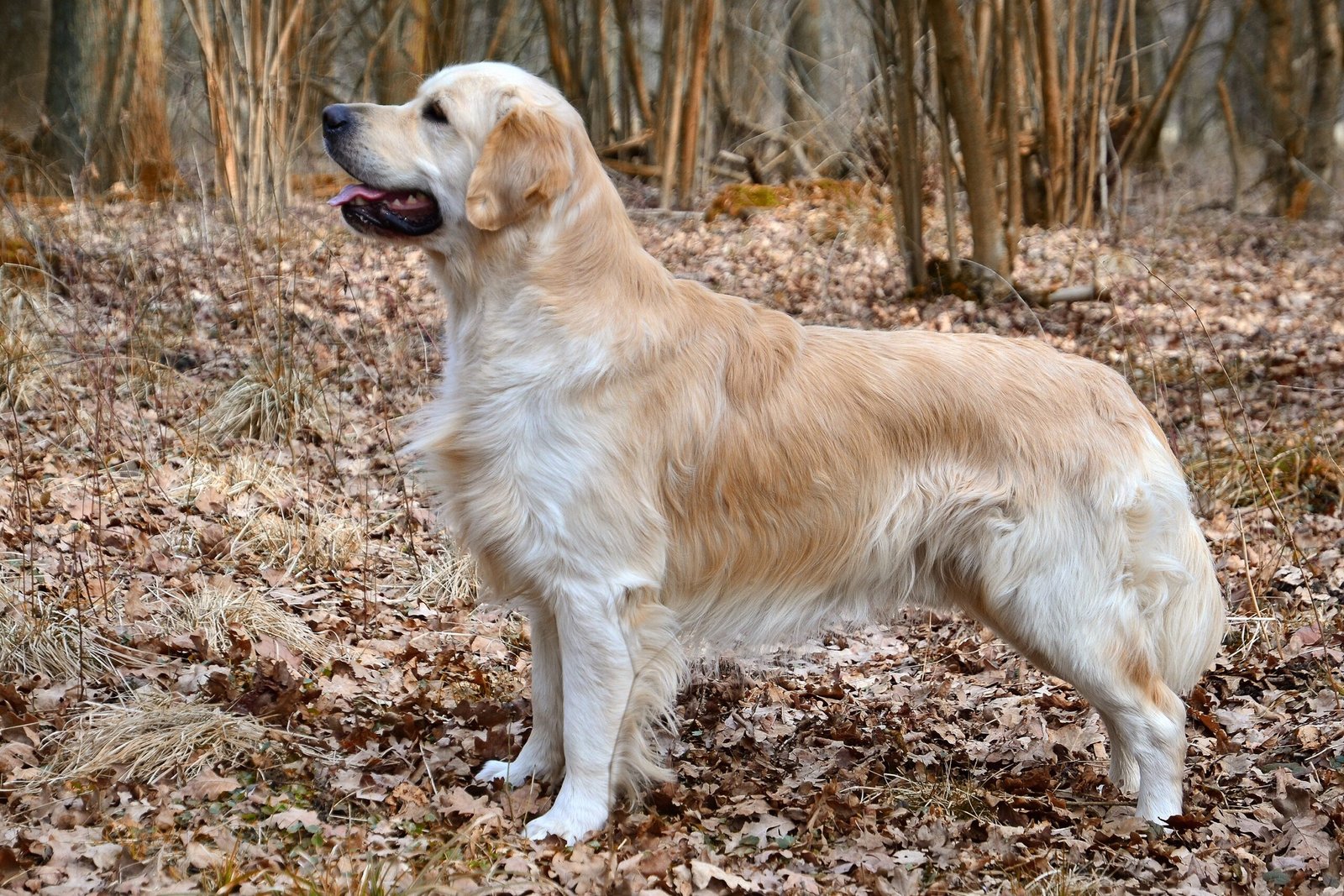
Golden retriever wallpaper
Golden retriever photographs bring warm coat colours and expressive faces to a screen. A close portrait can work beautifully on a lock screen, especially when the eyes sit below the clock. Wider outdoor photographs offer more room for desktop icons. Compare the lighter fur with your text colour before choosing a crop, because bright highlights can reduce the contrast of white labels.
Husky wallpaper
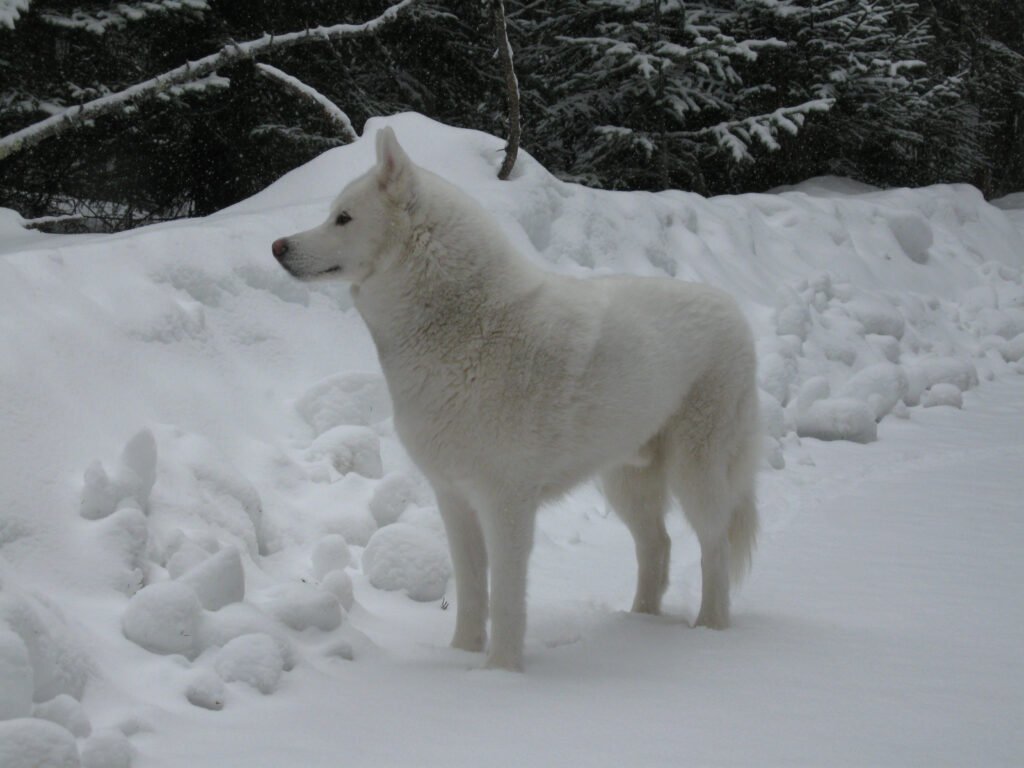
Husky images often feature strong facial markings that remain noticeable even in a small preview. A portrait can emphasise the face, while a wider composition gives the surrounding landscape more space. Keep the ears inside the crop when possible. Cutting closely around the head may make an otherwise striking photograph feel cramped once your phone adds its clock and notification area.
Beagle wallpaper
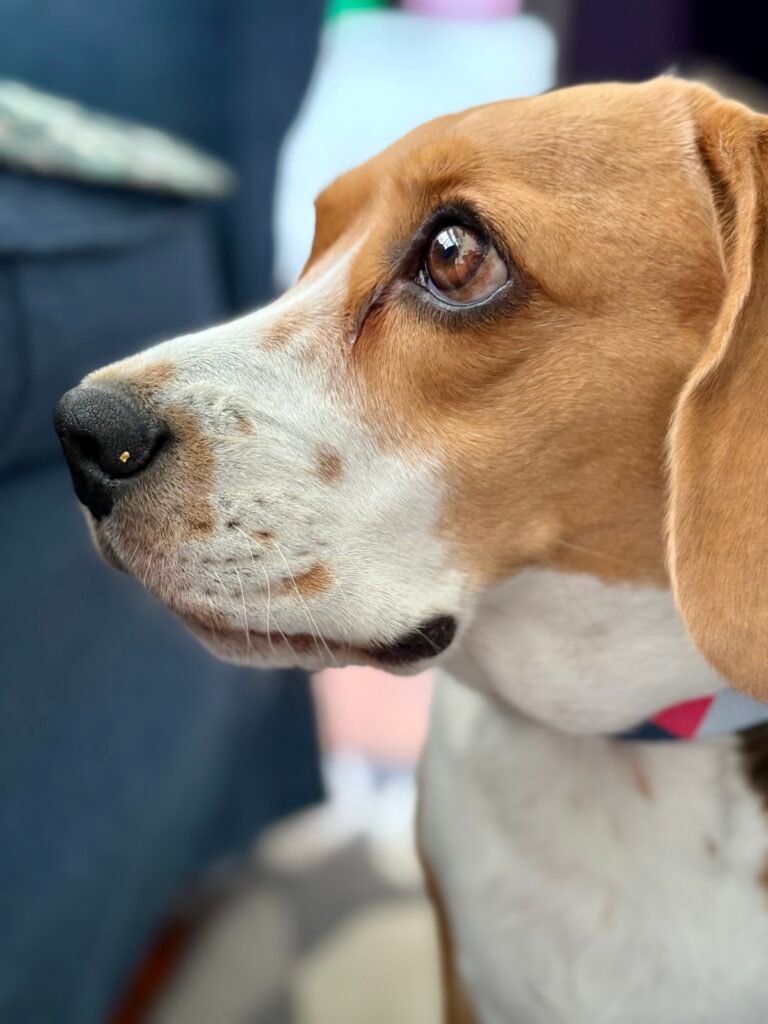
Beagle photographs offer a familiar combination of soft ears, distinctive markings, and curious expressions. A relaxed portrait suits a simple home screen, while an outdoor scene brings a more playful mood. Leave enough room around the muzzle and ears when adjusting the wallpaper. A slightly wider crop can preserve the character of the photograph without making the dog too small.
German shepherd wallpaper
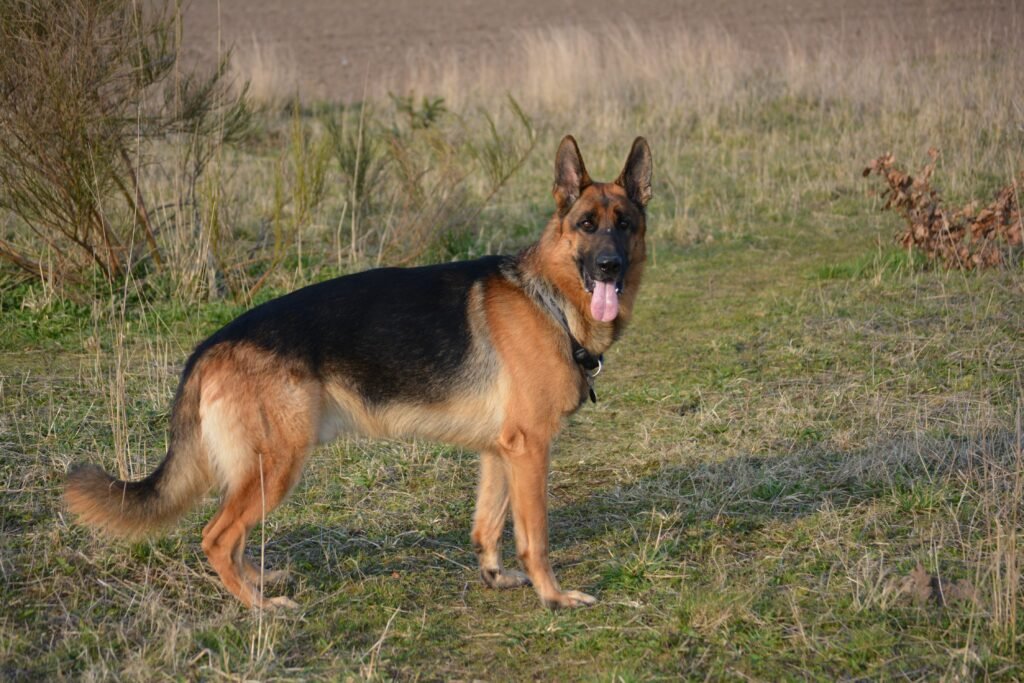
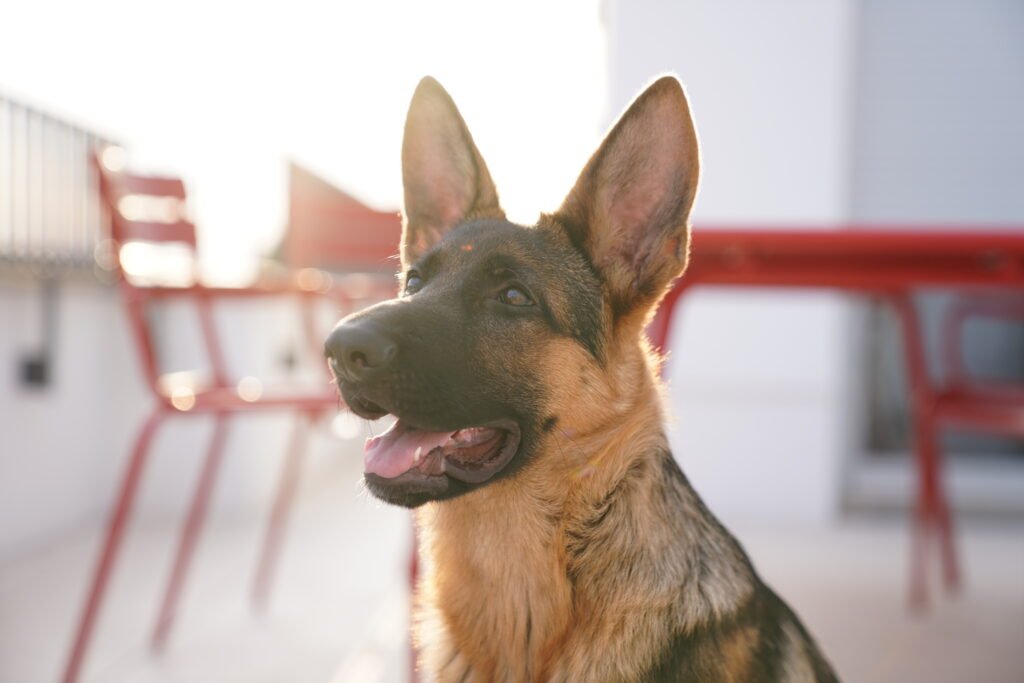
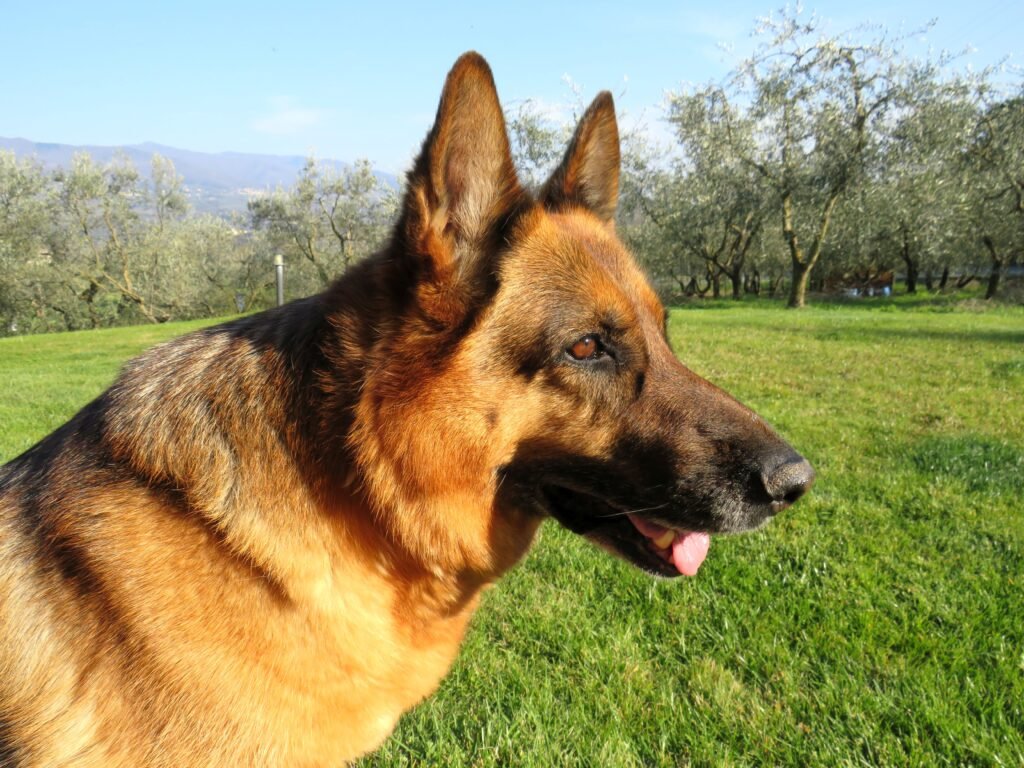
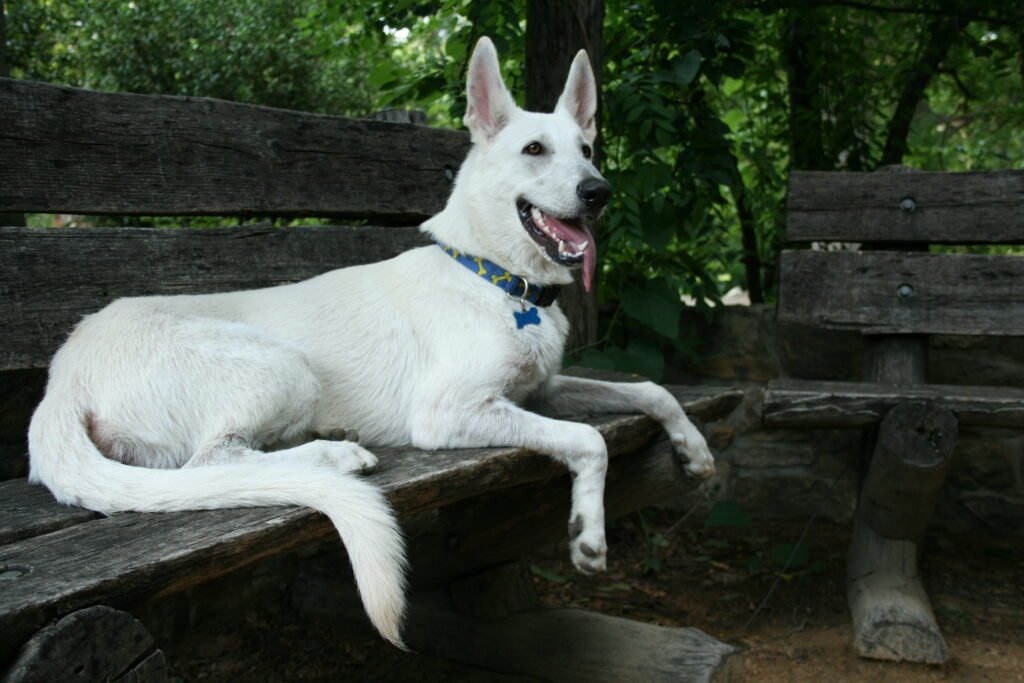
German shepherd backgrounds can feel especially expressive when the face and upright ears are clearly visible. Darker coat areas may help pale screen text stand out, although the background matters just as much. Choose a composition with a quieter corner for shortcuts. On a narrow phone display, check that the crop keeps both the head and the surrounding space balanced.
Labrador wallpaper
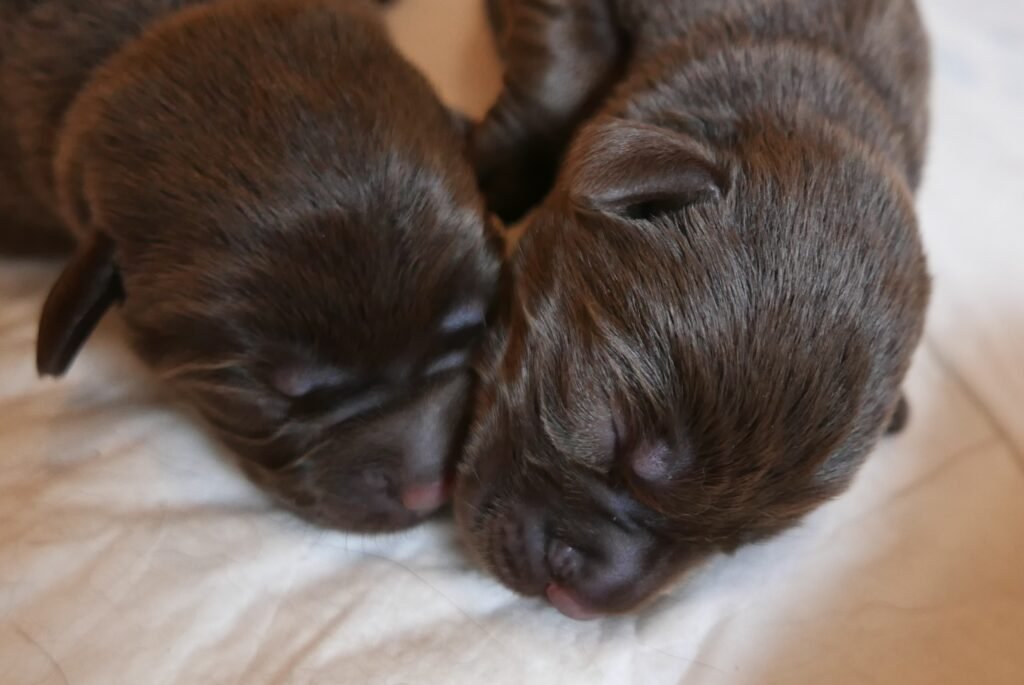
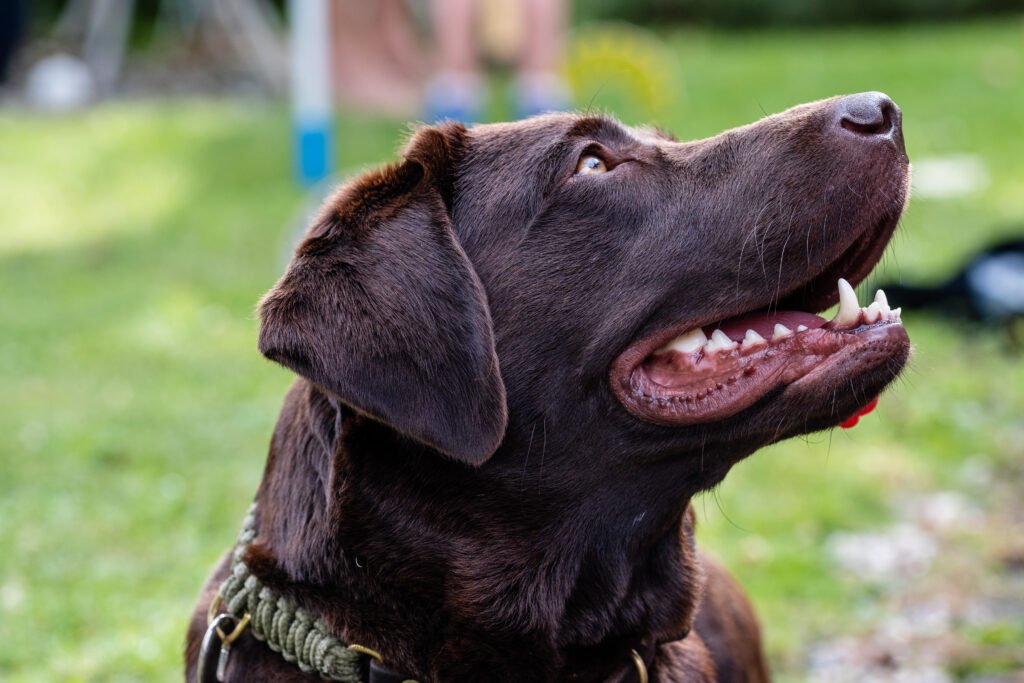
Labrador photographs provide different coat colours and settings to explore. A simple portrait may suit a clean screen, while a dog photographed outdoors adds natural texture. Think about the overall brightness before choosing an image. Dark fur can blend into a dark background, and pale fur can compete with white labels, so preview the complete screen before applying your choice.
Pomeranian wallpaper
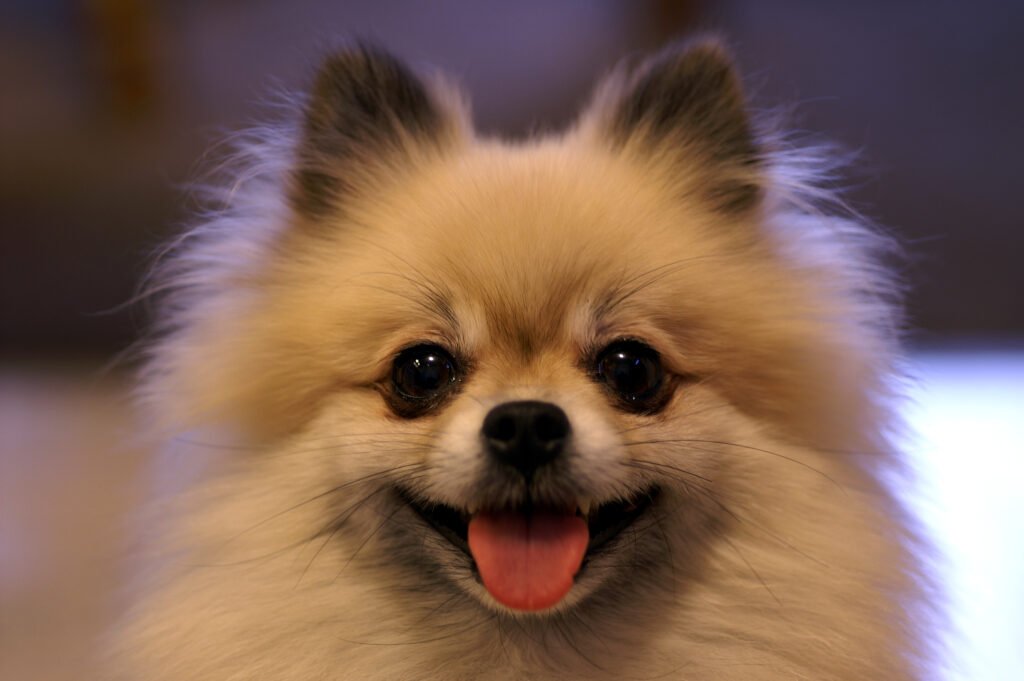
Pomeranian images draw attention through their fluffy coats and compact silhouettes. A close photograph can make the face the main feature of a phone screen. On a desktop, a wider view gives the coat texture room to breathe. Avoid enlarging the preview excessively: fine fur details look better when you begin with a sufficiently large photograph and use a modest crop.
Shiba Inu wallpaper
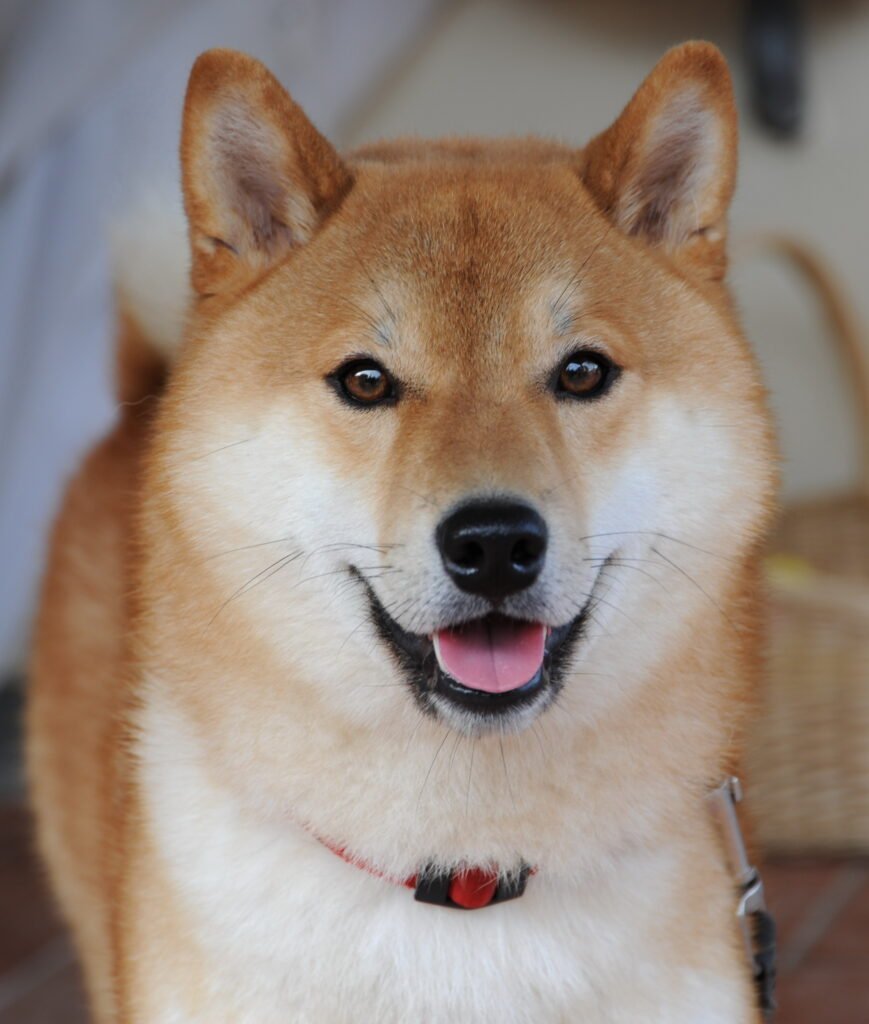
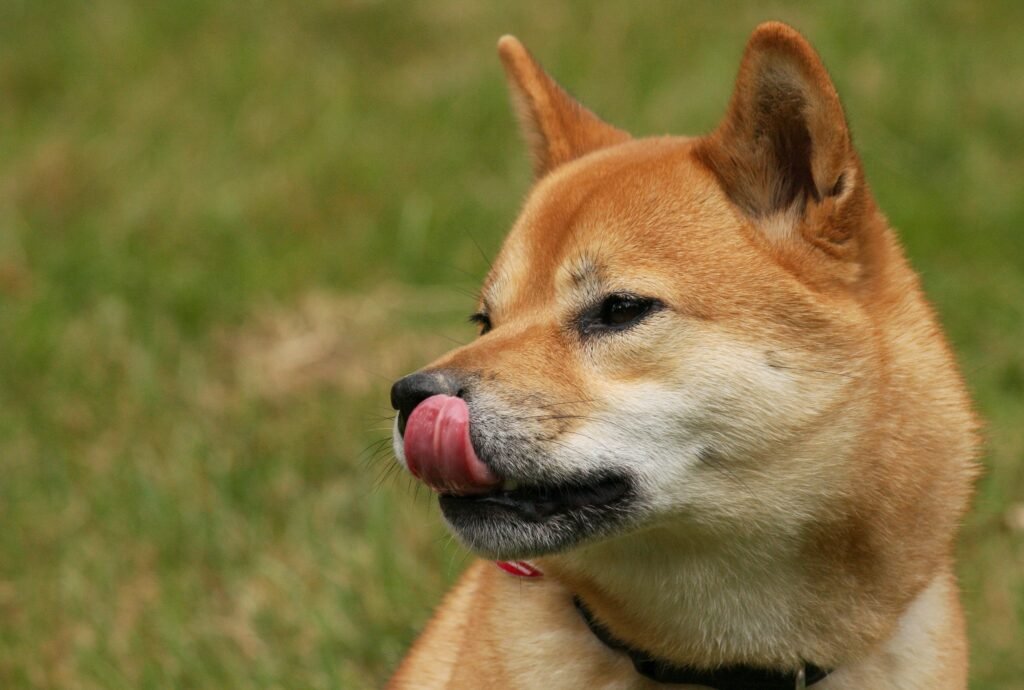
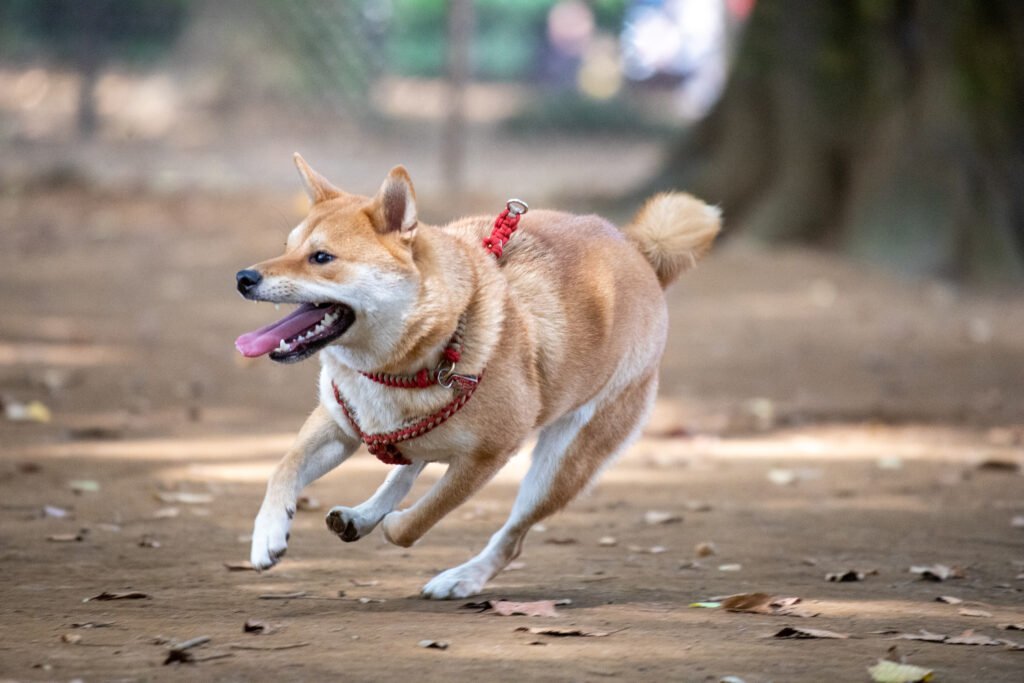
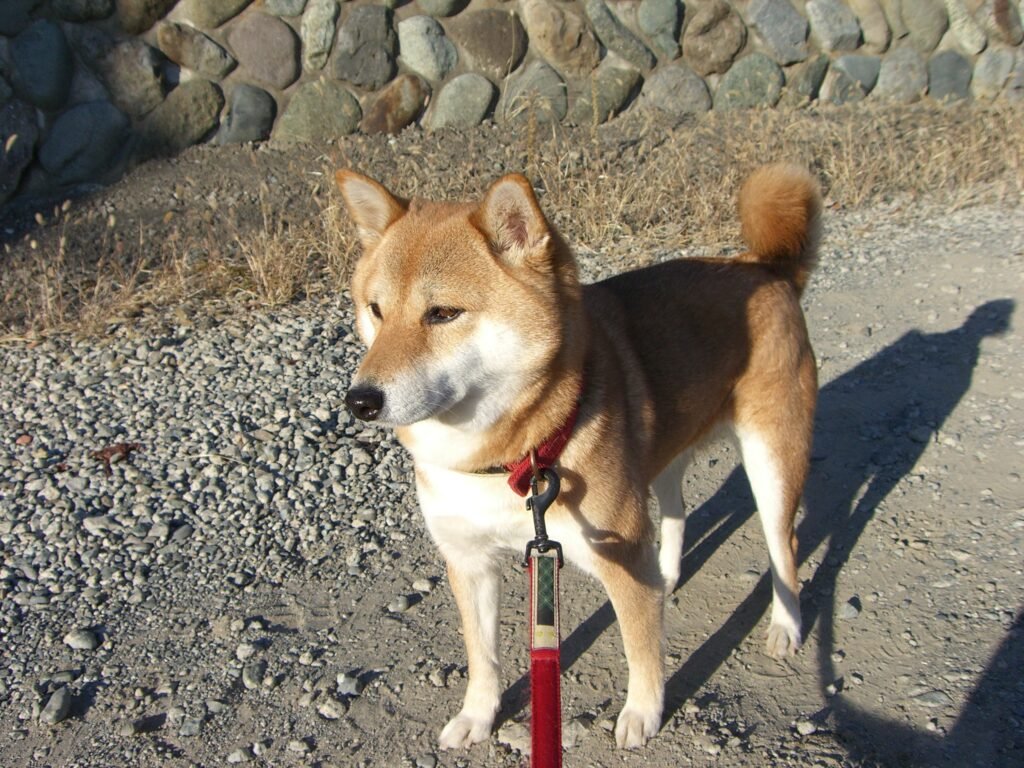
Shiba Inu photographs often create a clear focal point through the shape of the ears, face, and curled tail. Some compositions suit a minimal background, while others include more of the dog’s surroundings. Decide which detail you want to keep before cropping. A full-body photograph can lose its balance if the tail or feet disappear at the screen’s edges.
Dachshund wallpaper
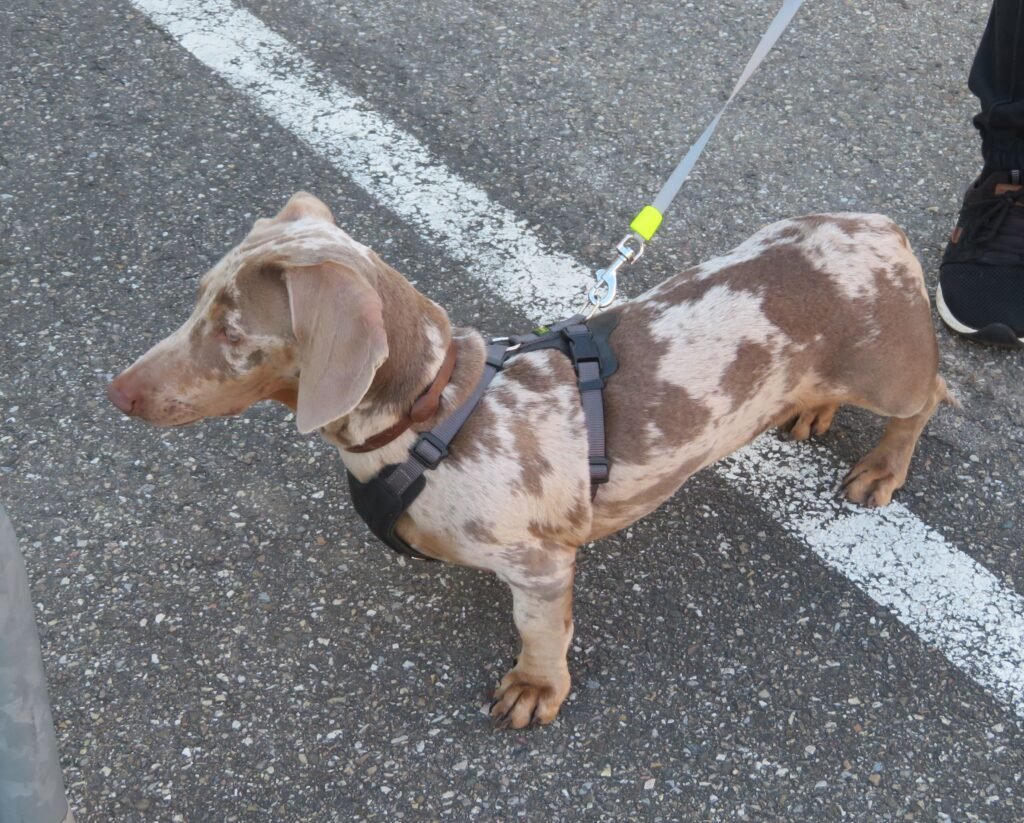
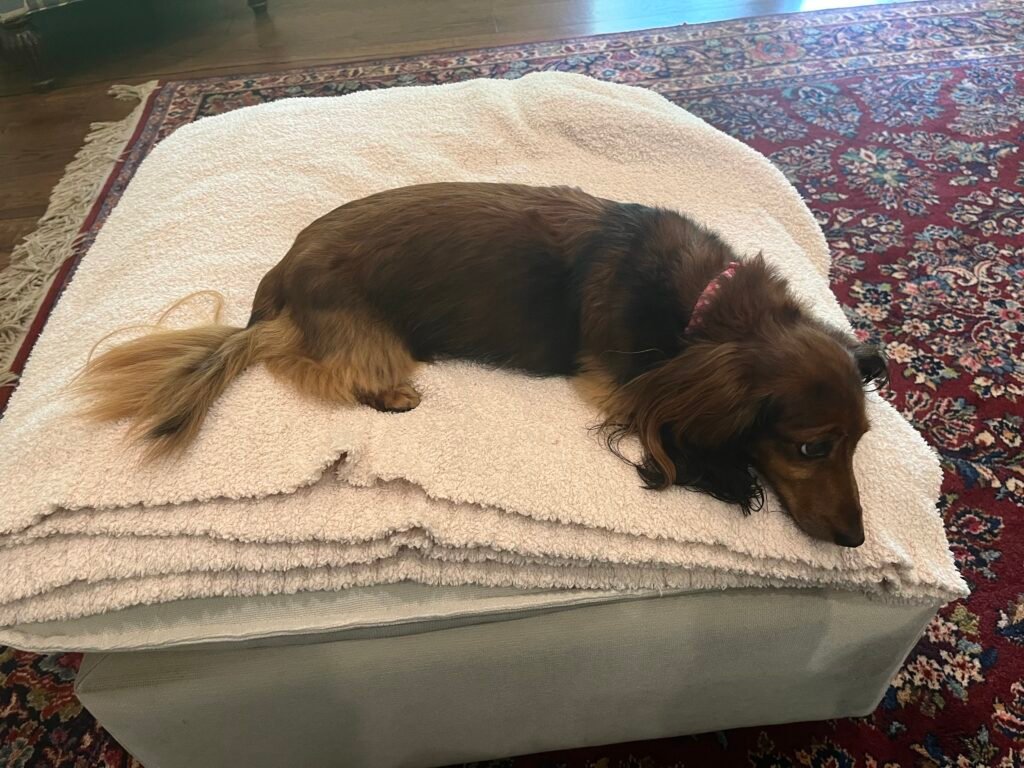
Dachshund photographs can work particularly well across a wider screen when the full body is visible. A close portrait gives a different effect and may fit a phone more naturally. Let the composition guide your choice instead of forcing every photograph into the same crop. Keep enough space around the dog to preserve its proportions and the feeling of the scene.
Poodle wallpaper
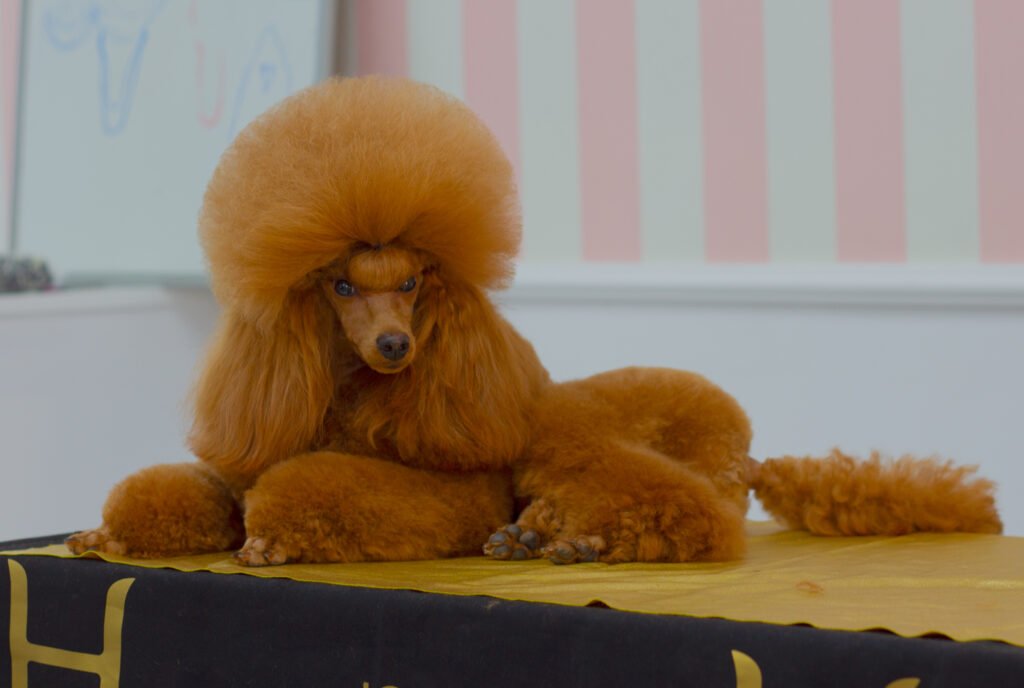
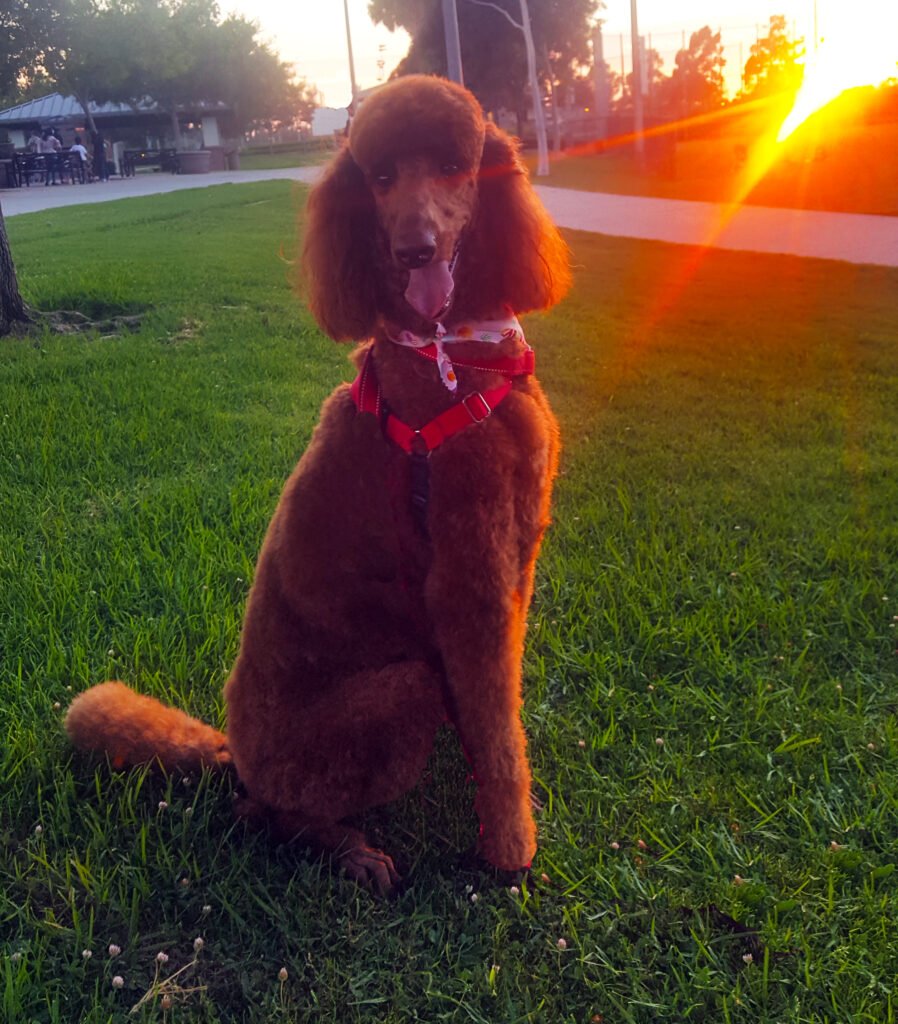
Poodle images offer curly coat textures and a variety of photographic styles. A detailed portrait can feel elegant, while a wider outdoor scene creates a more relaxed background. Notice where the brightest curls fall before placing screen text over them. If the photograph feels busy behind your apps, use it on the lock screen and choose a quieter home-screen background.
Border collie wallpaper
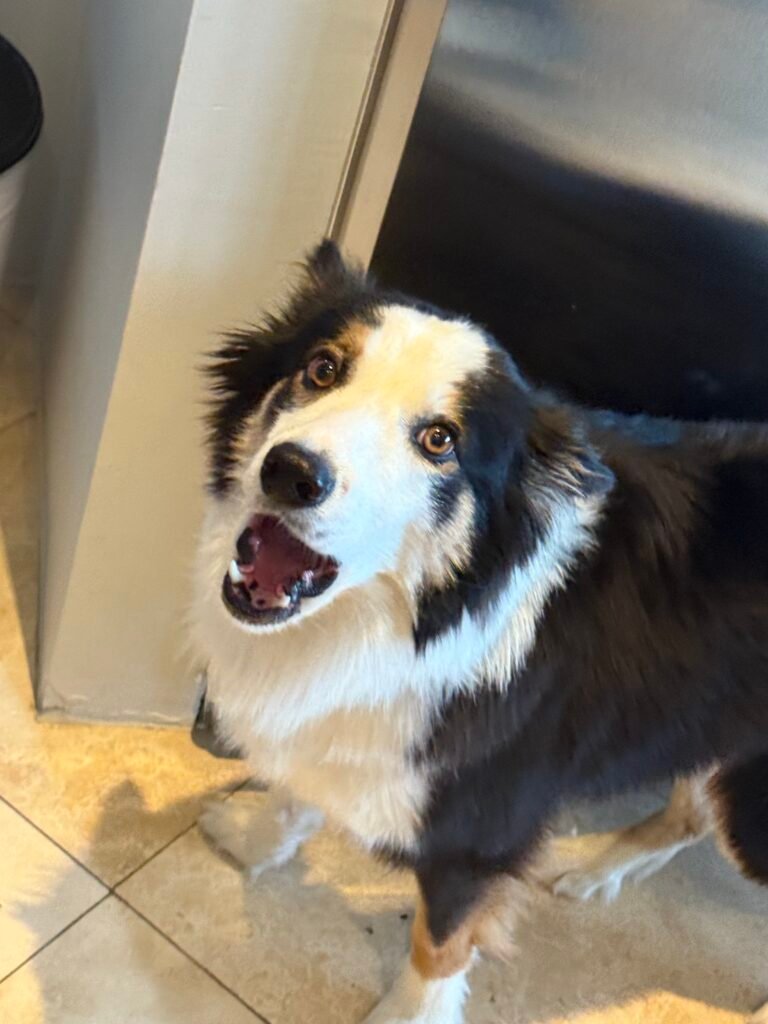
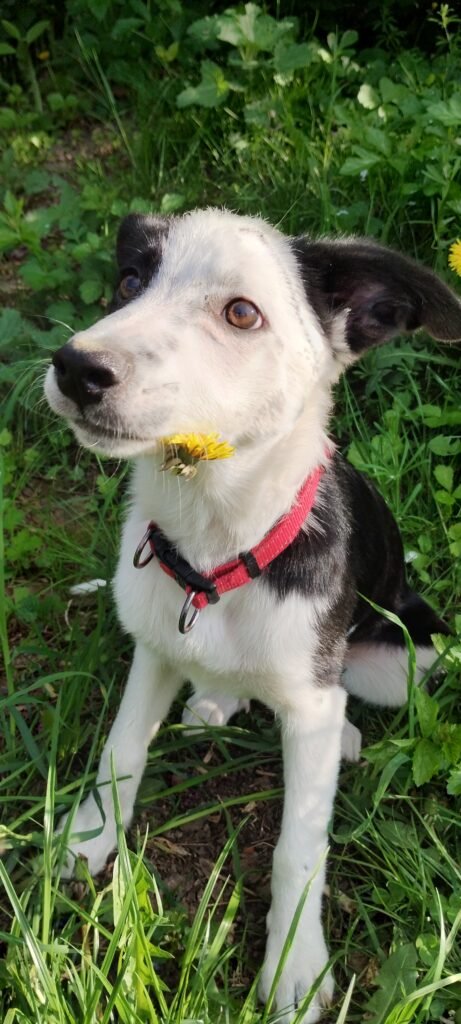
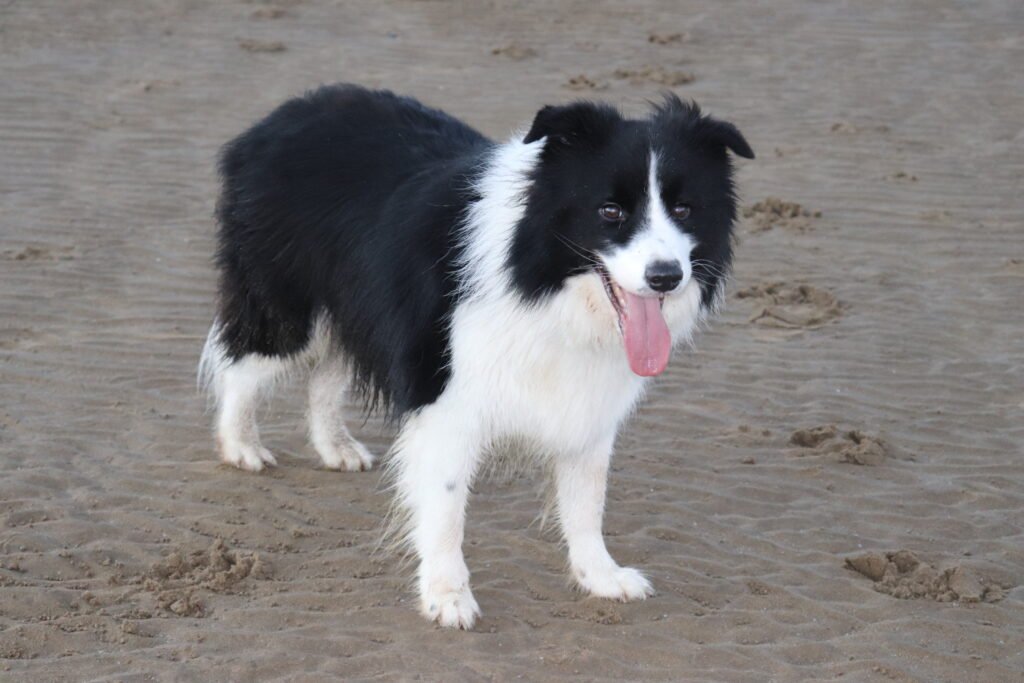
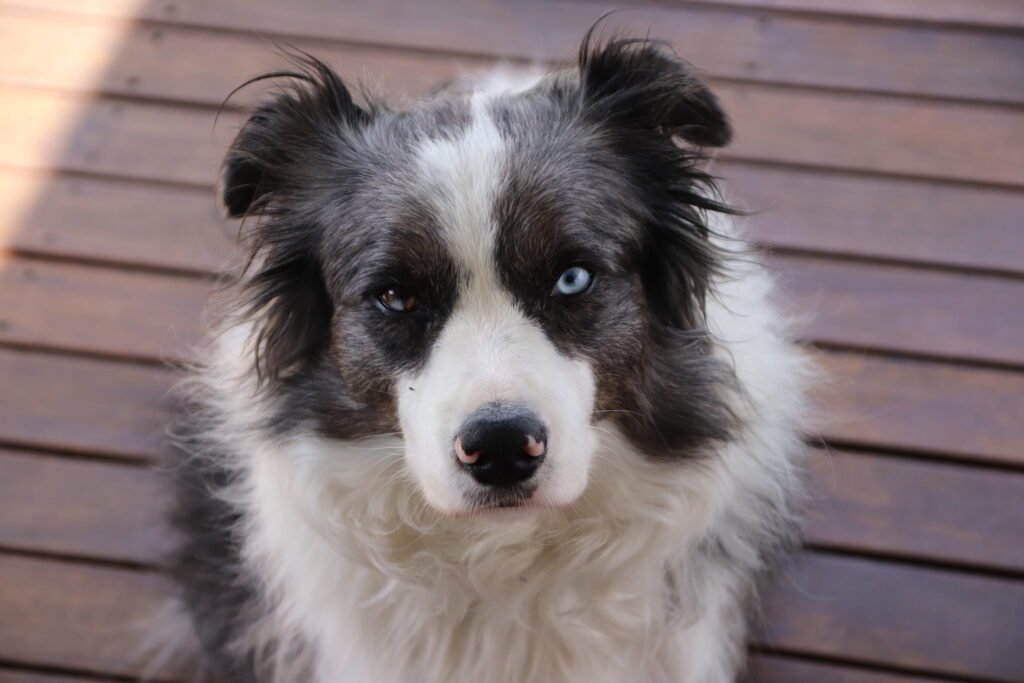
Border collie photographs can provide strong contrast between coat markings and the surrounding grass or landscape. Look for a clear face and a composition that leaves useful space around the subject. A wider image may suit a desktop with shortcuts along one edge. For a phone, choose a crop that keeps the eyes visible without cutting the ears too tightly.
Corgi wallpaper
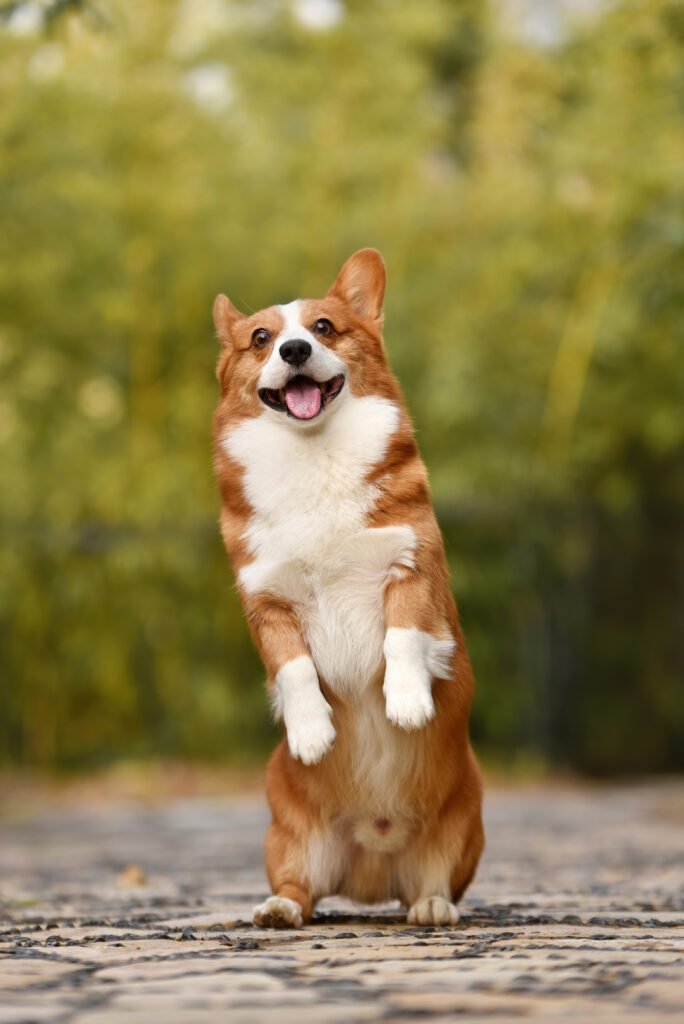
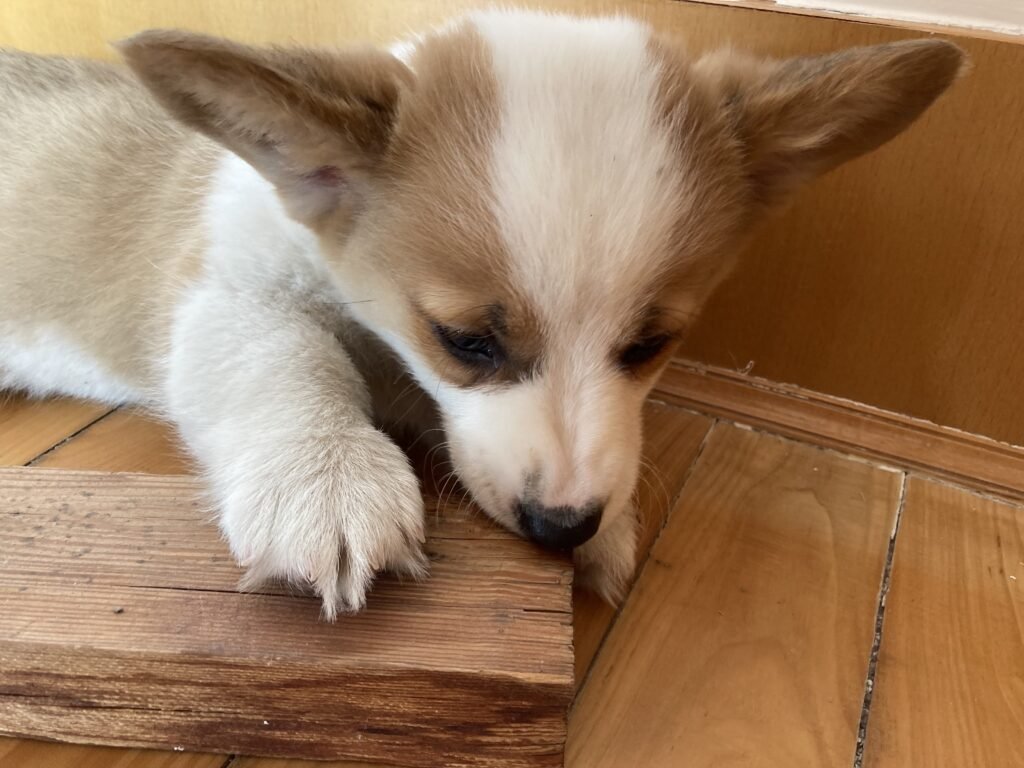
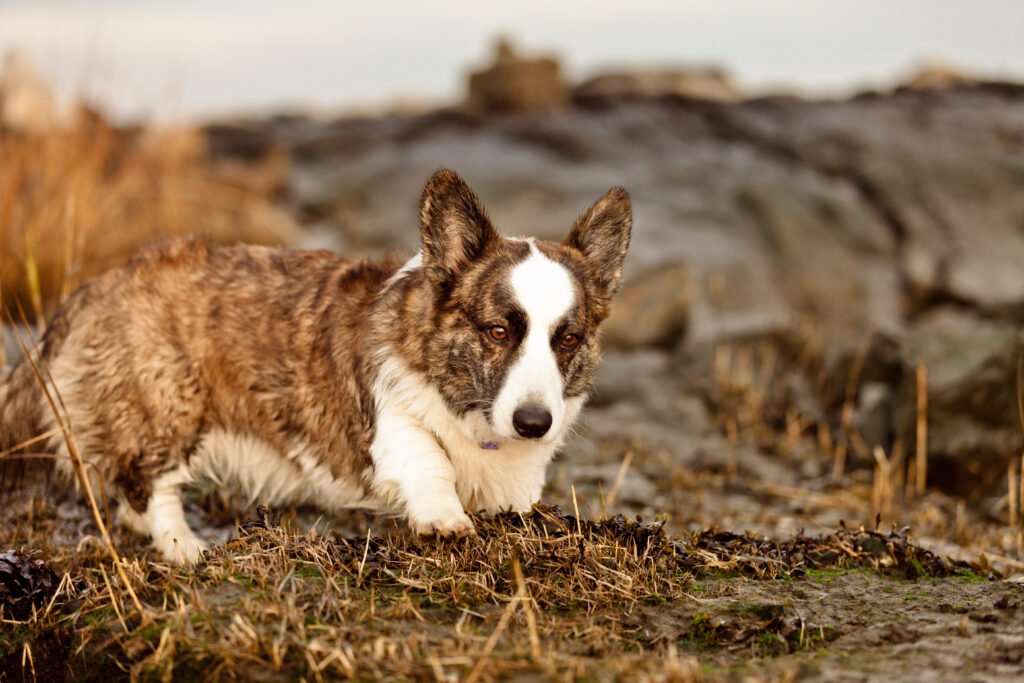
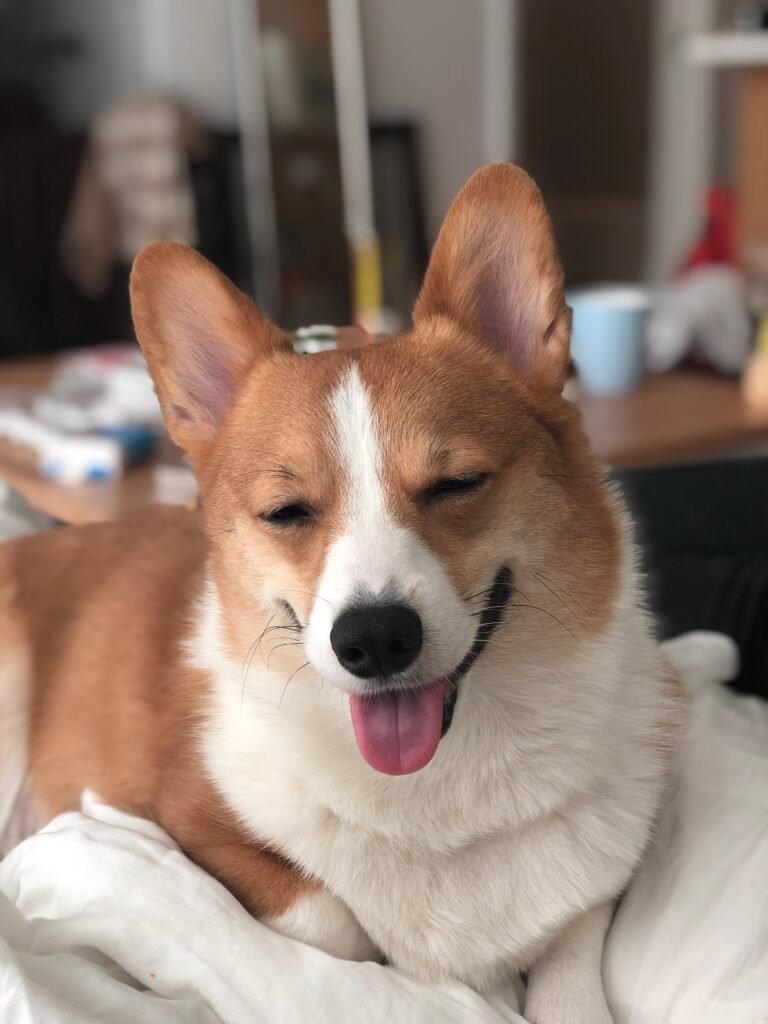
Corgi backgrounds can highlight expressive ears, a low silhouette, or a full outdoor scene. A face-focused portrait is easy to recognise on a phone, while a wider photograph can preserve more of the dog’s stance. Consider the height of your widgets before positioning the image. Moving the crop slightly may keep the face clear while leaving the screen comfortably readable.
Chihuahua wallpaper
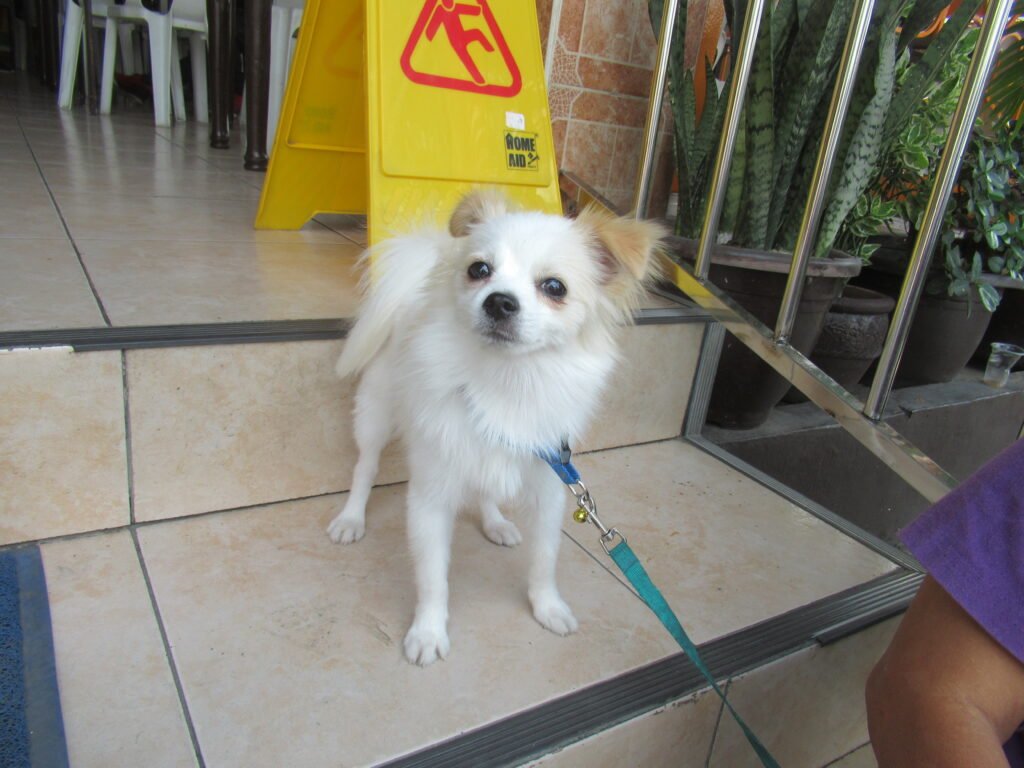
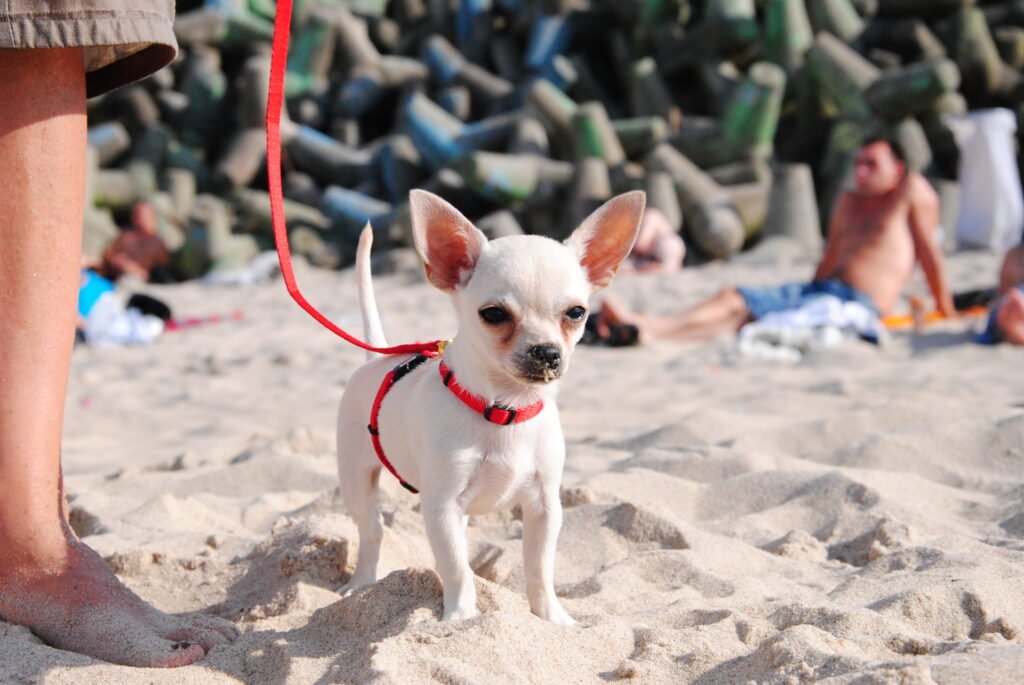
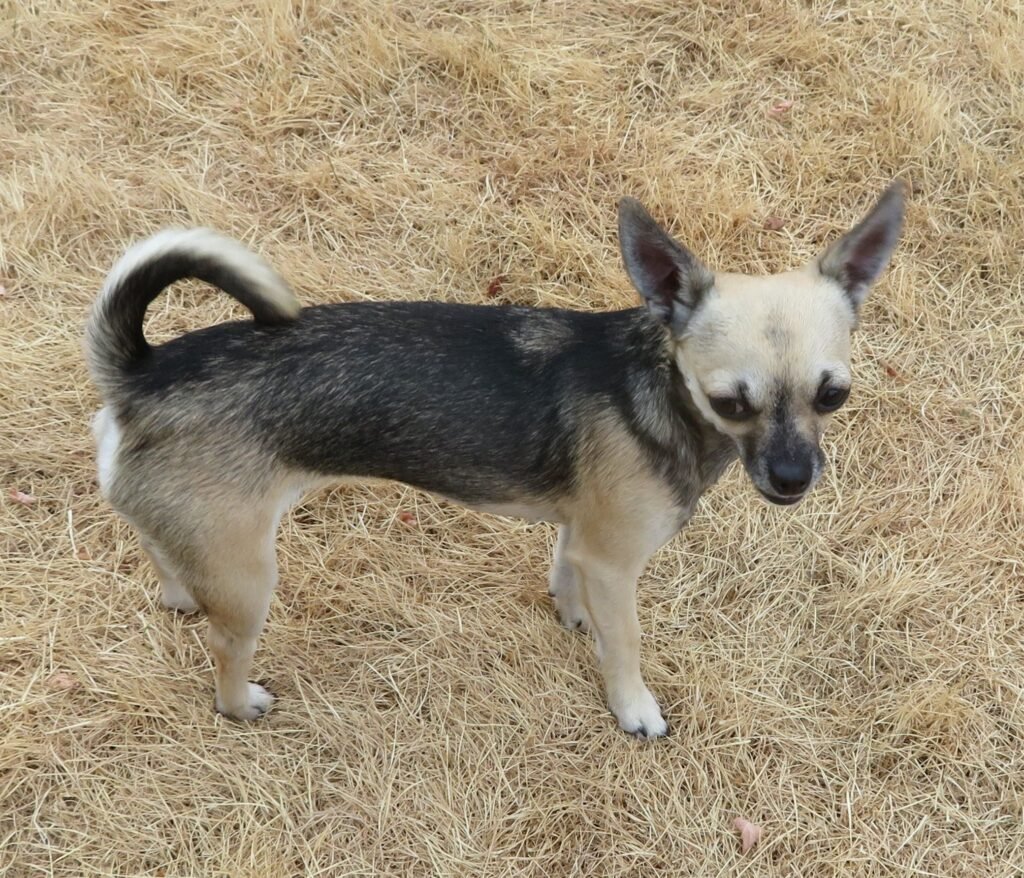
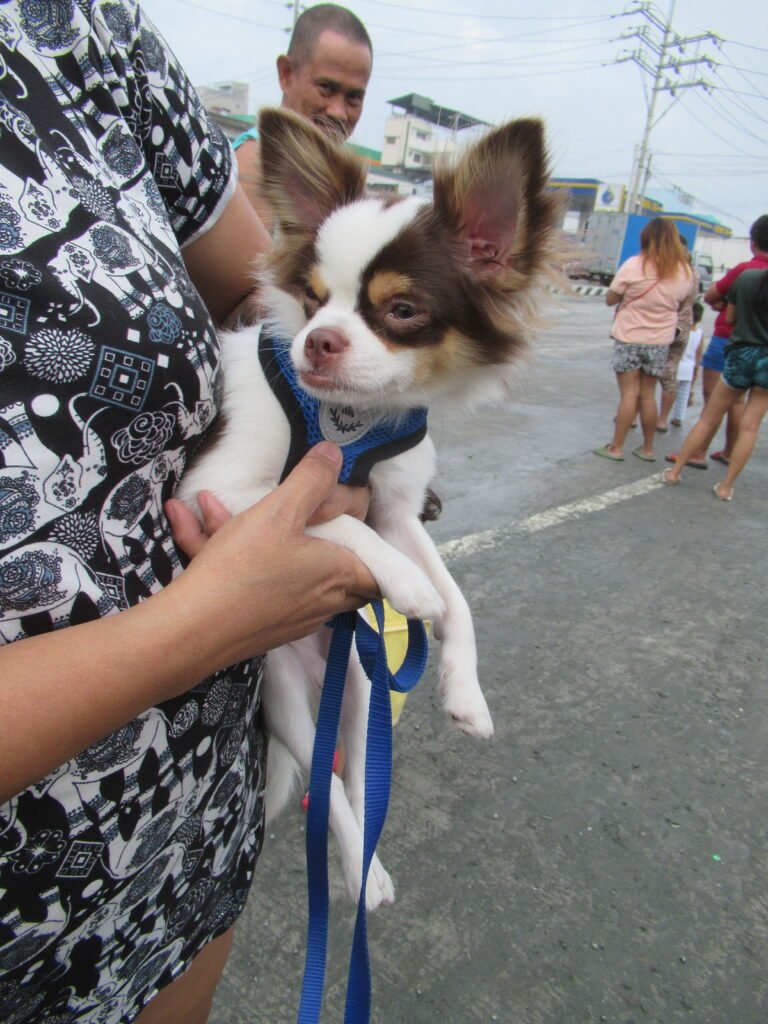
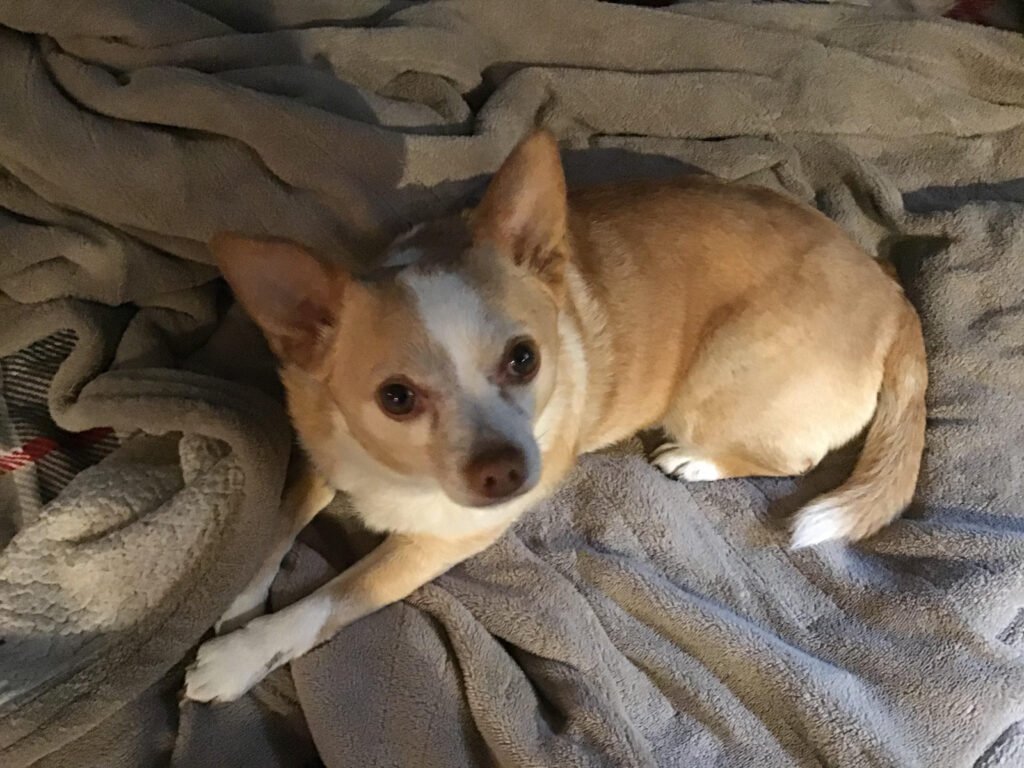
Chihuahua photographs offer small-scale subjects with plenty of personality in their expressions and posture. A close portrait can create a strong focal point without filling the screen with background detail. Wider photographs can also work if the dog remains noticeable after cropping. Test the wallpaper at its actual display size rather than judging only from a large gallery preview.
Dalmatian wallpaper
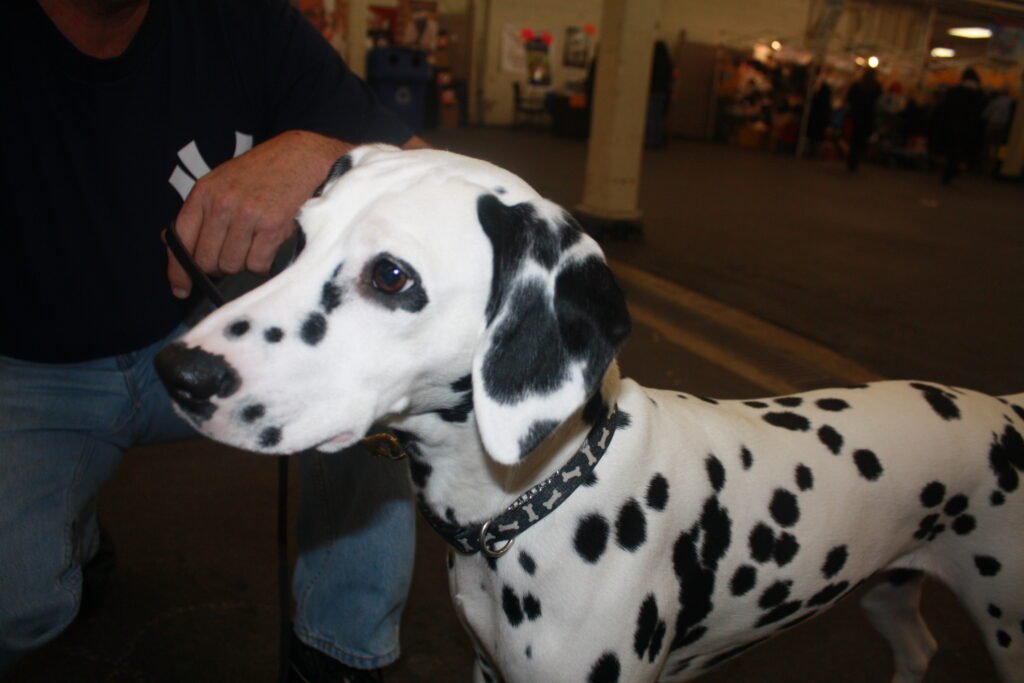
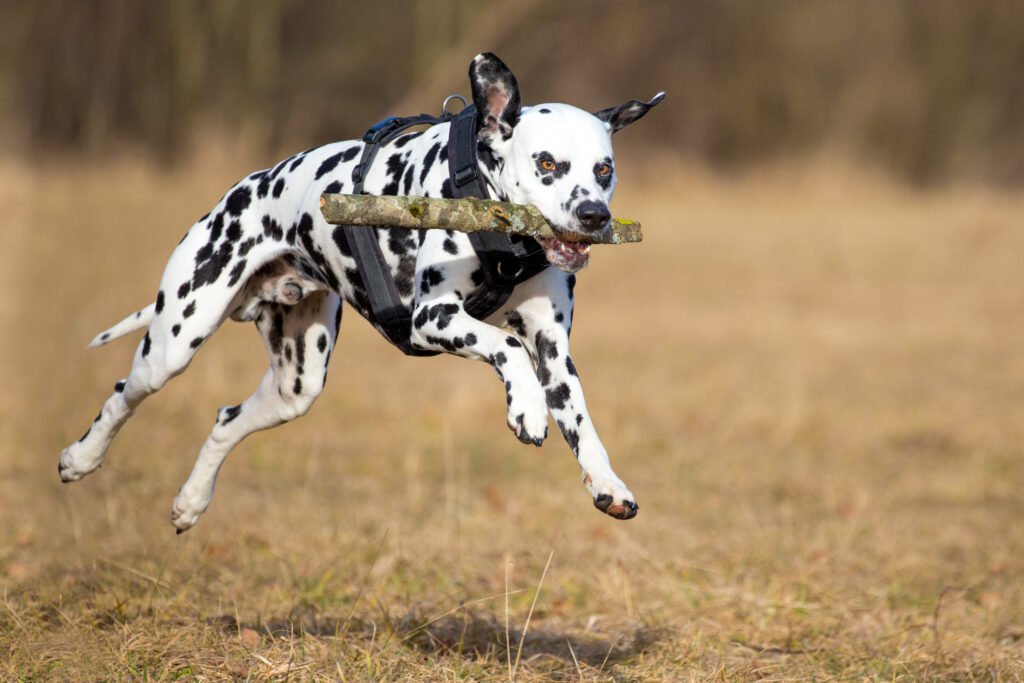
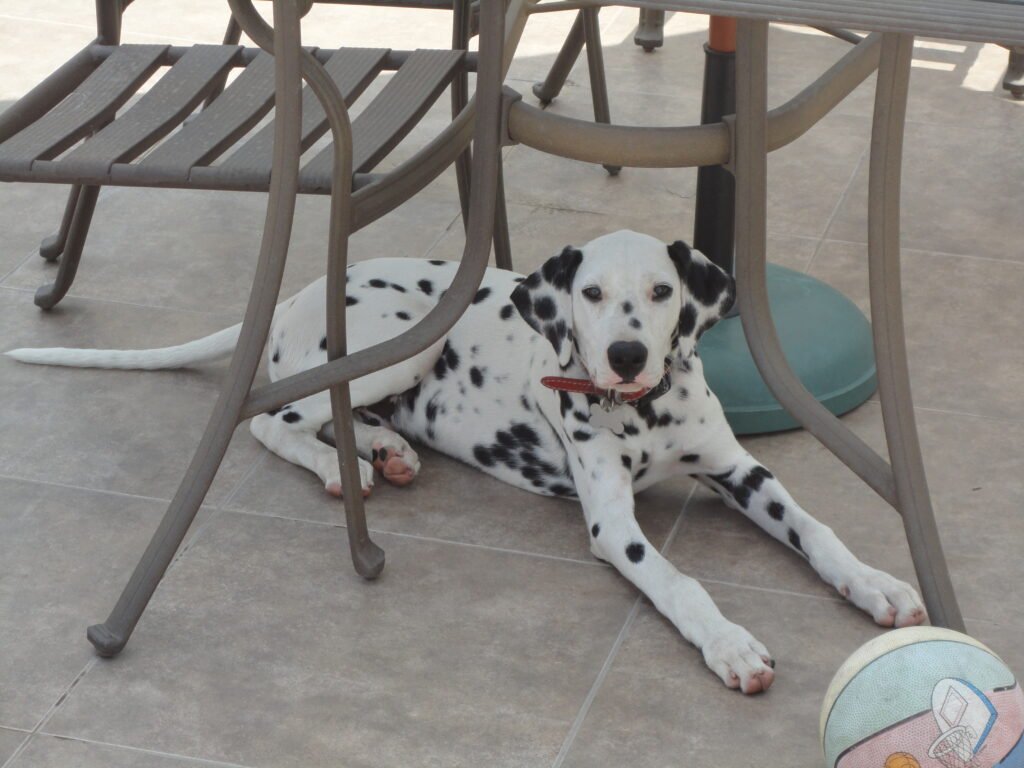
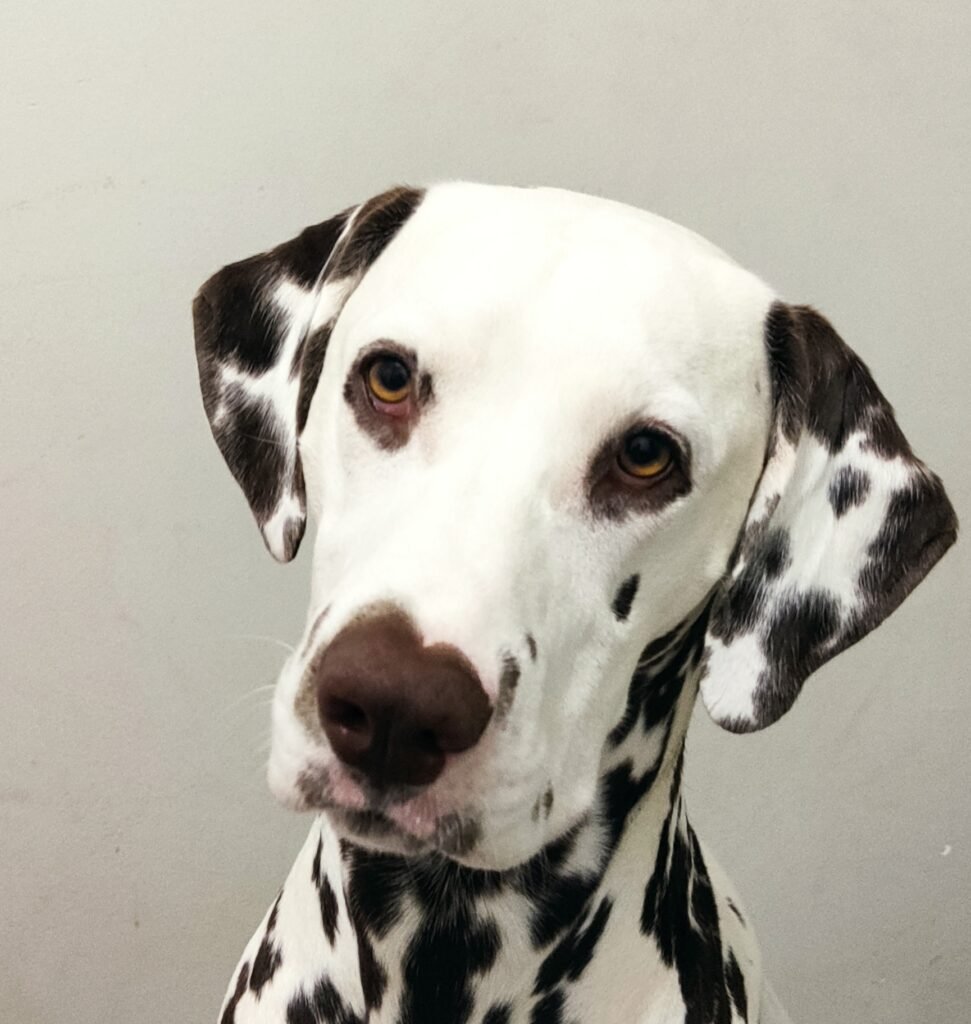
Dalmatian images bring a distinctive spotted pattern to the collection. Those markings can be visually lively, so a simpler background often helps the screen feel balanced. A portrait focuses attention on the face, while a wider image lets you enjoy the coat pattern across the body. Keep important labels away from areas where small dark spots make the text difficult to read.
Choose the right dog wallpaper for your phone
Start by matching the photograph’s composition to your screen. A tall image often needs less cropping, but the placement of the dog matters more than orientation alone. Leave space for the clock near the top and check where notifications appear. If your phone automatically zooms the picture, adjust the position carefully. Preview both the lock screen and home screen, since an image that looks clear without icons can feel crowded once your usual apps are visible.
Choose a comfortable desktop background
Landscape photographs usually fit a laptop or desktop more naturally than narrow portraits. Look for a quieter area behind your shortcuts and keep the dog’s face away from menus or frequently used widgets. A proportional fill setting may crop the edges, while a fit setting may leave space around the picture. Avoid stretching the photograph, which can distort the dog’s proportions. For an ultrawide monitor, choose a broad scene and check the crop before applying it.
Understand image size and clarity
Image dimensions tell you how many pixels a file contains. A larger photograph generally gives you more room to crop, but a high pixel count does not guarantee that every detail is perfectly sharp. The gallery previews are designed for browsing and may be smaller than the source files. Check the linked source page for the original dimensions and available versions. Avoid relying on screenshots when you want the clearest wallpaper, because screenshots preserve only the pixels displayed on your screen.
Frequently asked questions
Which dog wallpaper is best for a phone?
Choose a photograph that keeps the dog’s face visible and leaves space for the clock and notifications. Portrait images are often convenient, but a landscape photograph can also work when the subject sits in a useful position. Preview the crop on your own device.
Can I use these images on a desktop?
Yes, many of the wider compositions suit a desktop background. Check the source dimensions and choose a proportional fit or fill setting. Your monitor’s shape determines how much of the photograph remains visible, especially if you use an ultrawide display.
Are all the dog wallpapers 4K?
No. The photographs have different original dimensions, and the gallery does not label every image as 4K. Use each source link to check the original file information and select a version appropriate for your screen. Avoid enlarging a small preview unnecessarily.
How can I save a dog photograph?
Open the source link below the photograph to find the original file and its available sizes. Save the version you need through your browser, then select it in your device’s background settings. Browser controls and wallpaper-setting labels vary between devices.
Can I reuse a photograph elsewhere?
Check the licence linked beneath that specific image. Some photographs require attribution, and some have additional sharing conditions. Keep the creator credit and source information when required. The collection’s images do not all carry the same licence, so review each one separately.
Where can I find more wallpaper ideas?
Explore HayaGlam’s Wallpaper category for other collections, including floral backgrounds. Save different dog images to refresh your screen. Keep favourite files organised.