
Floral wallpaper flowers for phone and desktop
Floral wallpaper flowers bring colour, texture, and a little garden atmosphere to the screens you use every day. A rose close-up can make a lock screen feel romantic, while a wider photograph of sunflowers adds warmth to a desktop. This collection gives you ten flower categories to explore, with four photographs in every tab. Each category includes two portrait images for phones and two landscape images for desktops, making forty wallpapers altogether. Browse the previews, compare their compositions, and download the original files when you find a favourite.
Explore ten flower wallpaper categories
The tabs organise the collection by flower rather than mixing every photograph into one long gallery. You can move between roses, tulips, sunflowers, daisies, lavender, cherry blossoms, lotus flowers, orchids, peonies, and hibiscus. Within each tab, the phone choices appear first, followed by the desktop choices. Captions show the image dimensions and include a creator credit and source link. Every photograph also has descriptive alternative text. Choose the flower you enjoy, then pick the orientation that best matches your screen.
Phone wallpaper 1
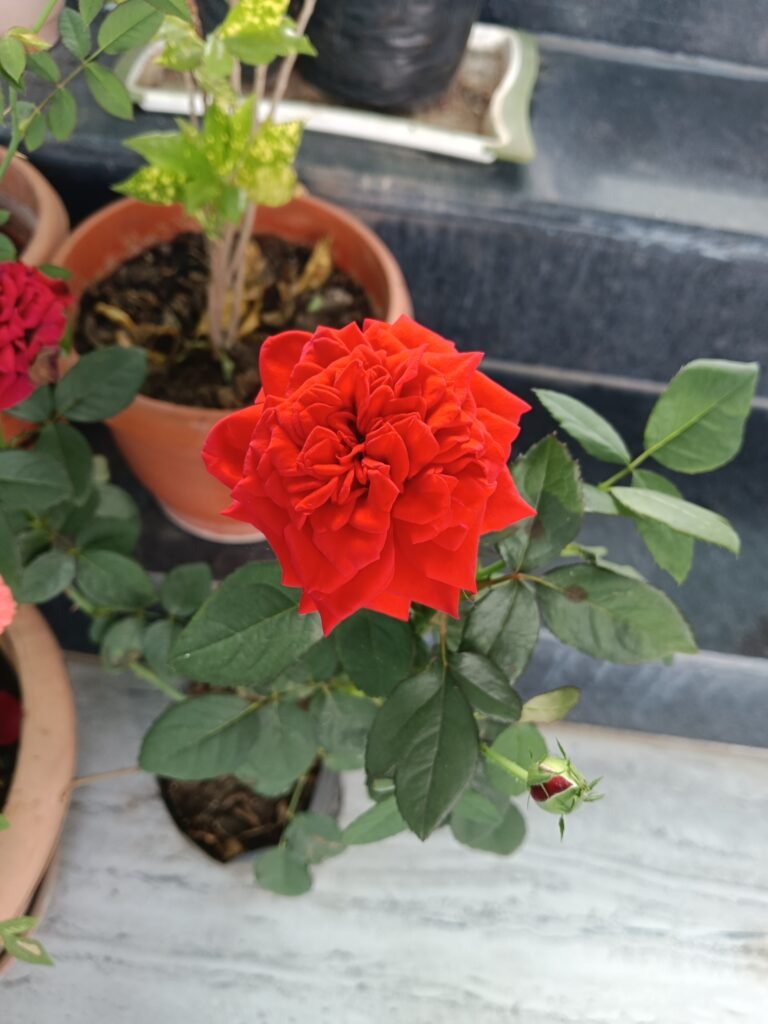
3048 × 4064 px · Portrait
A beautiful red rose blooming vibrantly by Kaushlendrapathe. CC0.
Phone wallpaper 2
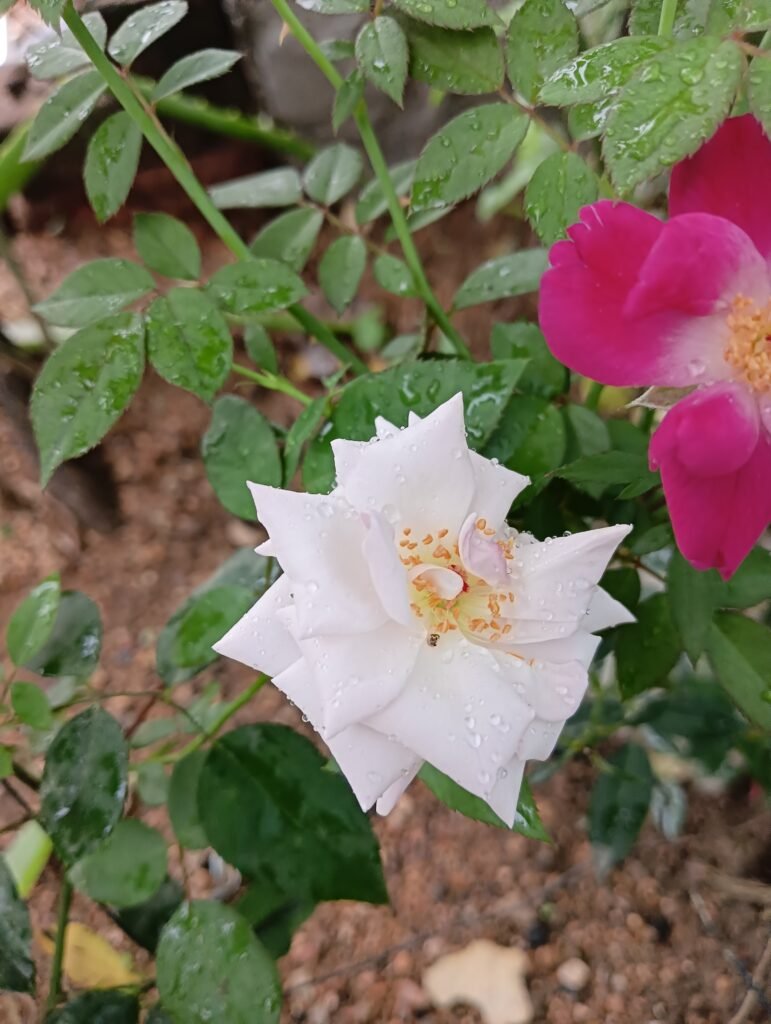
3072 × 4080 px · Portrait
White Rose (Rosa alba L.) with water droplets on it by Kaushlendrapathe. CC0.
Desktop wallpaper 1
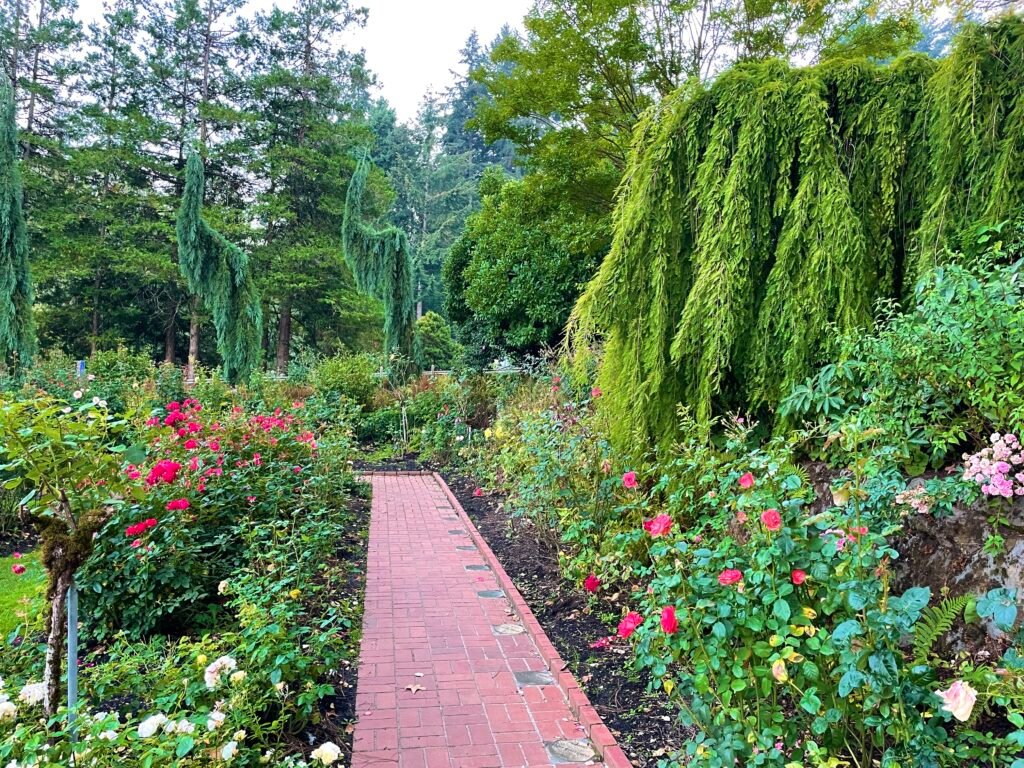
4032 × 3024 px · Landscape
Portland International Rose Test Garden – HCP – October 15, 2022 – 002 by Vulturesong. CC0.
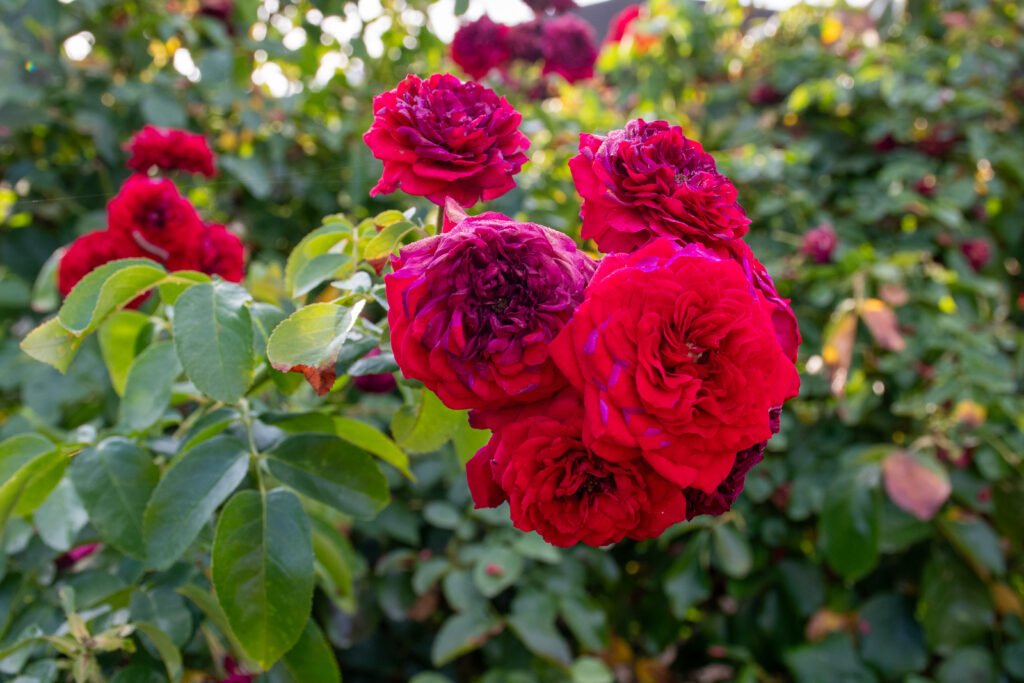
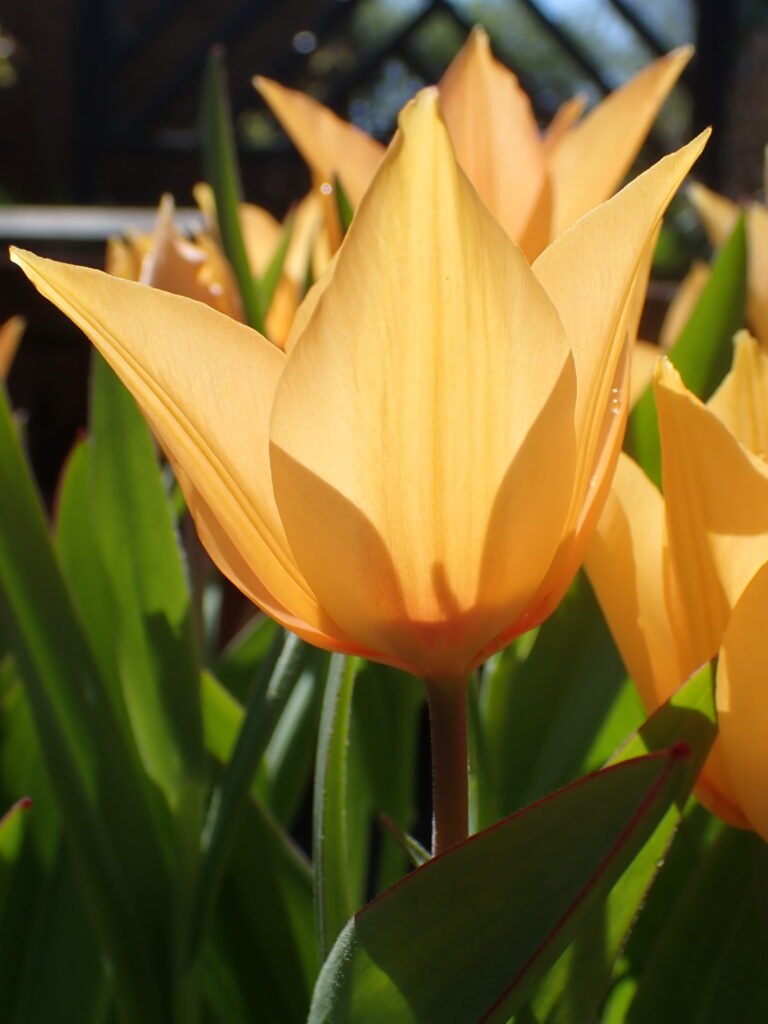
Phone wallpaper 2
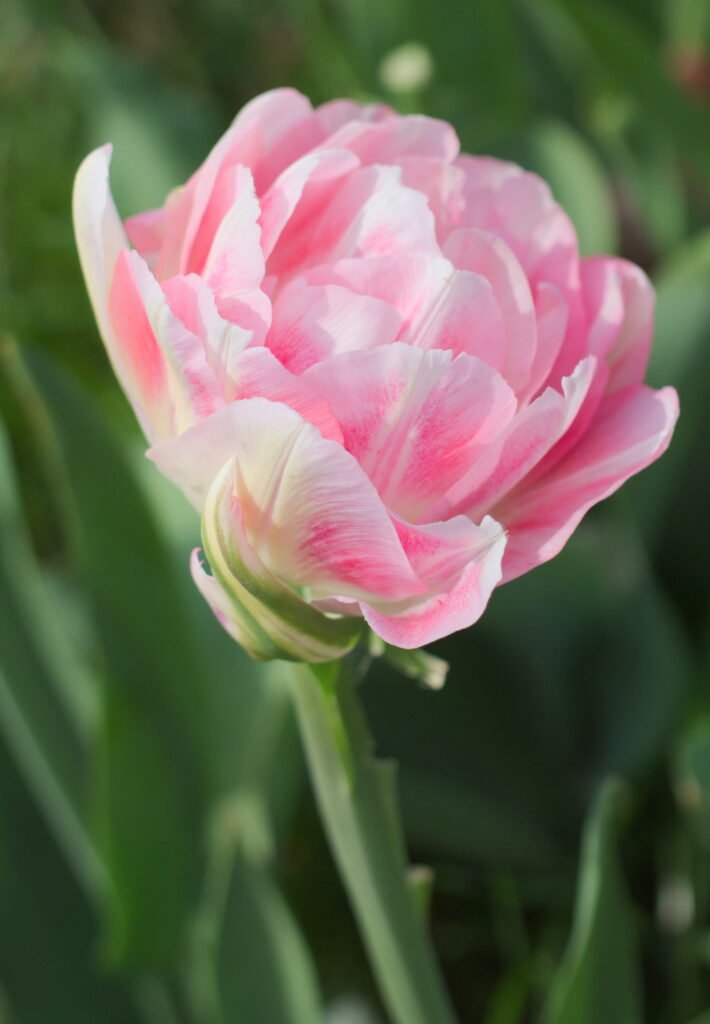
2701 × 3895 px · Portrait
White-pink double late tulip 2015 02 by Retired electrician. CC0.
Desktop wallpaper 1
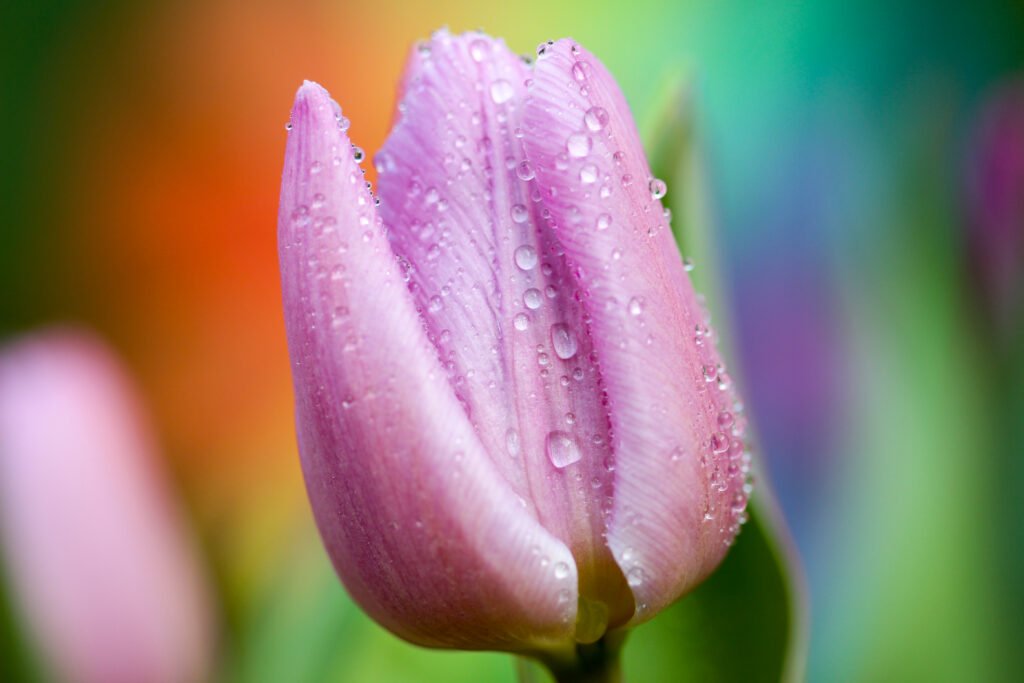
4658 × 3105 px · Landscape
Dew-covered tulip (Unsplash) by Boris Smokrovic borisworkshop. CC0.
Desktop wallpaper 2
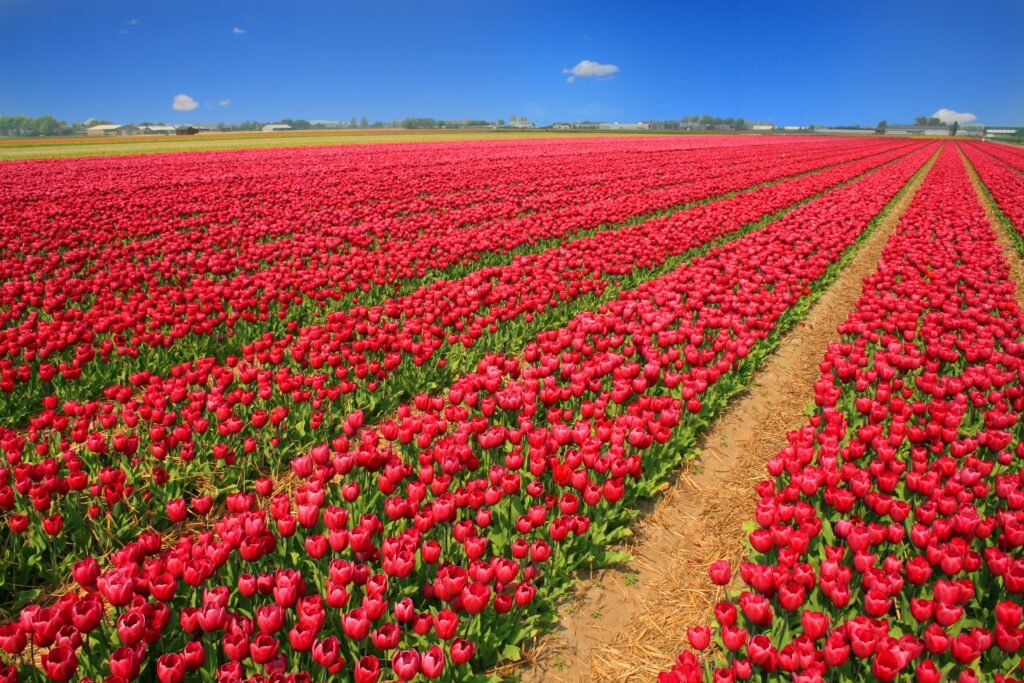
3888 × 2592 px · Landscape
Tulip Field Tulips Red Holland Nature Flowers by Filio. CC0.
Phone wallpaper 1
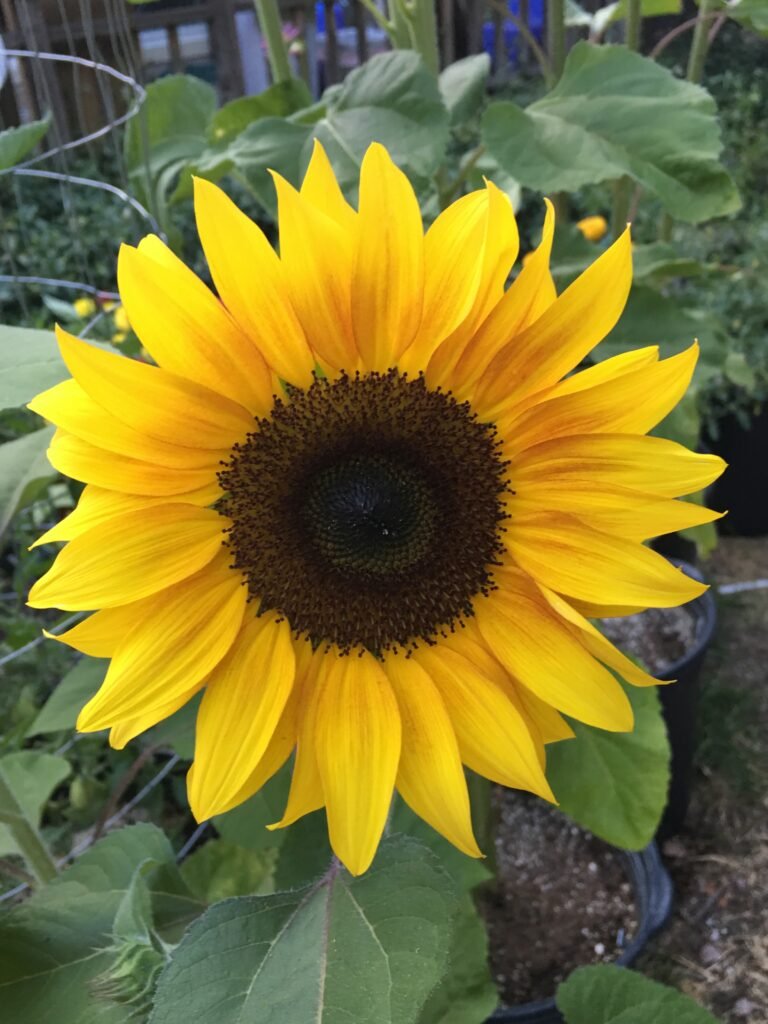
3024 × 4032 px · Portrait
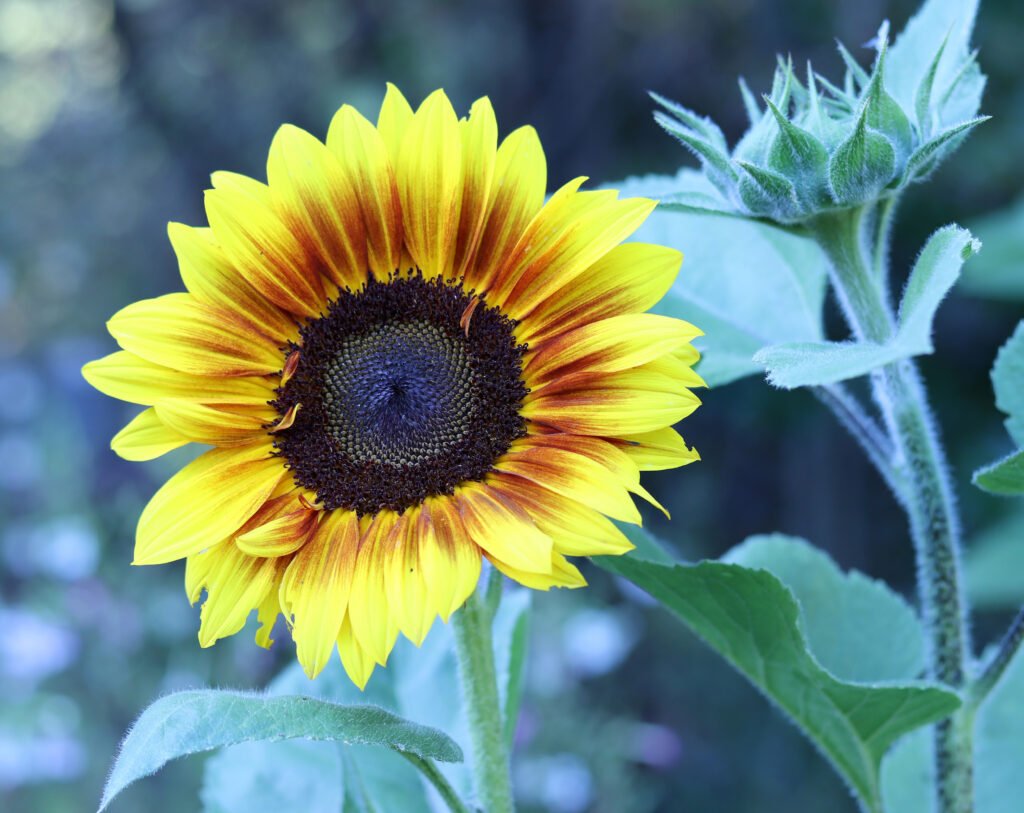
Sunflowers public domain helianthus annuus IMG 2216 by S.G.S.. CC0.
Phone wallpaper 2
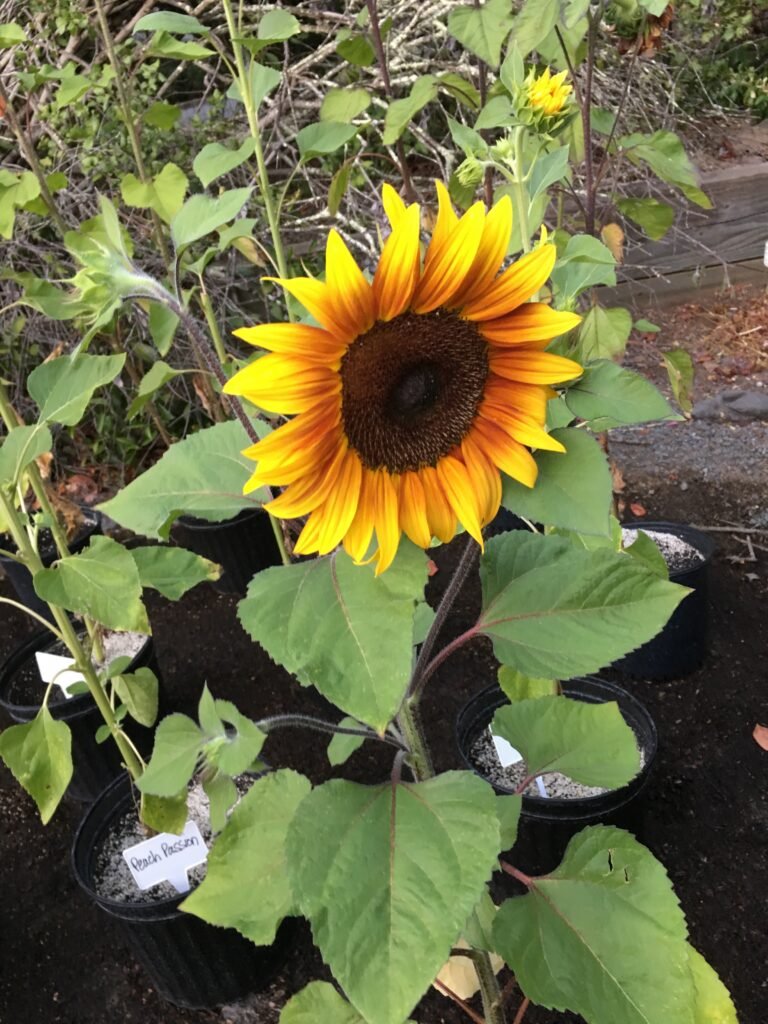
3024 × 4032 px · Portrait
Sunflowers public domain helianthus annuus IMG 2465 by S.G.S.. CC0.
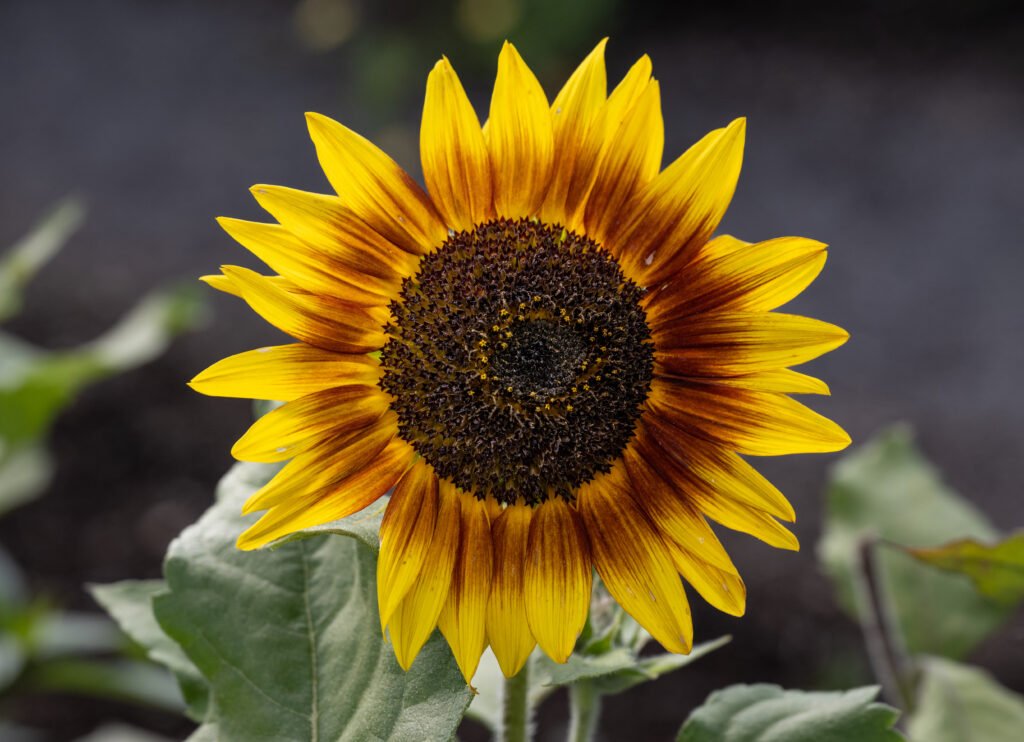
Desktop wallpaper 1
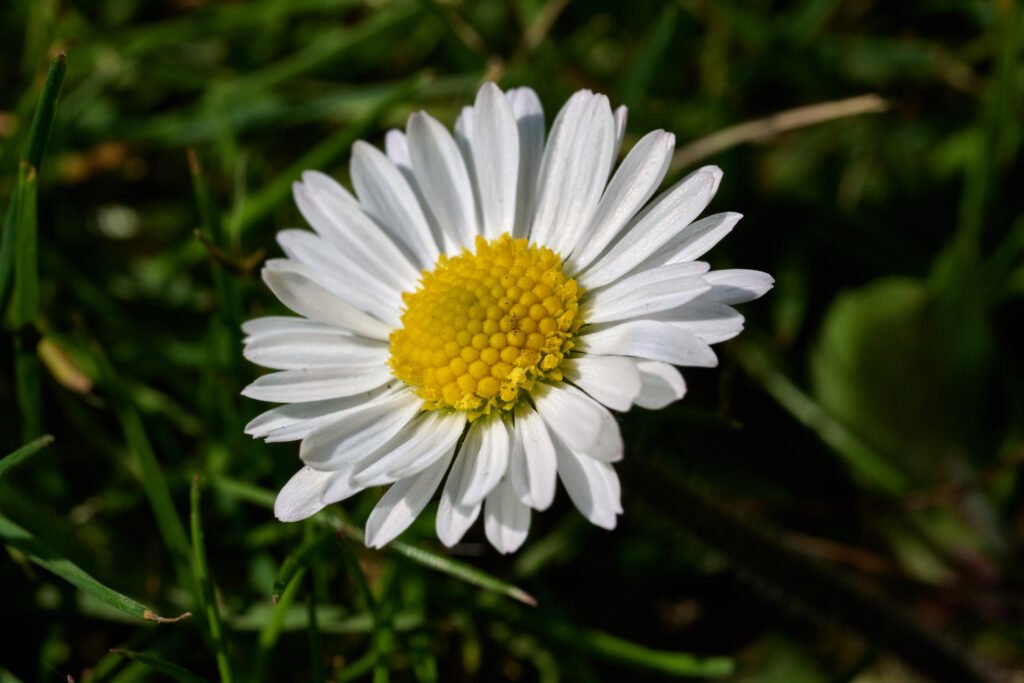
8368 × 5584 px · Landscape
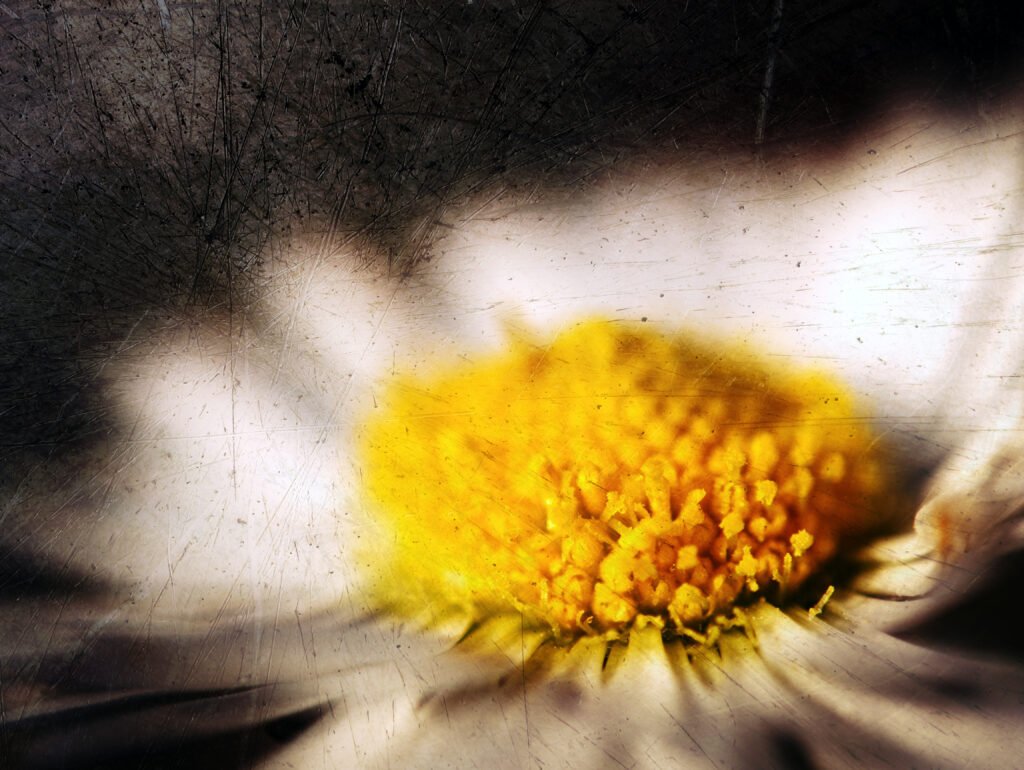
Bellis perennis in Frankfurt am Main 2021-04-01 01 by Leonhard Lenz. CC0.
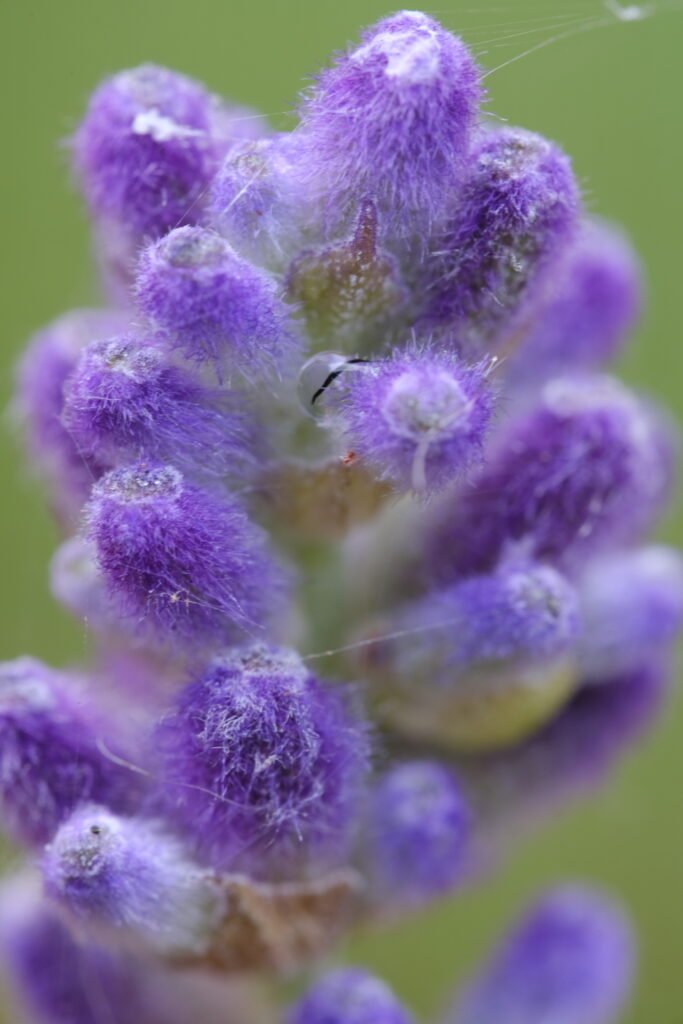
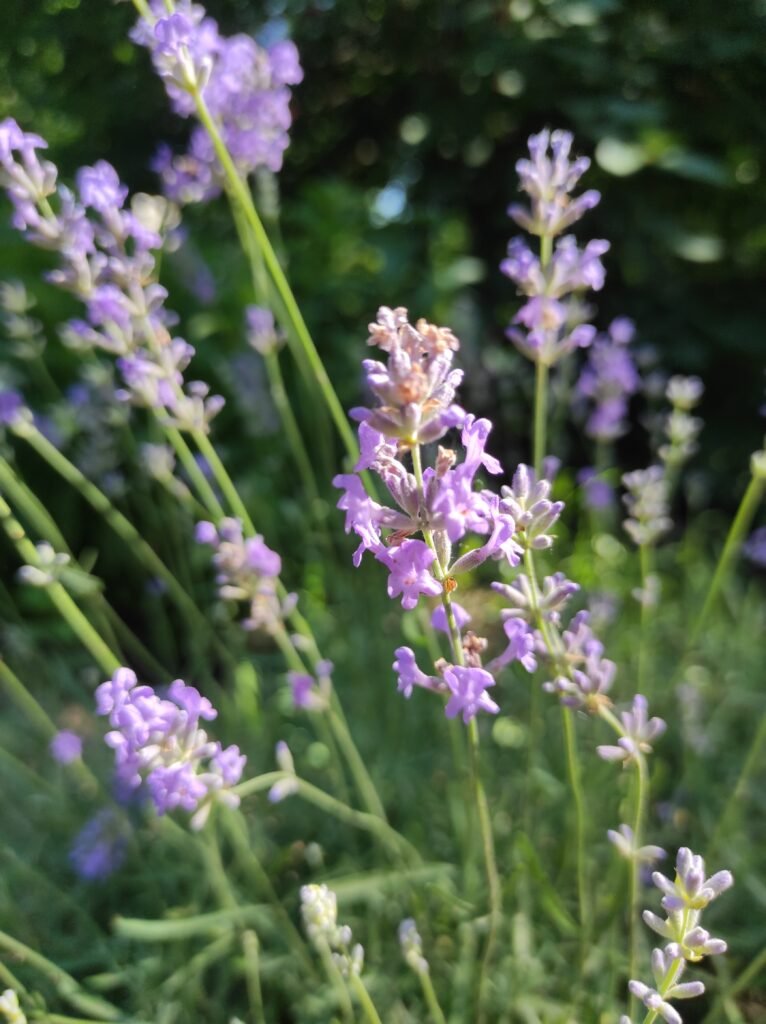
Desktop wallpaper 1
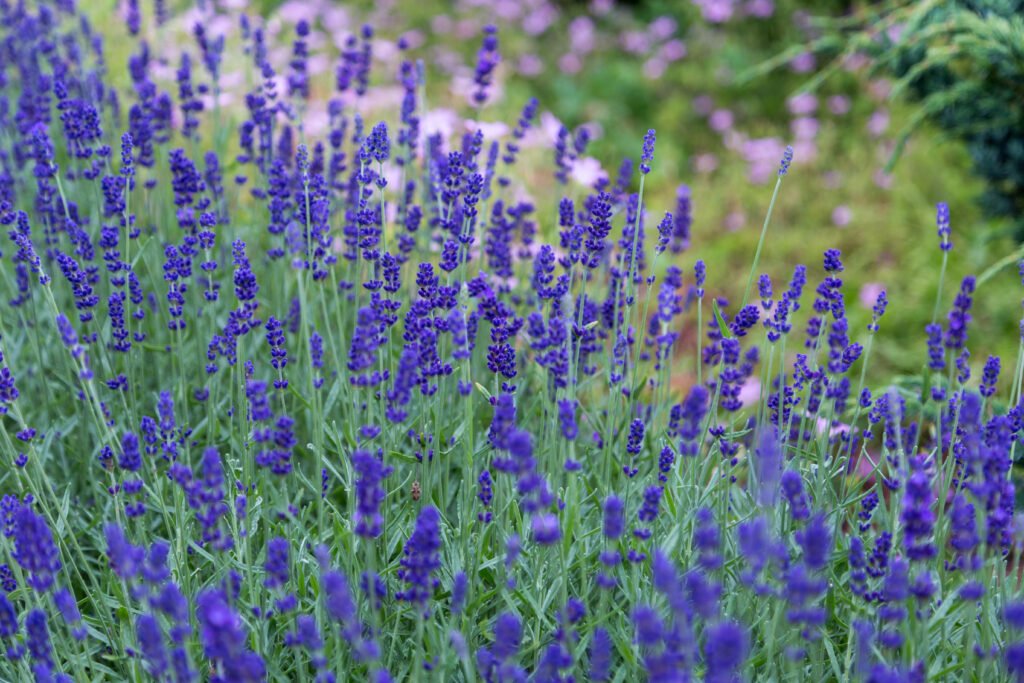
5472 × 3648 px · Landscape
Lavender meadow (Unsplash) by Luke Barnard lukeyslife. CC0.
Desktop wallpaper 2
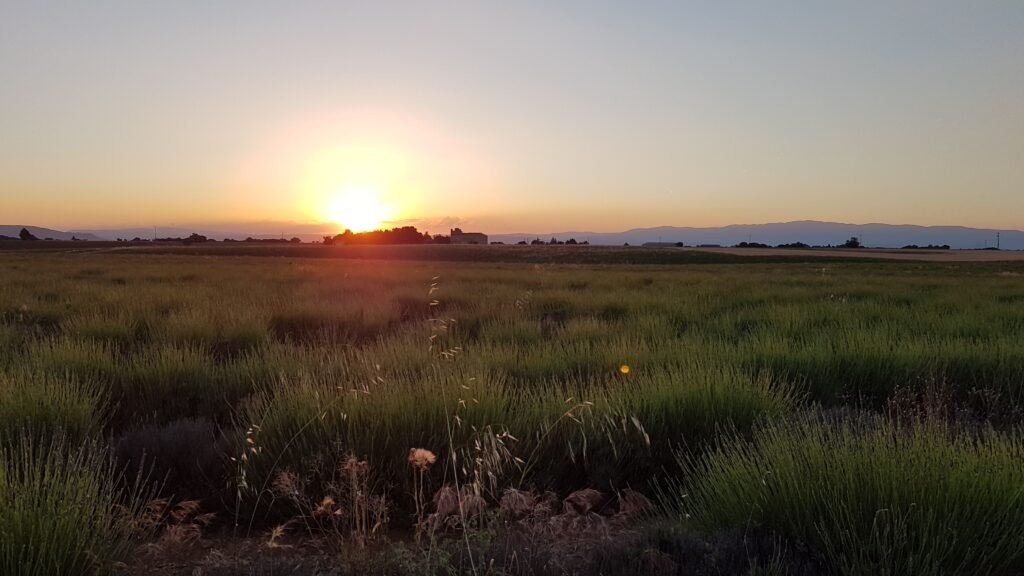
4032 × 2268 px · Landscape
Sunset over lavender fields in Provence by Wisi eu. CC0.
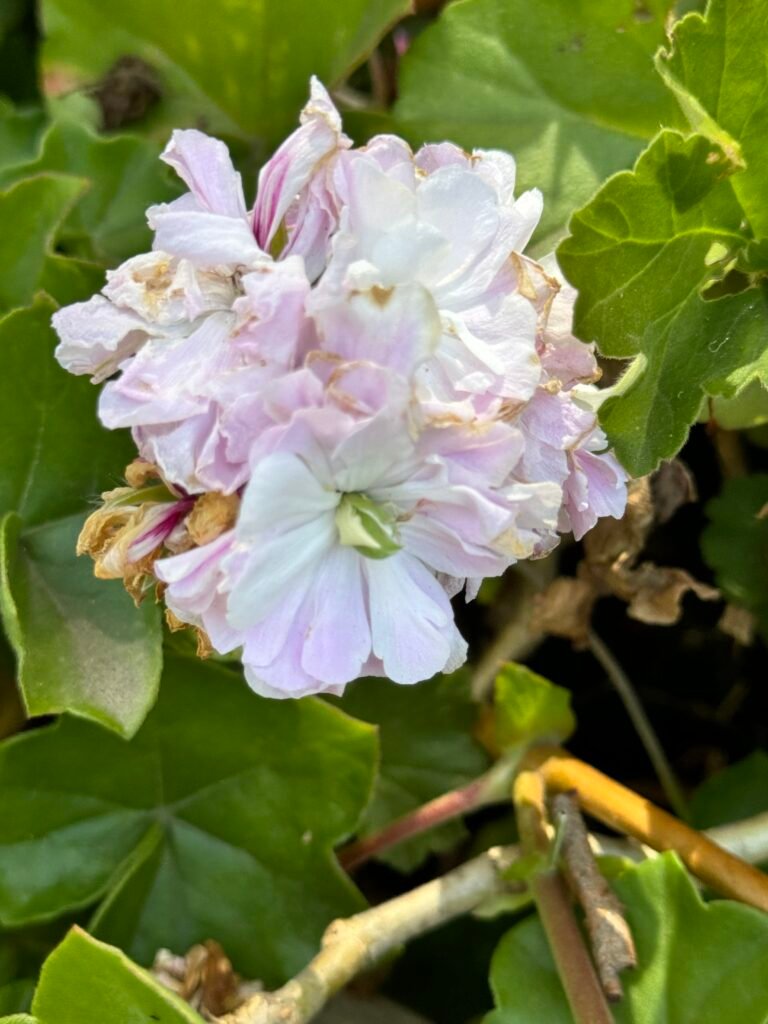
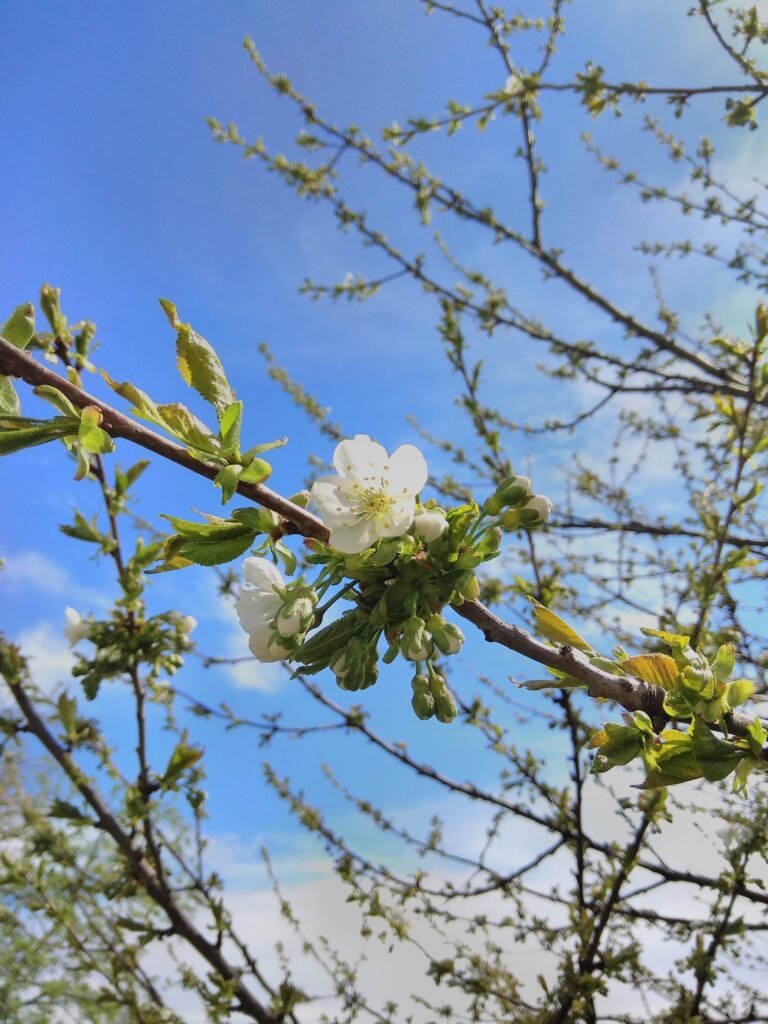
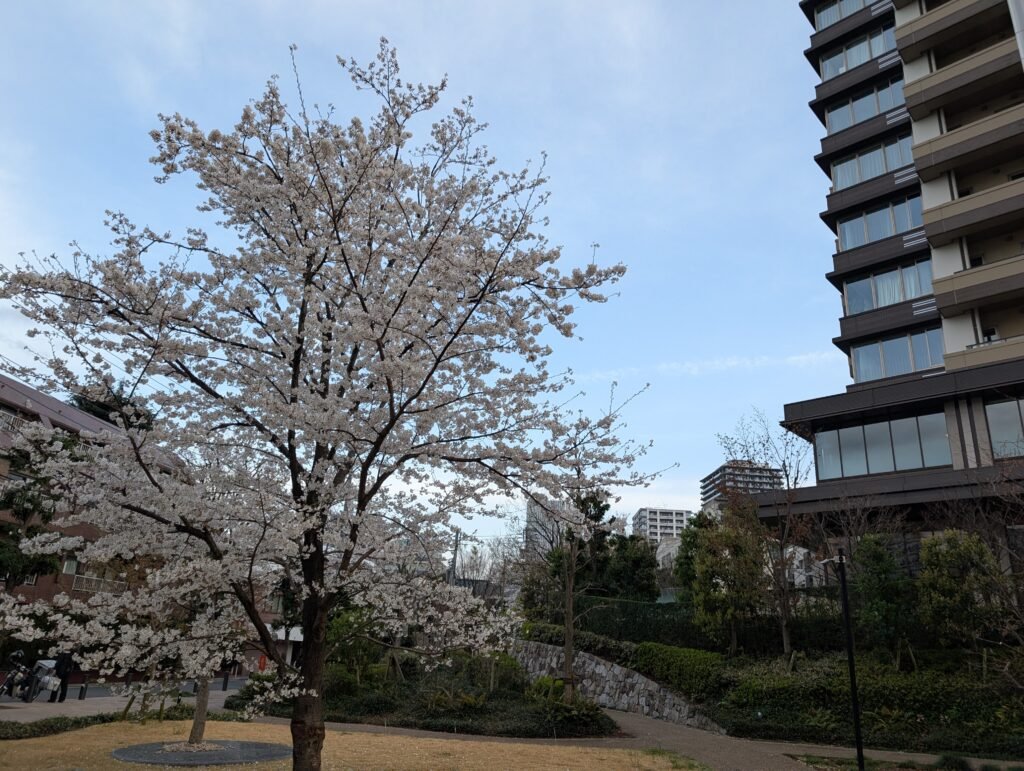
Desktop wallpaper 2

4032 × 3024 px · Landscape
Cherry blossom season at Institute for Nature Study 3 by Syced. CC0.
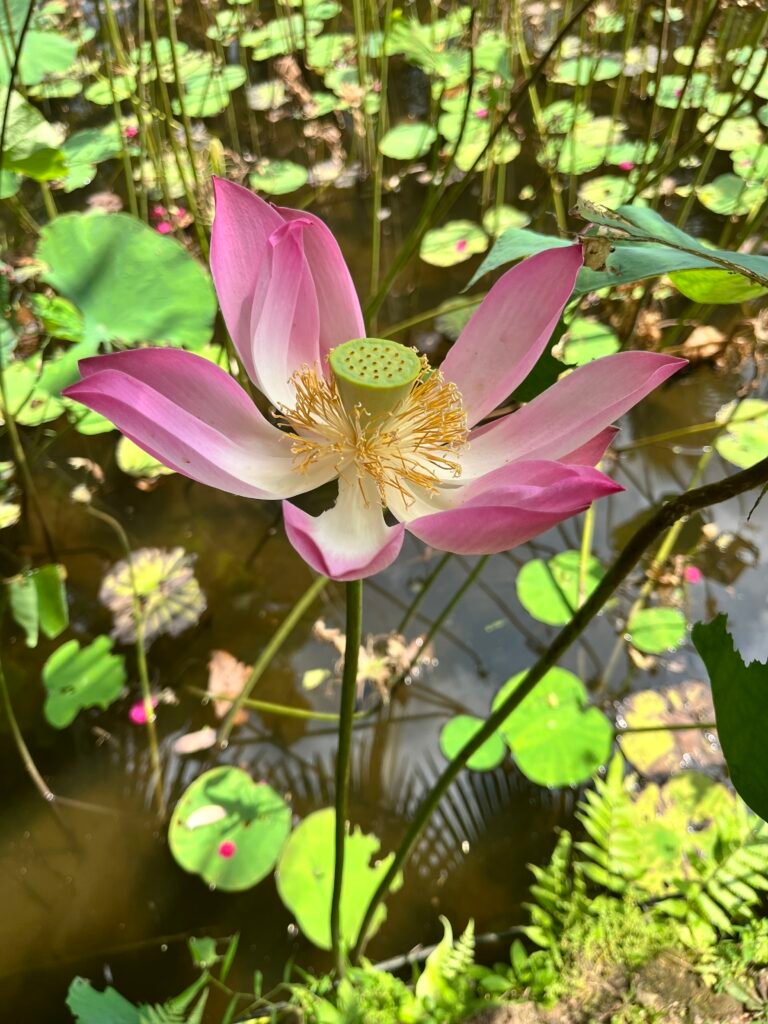
Phone wallpaper 2
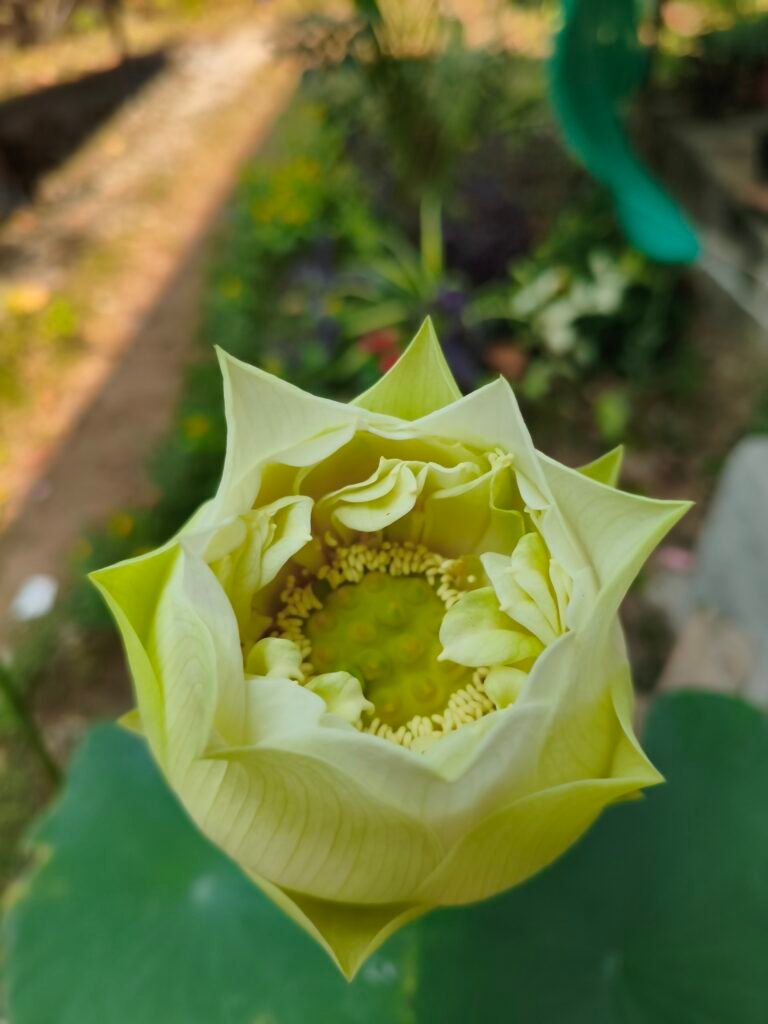
3072 × 4096 px · Portrait
Indian Lotus (Nelumbo nucifera) flower by Dr. Chinchu C.. CC BY 4.0.
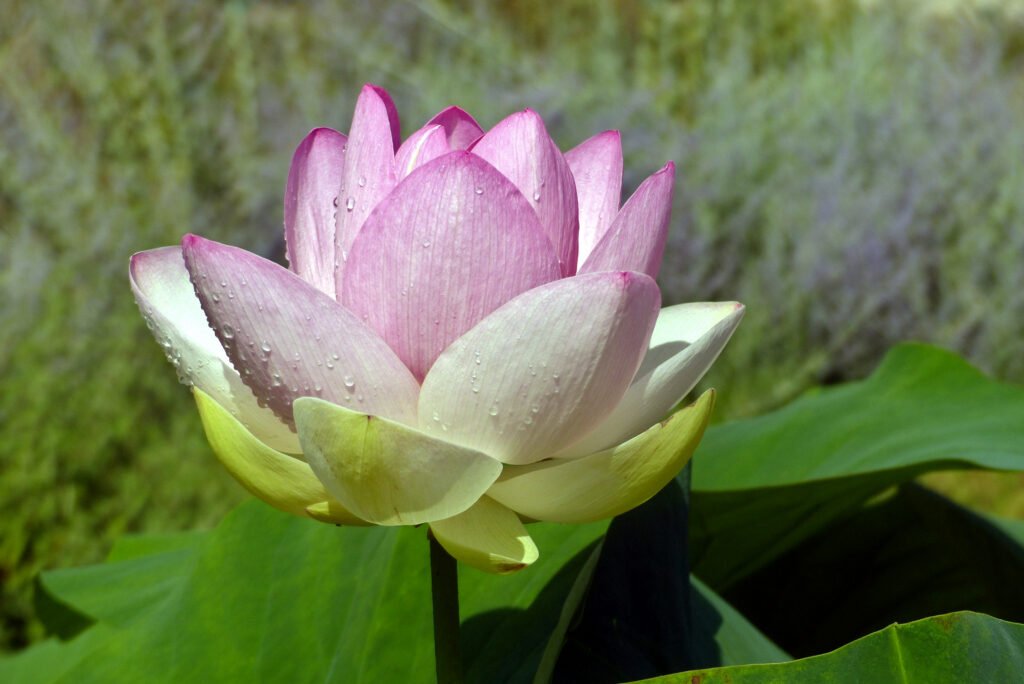
Desktop wallpaper 2
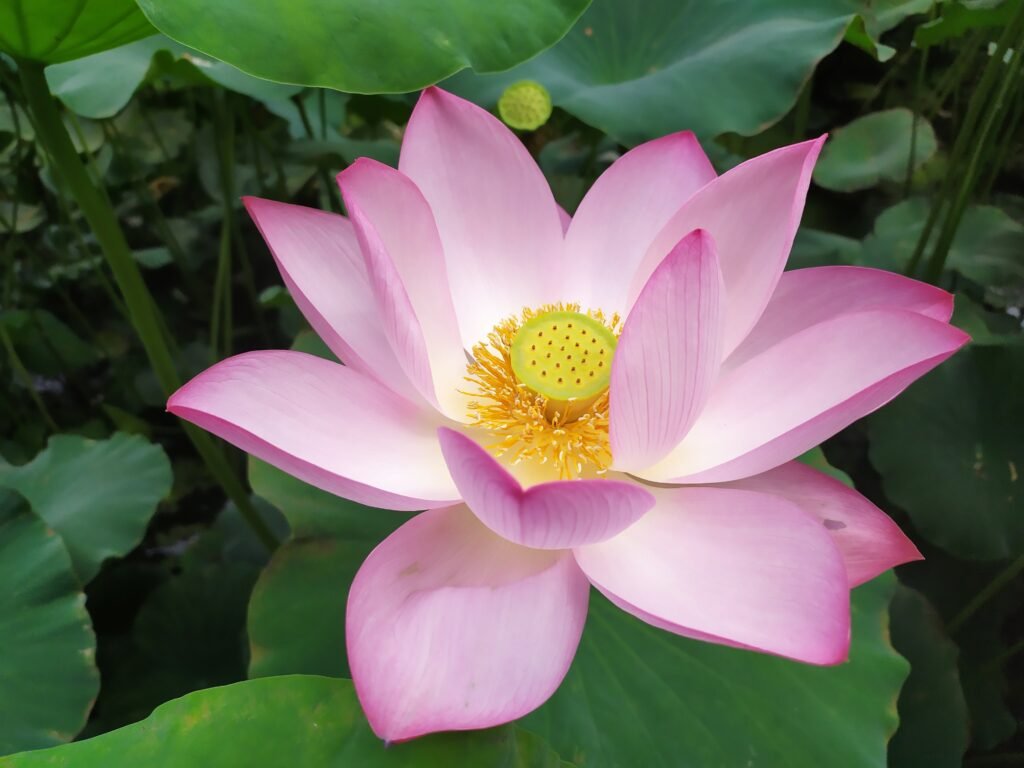
4000 × 3000 px · Landscape
Nelumbo nucifera flower by Apanasevich Maxim. CC BY 4.0.
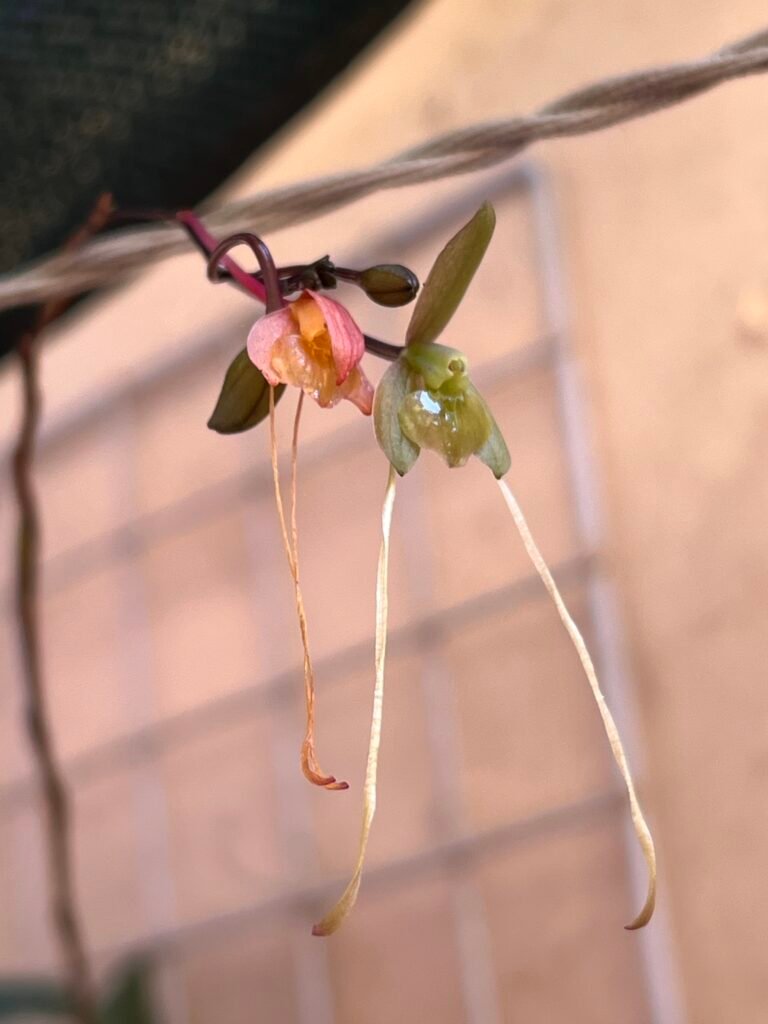
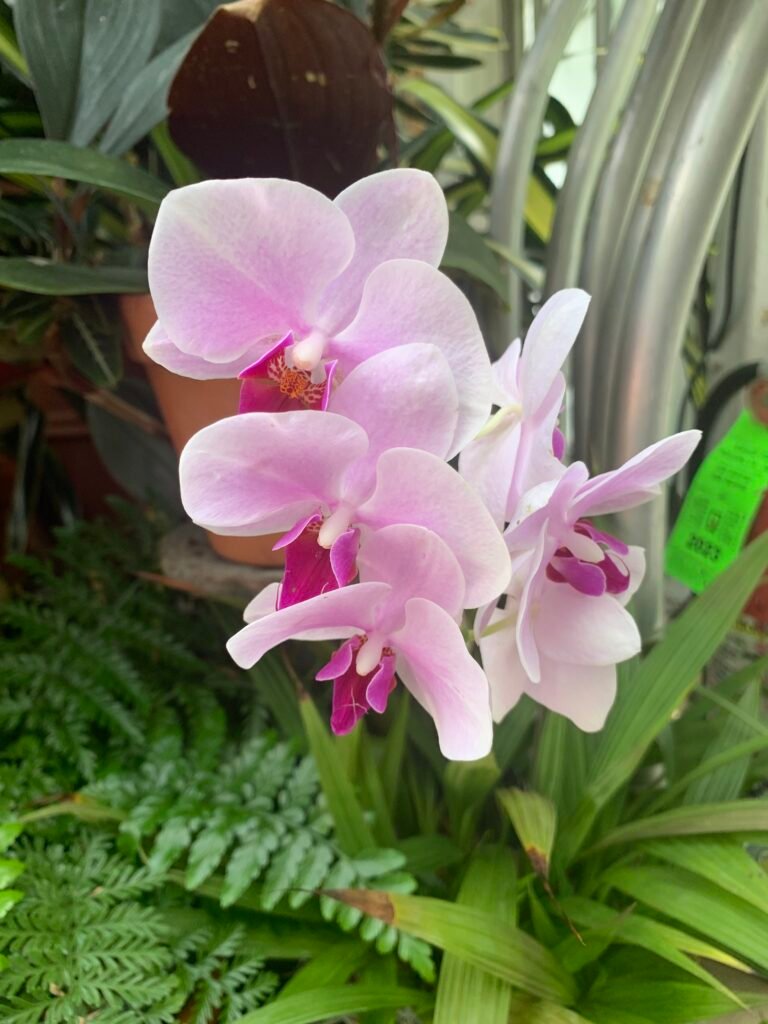
Desktop wallpaper 1
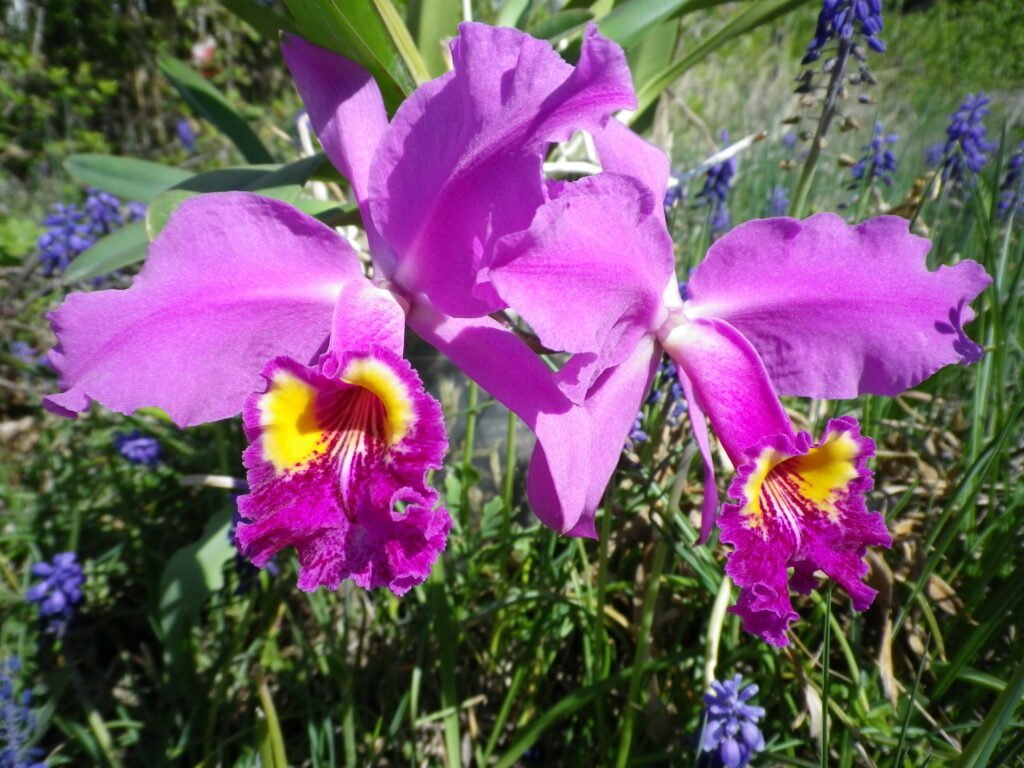
4000 × 3000 px · Landscape
Orchidee in Ingolstadt by Christian-wittmann-1964. CC0.
Desktop wallpaper 2
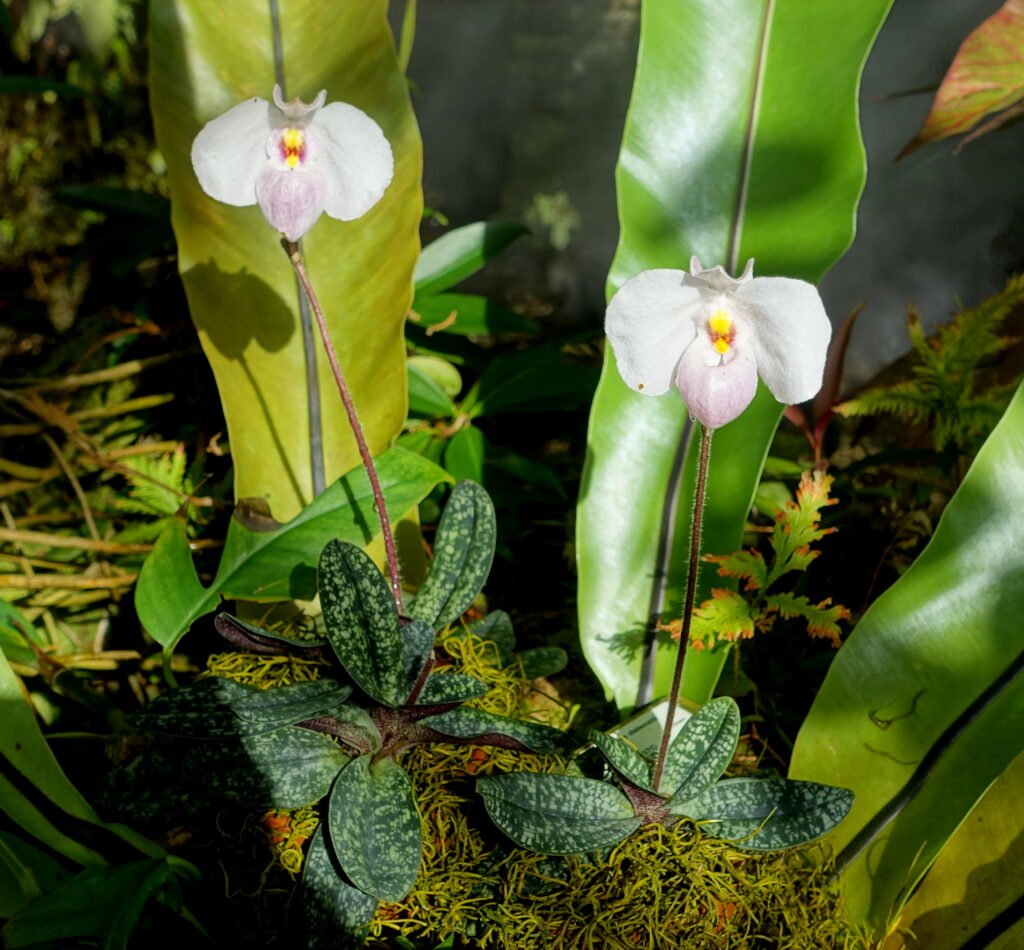
3891 × 3608 px · Landscape
Paphiopedilum delenatii – Marie Selby Botanical Gardens – Sarasota, Florida – DSC00944 by Daderot. CC0.
Phone wallpaper 1
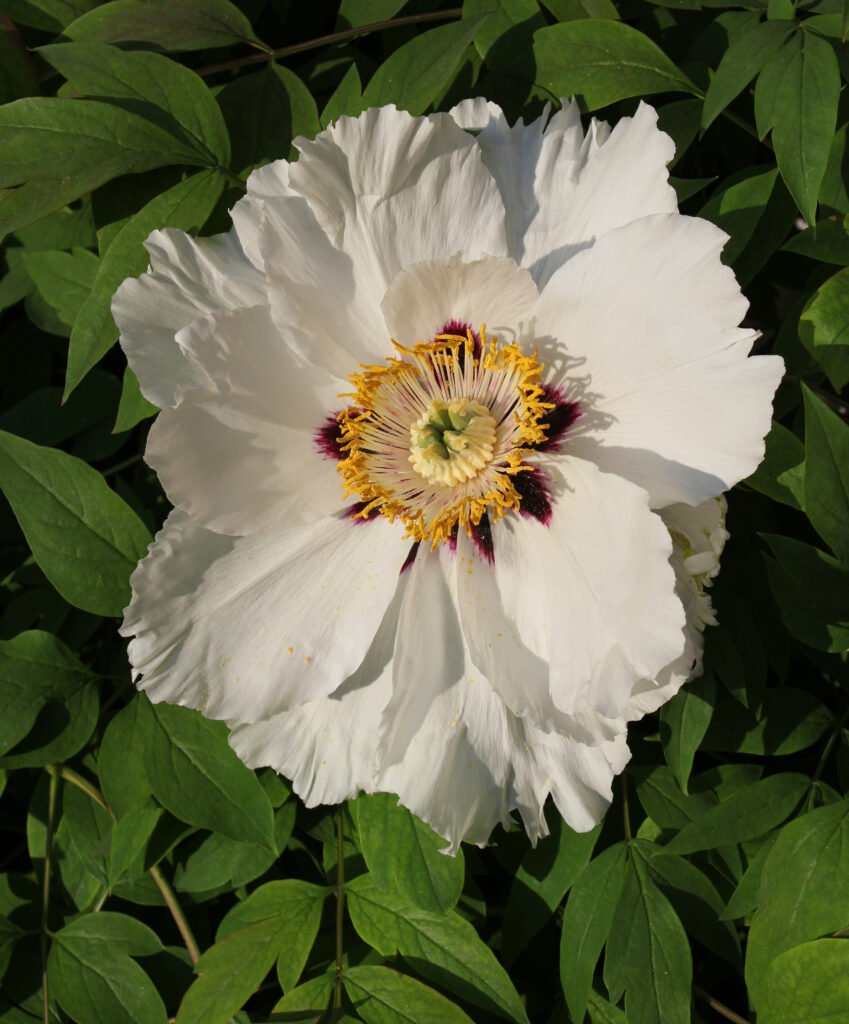
3400 × 4100 px · Portrait
Paeonia rockii 2011 G3 by George Chernilevsky. Public domain.
Phone wallpaper 2
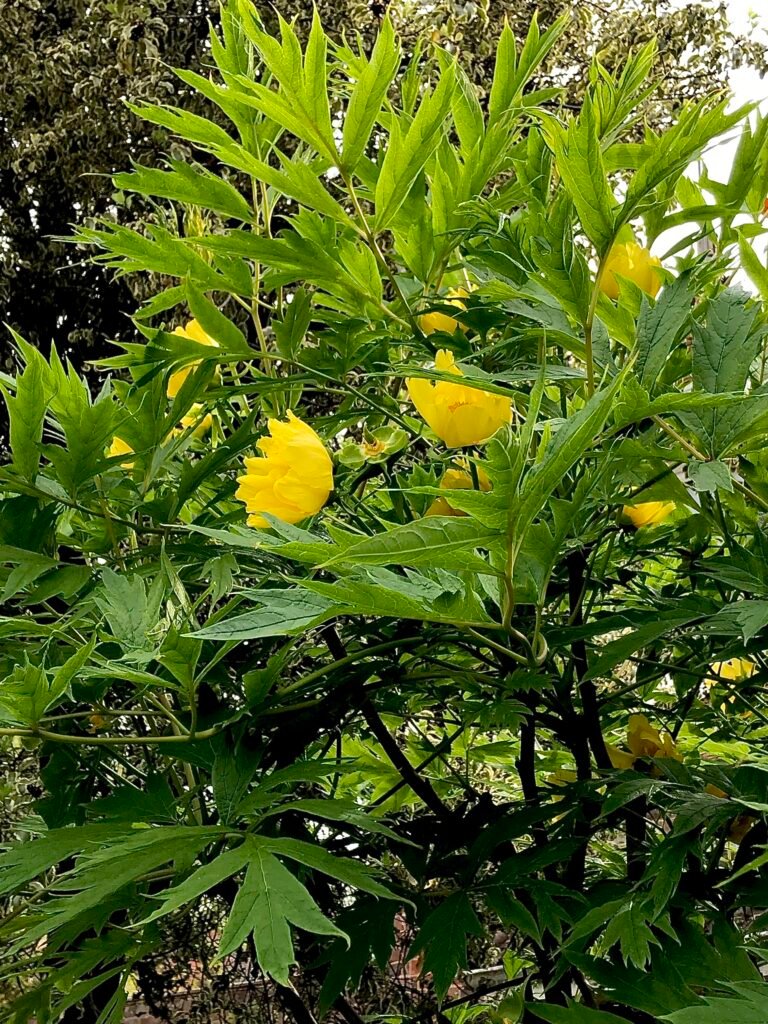
3024 × 4032 px · Portrait
Paeonia ludlowii flowering mid shot by Flobbadob. CC BY-SA 4.0.
Desktop wallpaper 1
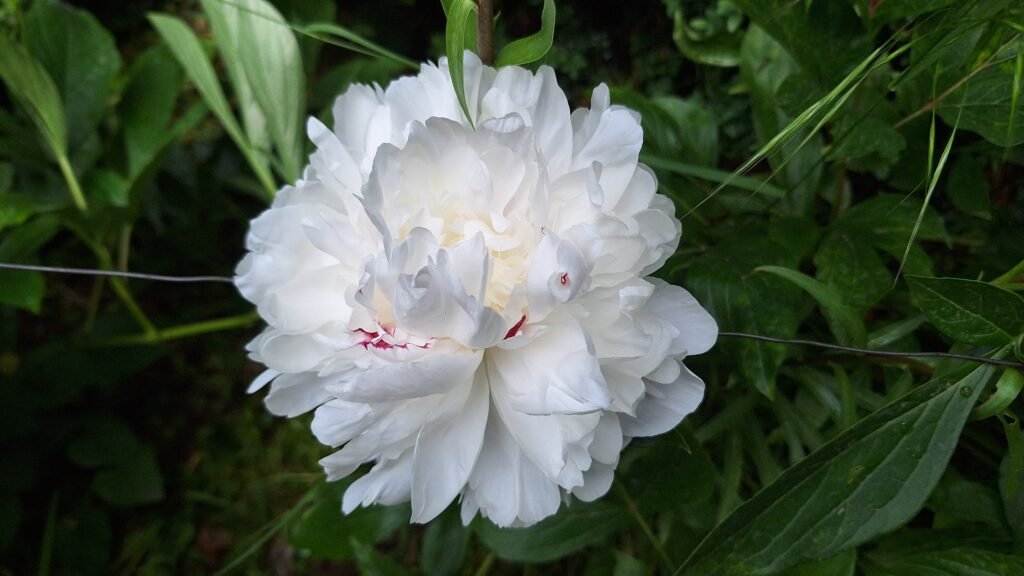
4080 × 2296 px · Landscape
A close-up of a white peony flower with a red tint by Spring’s Flowers. CC0.
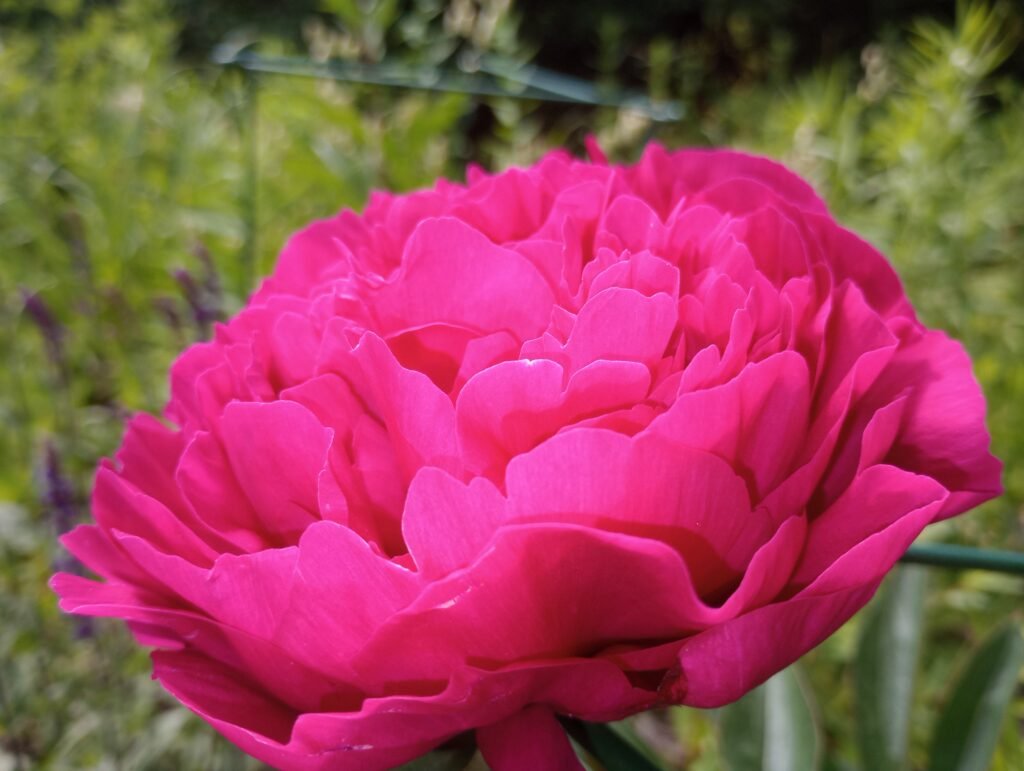
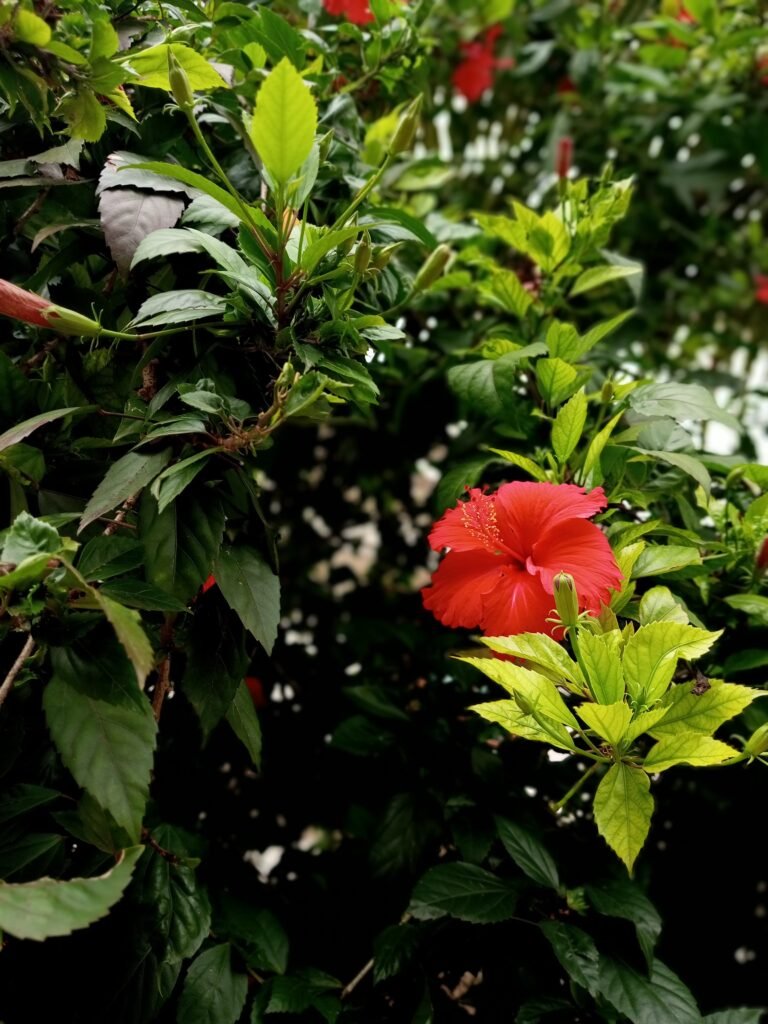
Phone wallpaper 2
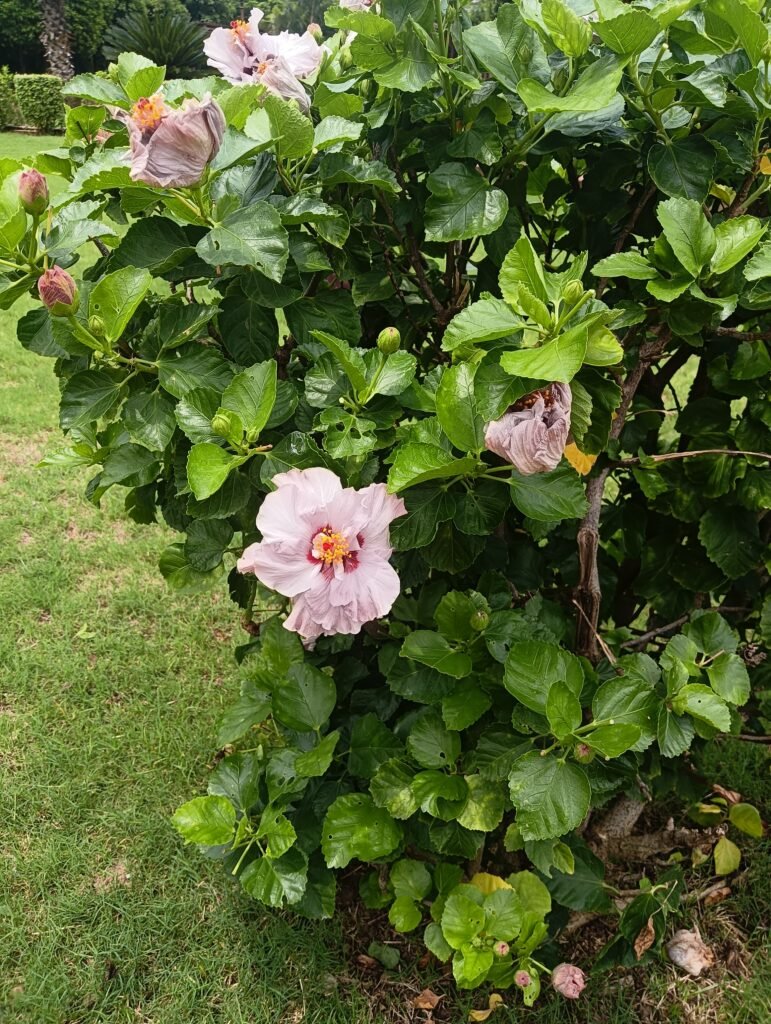
3072 × 4080 px · Portrait
Light pink Hibiscus rosa-sinensis flowers and buds on a green bush by Kaushlendrapathe. CC0.
Desktop wallpaper 1
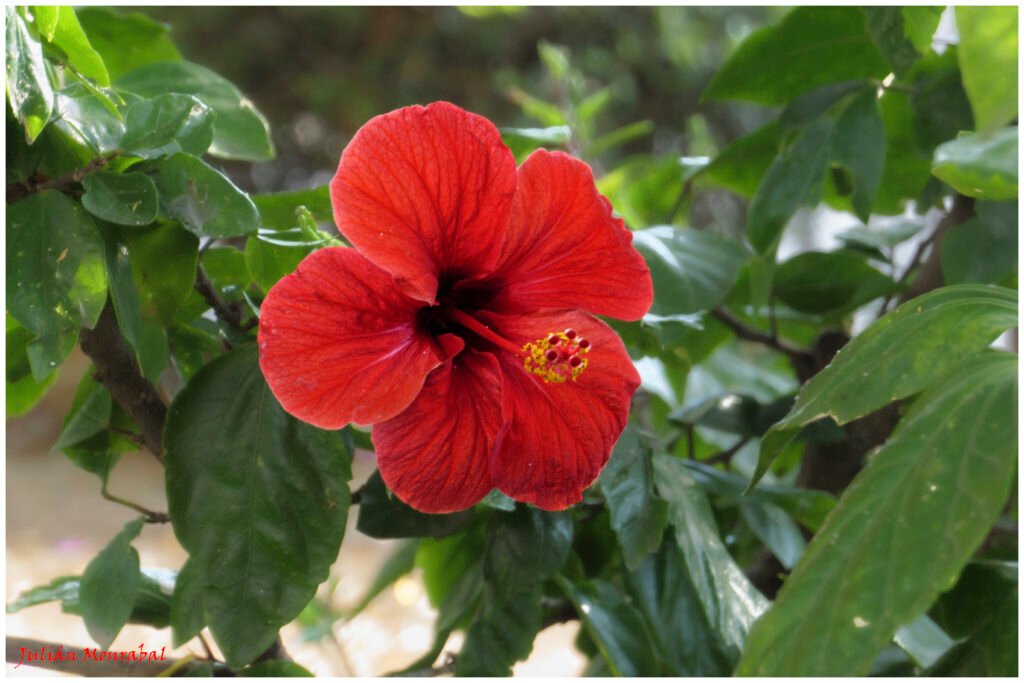
5472 × 3648 px · Landscape
Hibiscus × rosa-sinensis L. 01 by Julián Monrabal. CC0.
Rose wallpaper: soft petals and rich colour
Roses suit a screen with a romantic, classic mood. Their layered petals offer plenty of detail, whether you prefer a gentle pink flower or a stronger red bloom. For a phone, choose a portrait photograph that keeps the rose clear of the clock. For a desktop, a wider composition can balance the flower with foliage or background space. Check the preview with your usual icons in mind: a beautiful rose should remain visible once your screen becomes part of everyday use.
Tulip wallpaper: simple shapes and spring freshness
Tulips have clean silhouettes that work especially well in floral backgrounds. A single upright stem can give a phone screen a clear focal point, while a group of flowers brings rhythm to a landscape photograph. Their cup-shaped petals and smooth leaves offer a different feel from densely layered roses. Try a tulip image when you want a bright, uncomplicated composition. Keep some space around the blossom as you crop, so its shape remains easy to recognise on a narrow screen.
Sunflower wallpaper: warmth for your screen
Sunflowers combine bold yellow petals with darker centres, creating a strong natural contrast. They can make a desktop feel lively without needing extra colour effects. A closer portrait image gives your phone one main flower to enjoy; a wider view can spread the warm tones across a monitor. Bright petals sometimes sit behind white text, so preview your lock screen before applying the image. Moving the crop slightly may improve readability while preserving the cheerful character of the photograph.
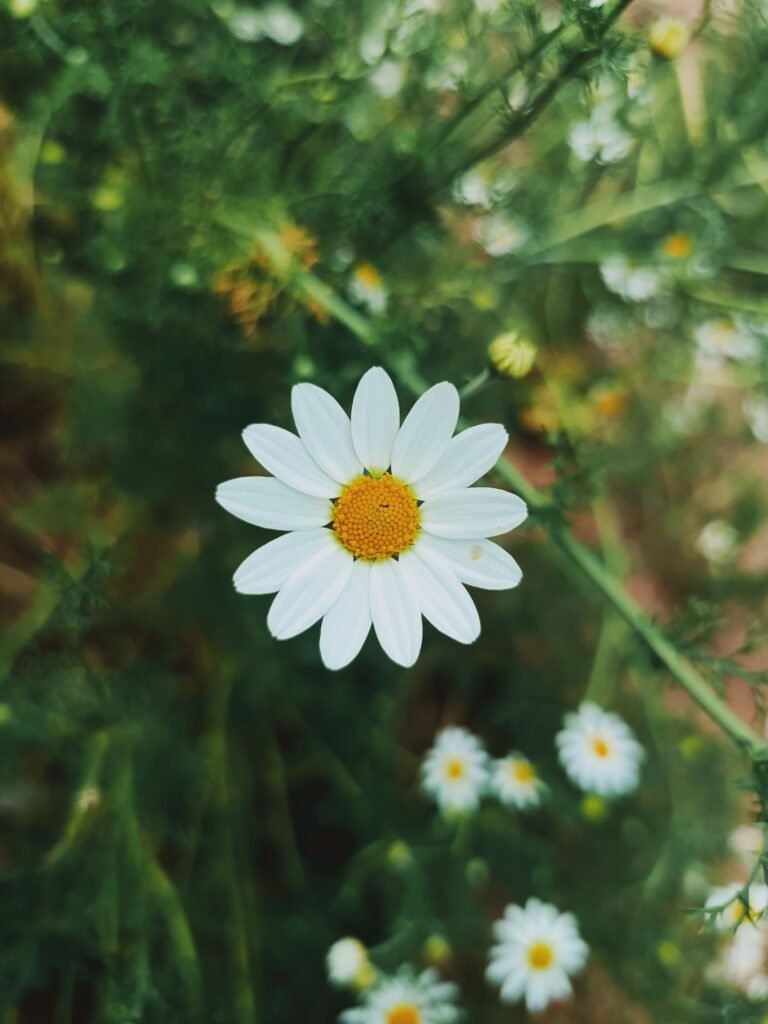
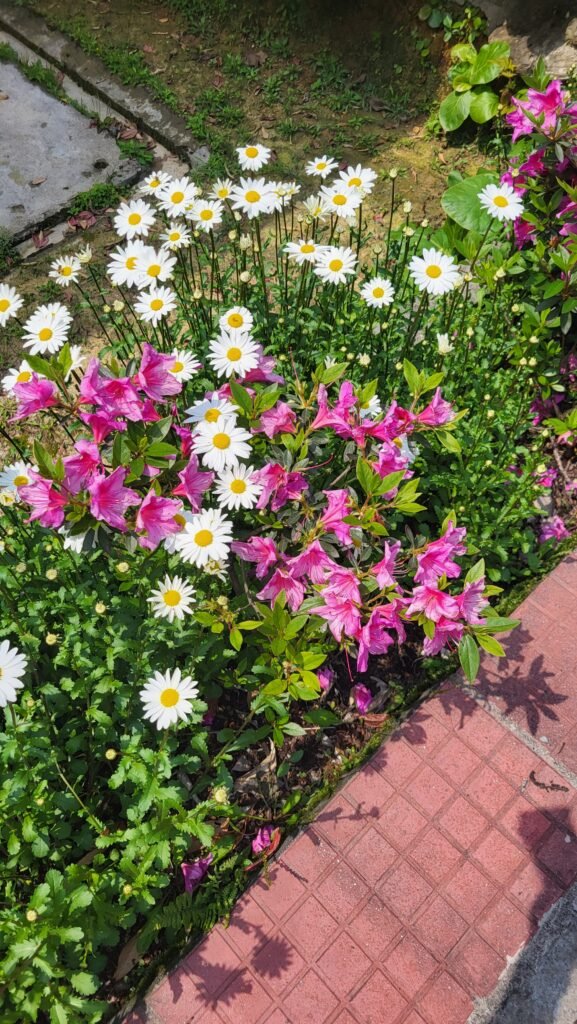
Daisy wallpaper: light and relaxed floral style
Daisies offer a lighter, informal look with their open faces and simple petals. They suit a screen that feels fresh rather than elaborate. White petals against green plants create a gentle contrast, while a cluster of flowers adds texture across a desktop. On a phone, keep the central flower away from the most crowded rows of apps. If you prefer a quiet background, choose the image with more space between blooms and fewer small details behind your notifications.
Lavender wallpaper: delicate stems and gentle tones
Lavender brings slender flower spikes and soft purple shades to a botanical screen. Its upright growth can fit portrait compositions naturally, while broader views introduce repeating stems and garden texture. These images pair well with a restrained arrangement of icons. Look for a crop that preserves the length of the stems rather than cutting every flower head at the edge. If a detailed scene feels busy on your home screen, use it on the lock screen and keep your apps over a calmer background.
Cherry blossom wallpaper: airy seasonal beauty
Cherry blossoms introduce delicate petals and branching shapes that give a wallpaper a light spring mood. The gaps between flowers can be useful for clocks and widgets, especially in portrait photographs. A landscape image lets you enjoy more of the surrounding branches. When adjusting the crop, avoid placing the most detailed cluster directly underneath important text. Soft blossom colours can look different at various brightness settings, so check the wallpaper in the lighting conditions where you normally use your device.
Lotus wallpaper: a clear botanical focal point
Lotus flowers have distinctive petals and often appear with broad leaves or water nearby. Their strong shape can give a phone background an obvious centre of attention. A landscape composition leaves room for the setting, which may suit a desktop with icons arranged along one side. Choose a crop that keeps the full flower visible where possible. The quieter parts of the photograph can provide useful space for labels, helping the screen stay practical while keeping the botanical subject prominent.
Orchid wallpaper: sculptural flowers and detail
Orchids offer unusual petal shapes and interesting patterns, making them a good choice when you want something different from familiar garden blooms. A portrait photograph can highlight a flowering stem, while a landscape view may show several blossoms together. Their fine details are best appreciated from the full-resolution download. Avoid enlarging a small preview to fill your display. Instead, begin with the original file and adjust its placement until the flower and your screen information both have enough room.
Peony wallpaper: full blooms and soft texture
Peonies bring generous petals and rounded flower heads to a wallpaper collection. Their dense texture can feel rich even when the colour palette stays gentle. A close portrait composition makes the bloom the main feature of a lock screen. Wider photographs give the surrounding leaves a larger role. Because a full peony can occupy much of the frame, try several crops before deciding. Leave the centre of the flower visible and move widgets into a simpler area when your device allows it.
Hibiscus wallpaper: bold petals and garden colour
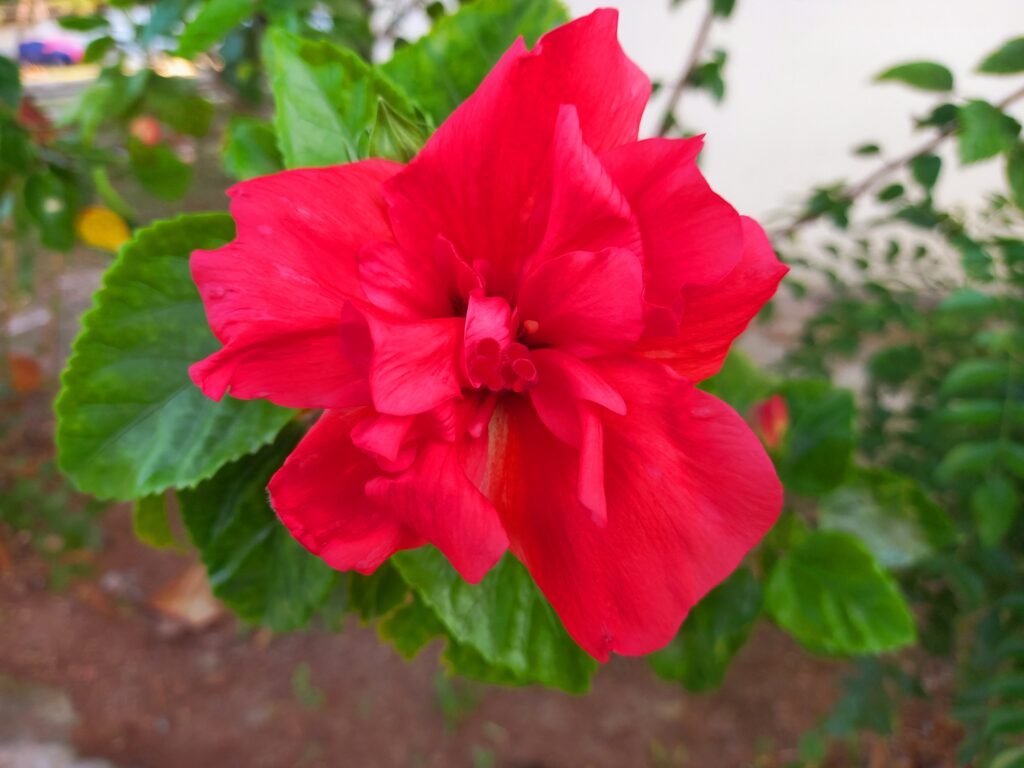
Hibiscus flowers offer broad petals and a distinctive central column, creating a striking focal point. They work well when you want a brighter, more expressive floral screen. A portrait image can emphasise one flower, while a landscape image introduces more foliage and space around it. Check that the central detail does not disappear beneath the clock or shortcuts. A small shift in placement can preserve the flower’s shape and make the background much easier to enjoy throughout the day.
Phone and desktop sizes explained
Phone wallpapers in this collection use portrait photographs; desktop wallpapers use landscape photographs. Their original proportions vary, so they are not all identical screen-shaped files. Each caption lists the actual width and height in pixels. A typical 4K desktop has 3840 by 2160 pixels, while the equivalent portrait orientation reverses those dimensions. These high-resolution originals leave room for a suitable crop. Your device may still trim the edges to match its particular screen ratio, especially on a tall phone or an ultrawide monitor.
Download the original wallpaper
Use the download button under your chosen photograph to save its ZIP archive. Extract the archive to find the original image, then open that image in your device’s wallpaper or background settings. The ZIP keeps the full-size file available without the smaller image version used for browsing. Avoid saving a screenshot of the preview, because it only captures the displayed pixels. Keep the original download so you can try a different crop later without repeatedly compressing or enlarging the photograph.
Build a small collection of favourites
You do not need to settle on one floral background forever. Save a few favourites with different colours and levels of detail, then change them when your screen needs a fresh look. A pale blossom may suit a quiet working day, while a sunflower can feel brighter during a weekend. Keep the downloads in a clearly named folder so you can find the original files again. When comparing two images, use the same display brightness and similar crops. This makes it easier to judge the composition instead of choosing only the brightest preview.
Choose natural detail over heavy effects
Petal texture, small droplets, and the shape of leaves can give a flower photograph interest without extra filters. Look closely at your chosen image after setting the wallpaper. If the subject appears too enlarged, reduce the zoom or choose another composition from the same flower tab. A different photograph often gives a better result than forcing a tight crop. Let the natural colours guide your choice of widgets and icon placement.
Make your floral wallpaper comfortable to use
Preview the background with your clock, notifications, and usual icons before applying it. Keep important text over a calmer part of the photograph and use a proportional crop rather than stretching the image. You can choose different wallpapers for your lock screen and home screen, or use a quieter desktop image while working. The source and licence links beneath each photograph let you check its original information. Explore HayaGlam’s Wallpaper category as more collections are added, and save your favourite flowers for an easy screen refresh. Keep several options available for different moods, seasons, and devices.